The rebranded dolby.io platform powering live sports streaming, playback, and ads
Gallery
6 items

About Dolby OptiView
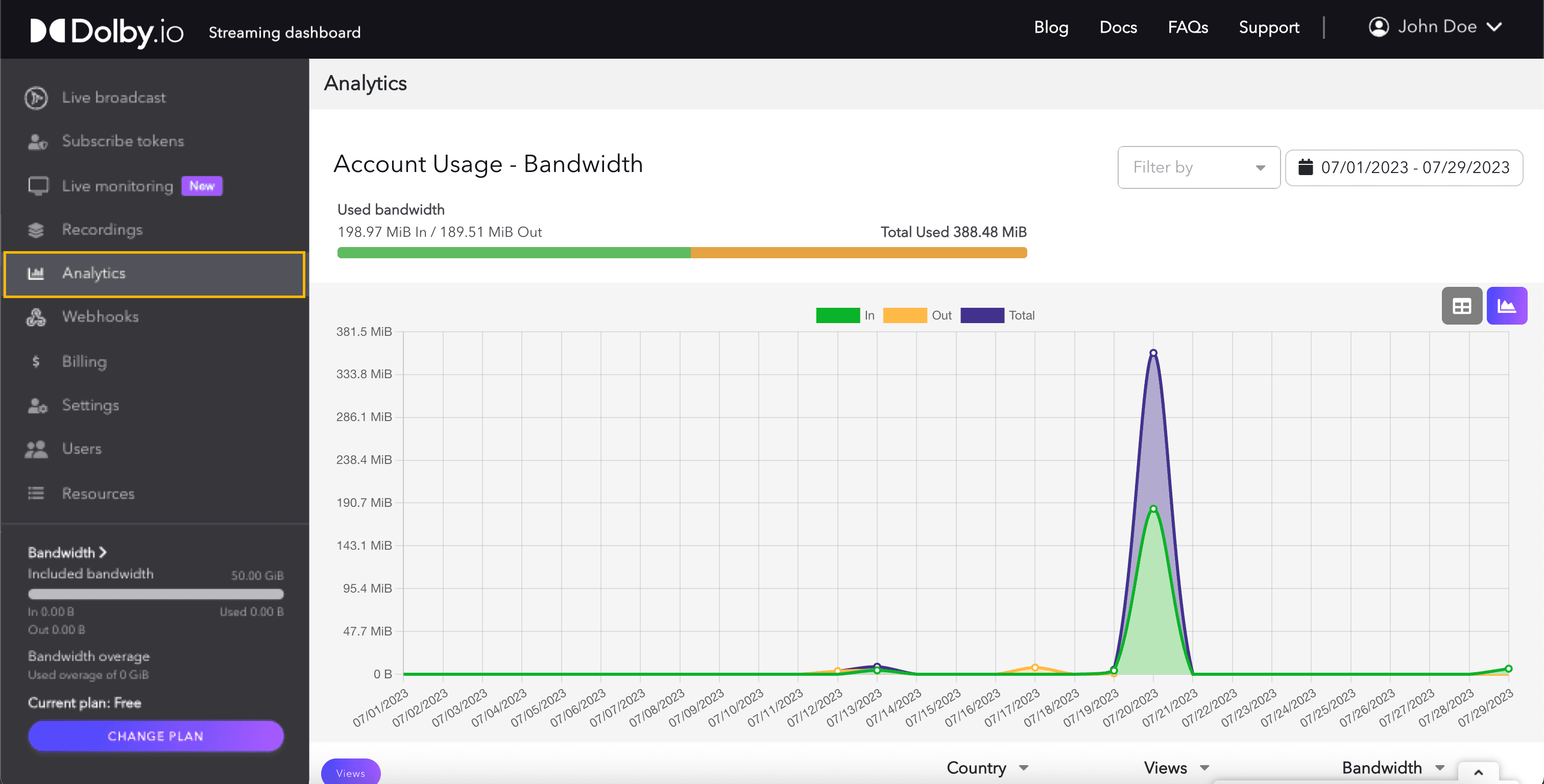
I evaluated Dolby OptiView (powered by Dolby.io) across real-time video streaming tests, and its WebRTC infrastructure delivered broadcast-grade 4K video with sub-half-second latency across global CDNs. The integrated Dolby Voice noise suppression keeps audio crisp during live sports and interactive events. Implementing OptiView requires professional cloud development expertise and custom API integration into your video player architecture. Usage-based pricing scales per gigabyte and stream minute, making it an enterprise-grade backbone for broadcasters and live platforms.
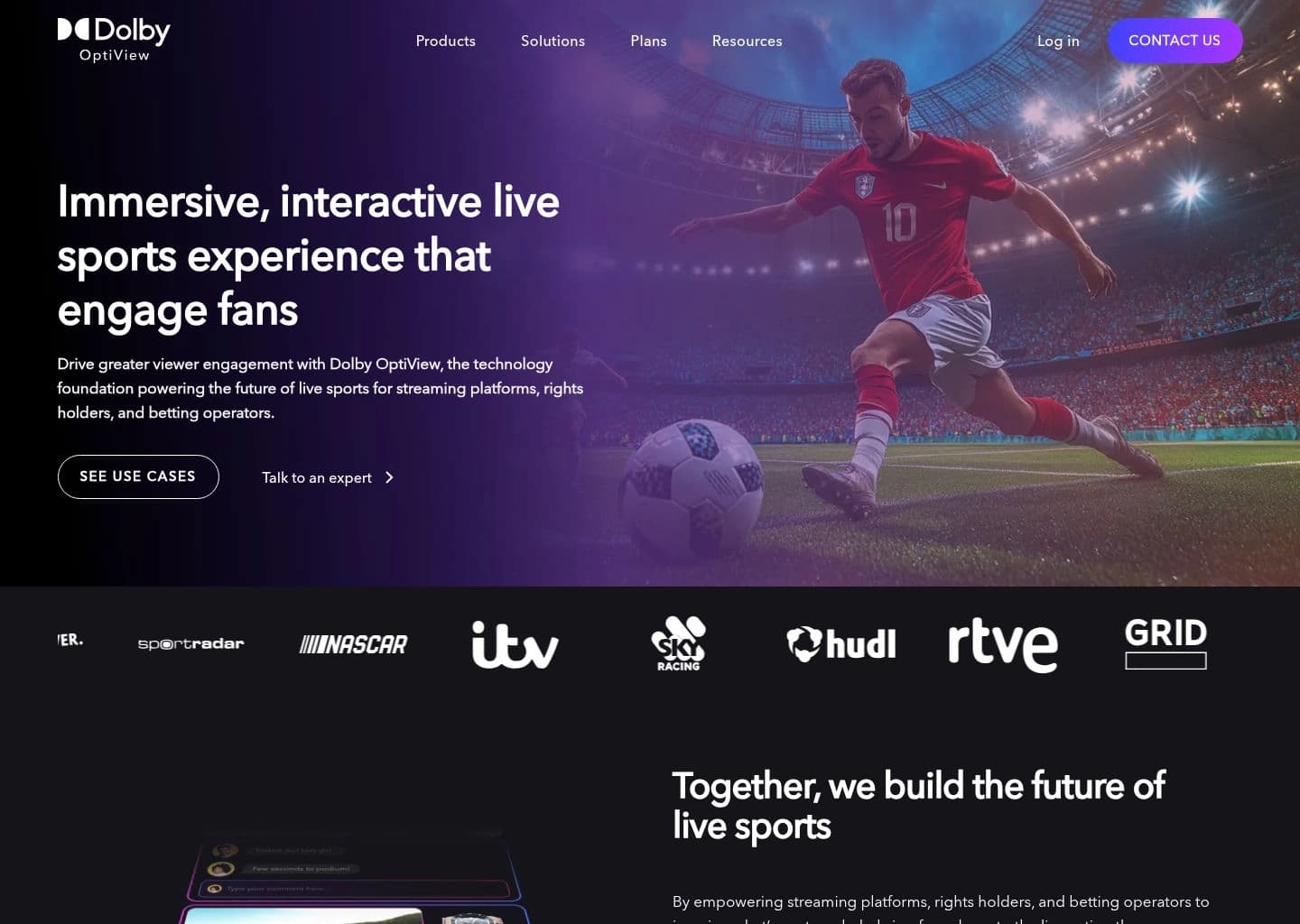
Dolby.io now redirects entirely to Dolby OptiView, Dolby's rebranded streaming technology platform focused on live sports, sports betting, and broadcast experiences. OptiView unifies three previously separate acquisitions and products into one stack: the Dolby OptiView Player (formerly THEOplayer, a cross-platform video player acquired via THEO Technologies), Dolby OptiView Streaming (a merger of Dolby's real-time Millicast platform and the edge-delivered THEOlive service), and Dolby OptiView Ads, a Server-Guided Ad Insertion (SGAI) product for monetization. This is a significant narrowing from the original dolby.io, which launched in 2020 as a broader Communications and Media Processing API platform with AI-driven audio enhancement (noise reduction, loudness correction) and WebRTC-based interactivity APIs; as of the current public documentation, those Communications and Media Enhance/Analyze APIs are no longer listed, with docs.dolby.io now covering only Player, Ads, Ad Engine, and Streaming.
The platform is built for developers and engineering teams at streaming platforms, rights holders, and betting operators who need consistent, low-latency video across every device. The Player ships six platform SDKs (HTML5/Tizen/webOS, iOS/tvOS, Android/Fire TV, Roku, React Native, Flutter) with official support down to older smart TV platforms like HbbTV 1.5+ and Tizen 2.3+. Streaming supports configurable latency from roughly 500ms up to 10 seconds, real-time ABR transcoding, multi-audio tracks, synchronized metadata for scores and captions, and studio-approved DRM. Named customers include the NFL, NASCAR, ITV, Paddy Power, Sky Racing, Tabcorp, and bet365, with case studies emphasizing reduced betting-window latency and improved fan engagement metrics.
Access runs through three separate consoles (Millicast dashboard, THEOlive console, THEOplayer portal) unified under the OptiView brand, and pricing across all three product lines — Streaming, Playback, and Advertising — is custom and quote-only, with no published self-serve tiers, free trial, or credit-card signup on the current site. This is a notable shift from the earlier dolby.io, which offered a $50 signup credit and pay-as-you-go pricing; teams that relied on that self-serve developer experience, or specifically on the old audio-enhancement APIs, will need to evaluate whether OptiView's enterprise, sports-focused positioning still fits their use case.
Key Features
- Dolby OptiView Player (formerly THEOplayer): cross-platform video player with SDKs for HTML5, iOS/tvOS, Android/Fire TV, Roku, React Native, and Flutter
- Dolby OptiView Streaming (Millicast + THEOlive): configurable latency from 0.5 to 10 seconds for real-time to broadcast-scale delivery
- Server-Guided Ad Insertion (SGAI) for non-disruptive, targeted ad experiences with higher fill and rendering rates
- Real-time video transcoding with automatic Adaptive Bitrate (ABR) ladder generation
- Multi-audio and synchronized metadata support for multi-language commentary and live data overlays
- Studio-approved DRM, token authentication, and IP/country-based allow and block lists
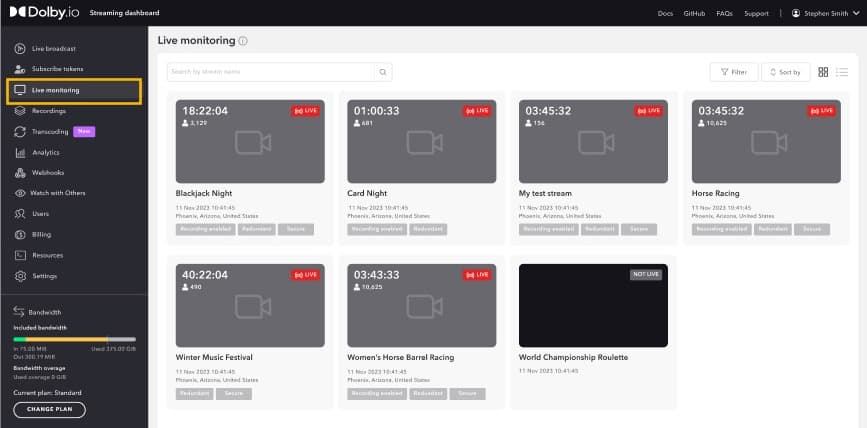
- Live monitoring dashboards and APIs for real-time stream health and viewer analytics
- Re-streaming to external platforms like YouTube Live and Facebook Live
- Open Video UI: open-source, brandable player UI components
- Global CDN delivery with high-availability infrastructure for flash-crowd resilience
Pros
- Backed by Dolby's 60+ years of audio/video engineering and industry-standard codecs
- Proven at massive scale with the NFL, NASCAR, ITV, and major sportsbooks as customers
- Six cross-platform player SDKs covering everything from smart TVs to React Native/Flutter
- Configurable latency down to ~500ms for real-time, interactive sports and betting use cases
- Unifies playback, real-time streaming, and ad monetization under one integrated platform
Cons
- No self-serve signup or public pricing anymore; every tier requires an enterprise sales call
- 2026 rebrand narrowed public positioning almost entirely to live sports, sportsbook, and broadcast use cases
- The original dolby.io Communications and Media Enhance/Analyze APIs (noise reduction, loudness, audio insights) have been sunset from the public docs
- Steep learning curve across three separate consoles (Millicast, THEOlive, THEOplayer) despite the unified OptiView branding
- Deep integration work is typically required to get full value from Player, Streaming, and Ads together
Pricing
All three OptiView product lines — Streaming, Playback (Player), and Advertising (SGAI) — are listed as "Custom pricing" with no published rates; every plan requires submitting a request through the Plans page and talking to sales. There is no free tier, trial credit, or self-serve signup on the current OptiView site, a change from the original dolby.io Communications/Media APIs, which offered a $50 signup credit and metered pay-as-you-go pricing (that legacy pricing model is no longer part of the public OptiView offering). Enterprise plans include priority support with assigned account representatives; exact contract costs scale with streaming volume, platform SDK coverage, and ad-insertion usage.
Claim Verified Creator Badge
Are you the founder of Dolby OptiView? Display this listing's verified badge on your website to show your customers that your product has been vetted and listed on AI Central Resources.
<a href="https://www.aicentralresources.com/tool/dolby-optiview" target="_blank" rel="noopener">
  <img src="https://www.aicentralresources.com/badges/featured-badge-dark.svg" alt="Featured on AICentralResources" width="200" height="54" style="border: none;" />
</a>
* Place this HTML snippet in your website's footer, landing page, or press section. This creates a search-friendly backlink directly to your verification page.
Connect with Dolby OptiView
Frequently Asked Questions
No. Dolby.io now redirects entirely to Dolby OptiView, and the site no longer publishes self-serve pricing or a free trial; every plan (Streaming, Playback, Advertising) requires contacting sales for a custom quote.
Dolby OptiView is the current form of what used to be dolby.io, combining Dolby's Millicast real-time streaming, the acquired THEOplayer video player, THEOlive edge-delivered live streaming, and server-guided ad insertion into one platform aimed at live sports, betting, and broadcast.
Yes. As of the docs published in 2026, the original dolby.io Communications APIs and Media Enhance/Analyze APIs (noise reduction, loudness correction, audio insights) are no longer part of the public documentation, which now covers only Player, Ads, Ad Engine, and Streaming (Millicast/THEOlive).
Access is split across three consoles: the Millicast dashboard for real-time streaming, the THEOlive console for edge live streaming, and the THEOplayer portal for the video player SDKs, all reachable from the OptiView site's login menu.
Latency is configurable from about 500 milliseconds up to 10 seconds depending on the product tier (Millicast real-time vs. THEOlive), letting broadcasters trade off interactivity against reach and cost.
Similar AI Tools to Dolby OptiView
View all alternatives of Dolby OptiView

Riverside
Studio-quality podcast and video recording, editing, and publishing powered by AI

Adobe Podcast
AI-powered audio recording, enhancement, and editing, all in the browser

Murf AI
Studio-quality AI voiceovers and voice agents in 200+ voices across 35+ languages


Azure AI Vision
Microsoft's cloud computer vision API for image tagging, OCR, and face detection
Compared with Dolby OptiView
Direct head-to-head feature matrices, pricing breakdowns, and real-world performance benchmarks