

Venngage
Turn complex information into clear infographics, reports and accessible business visuals
Gallery
5 items

About Venngage
This is a research-based product assessment, not a claim that a live editor benchmark was personally performed. Venngage's workflow is built around turning information into visual communication: templates for infographics, reports and diagrams reduce the blank-page work, while a drag-and-drop editor gives teams a consistent way to format recurring assets. The strongest fit is a team that communicates data or processes visually rather than a designer looking for unrestricted vector-level control. The AI feature set covers design generation, image and icon generation, writing, translation and editing, but it is governed by a shared daily credit pool. That matters in real production: repeated prompt iterations and even some failed or canceled generations can consume credits, and lower tiers only offer a limited AI trial. Free users also face a small design allowance and public-only sharing; PDF and PowerPoint exports and brand controls push serious users toward Business. Review feedback is broadly positive, with some users calling out customization limits. Venngage is worth considering for marketing, HR, education and nonprofit teams that publish infographics and reports regularly and value accessible output. For occasional one-off graphics, the free tier can validate the workflow, but the paid plan is only justified when private sharing, brand consistency and exports are part of ongoing work.
Venngage is a visual communication platform built around infographics, reports, diagrams, presentations, posters and other business-facing graphics. Its template library and drag-and-drop editor help non-designers turn data and written information into structured visual assets, with brand kits and team sharing for organizations.
Its AI capabilities include generated designs and images, AI editing, translation, writing assistance, design suggestions and background removal. AI usage is governed by a shared credit allowance that resets daily; the platform also emphasizes accessible document and PDF output, making it relevant for organizations that distribute information to broad audiences.
Venngage is especially useful for marketers, educators, HR teams, nonprofits and business communicators producing recurring infographics, reports and branded documents. It is more focused on information design than a general-purpose creative suite, and important download, privacy and collaboration functions are reserved for paid plans.
Key Features
- AI-assisted design generation and editing
- AI image and icon generation with daily shared credits
- AI writing assistance and translation
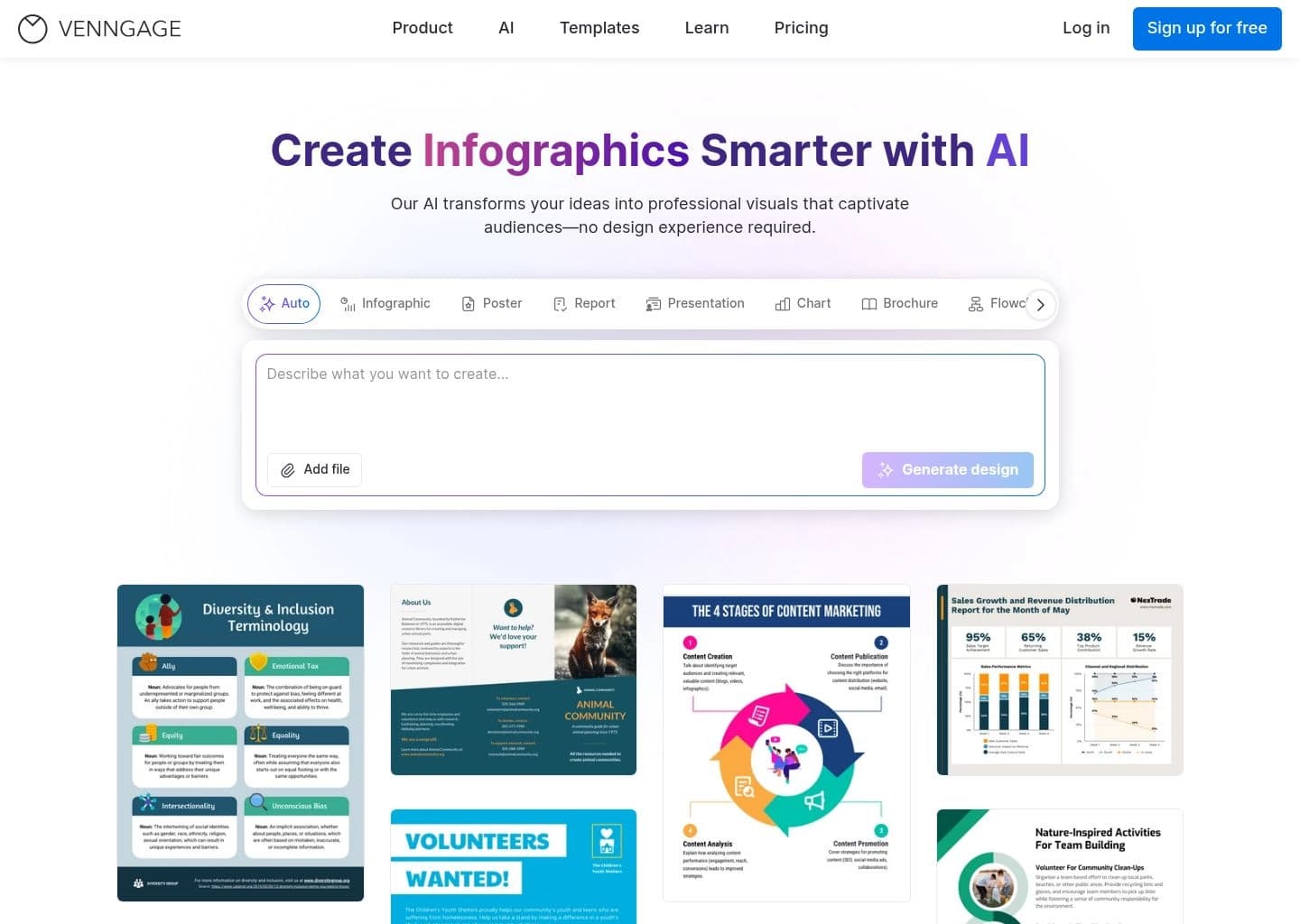
- Infographic, report, diagram, poster and presentation templates
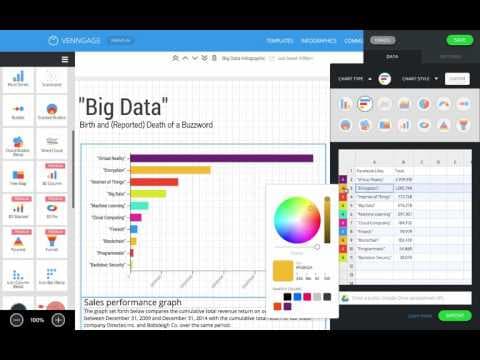
- Drag-and-drop visual editor with charts, widgets and data imports
- Brand kits, team collaboration and password-protected sharing
- PDF, PowerPoint and high-resolution PNG exports on eligible plans
- Accessibility-focused document and PDF creation workflows
Pros
- Specialized templates make information-heavy content easier to structure
- Business plan includes brand kits and team collaboration
- AI features cover text, image, translation and design tasks
- PDF and PowerPoint export support professional distribution
- Positive G2 and Capterra review averages
Cons
- Free tier is restrictive for production: limited designs and public sharing
- AI credits are shared across tools and reset daily; failed or canceled generations may consume credits
- Private sharing and advanced export formats require paid plans
- Not as flexible as a full professional desktop design application
Pricing & Plans
Venngage offers a free plan at $0 with up to 5 designs, public sharing, a free AI trial, basic icons and widgets, and limited image uploads. The free tier is useful for testing the editor, but private sharing and most practical export workflows require a paid plan.
Premium is listed at $10/month on annual billing (regularly shown as $19/month) and adds unlimited designs, high-resolution PNG exports, private sharing and premium assets. Business is $24 per user/month on annual billing (regularly shown as $49/month) and adds Venngage AI, PDF and PowerPoint exports, brand kits, team sharing, password protection and folders. Business and Enterprise users receive 100 daily AI credits per user; unused credits do not roll over.
Enterprise starts at $499/month for a minimum of 10 members and adds larger team support, a dedicated account manager, multi-factor authentication, onboarding and custom features such as API access and integrations. Confirm the billing cadence and current promotional rate at checkout because the pricing page displays discounted annual prices.
Claim Verified Creator Badge
Are you the founder of Venngage? Display this listing's verified badge on your website to show your customers that your product has been vetted and listed on AI Central Resources.
<a href="https://www.aicentralresources.com/tool/venngage" target="_blank" rel="noopener">
  <img src="https://www.aicentralresources.com/badges/featured-badge-dark.svg" alt="Featured on AICentralResources" width="200" height="54" style="border: none;" />
</a>
* Place this HTML snippet in your website's footer, landing page, or press section. This creates a search-friendly backlink directly to your verification page.
Frequently Asked Questions
Yes. The free plan includes up to 5 designs, public sharing, limited uploads and a free AI trial. Private sharing and advanced exports require a paid plan.
Annual promotional pricing lists Premium at $10/month, Business at $24 per user/month and Enterprise from $499/month for at least 10 members. Check the live checkout for current billing terms.
AI tools share a daily credit allowance. Free and Premium users receive trial credits, while Business and Enterprise plans include 100 credits per user per day. Credits reset daily and do not roll over.
Yes. PDF and PowerPoint exports are included with Business and Enterprise plans; Premium focuses on PNG downloads.
It is a strong fit for teams that frequently create infographics, reports, diagrams, accessible documents and branded visual communications.
Similar AI Tools to Venngage
View all alternatives of Venngage
Visme
Create branded presentations, infographics, reports and interactive visuals with AI-assisted design

Canva AI
Your all-in-one AI assistant for creative design and content generation

Microsoft Designer
Free AI-powered design tool from Microsoft — create graphics, images, and social posts with DALL-E and Copilot built in

Fotor
Enhance and edit photos with Fotor’s free online photo editor and AI tools.

Design.com
AI Logo Maker, Brand Identity Generator & Multichannel Marketing Design Suite

Gamma
AI-native tool for creating presentations, documents, websites and social posts from a single prompt