
Find where images appear online and uncover cropped, edited, or resized copies
Gallery
6 items


About TinEye
This is a research-based product assessment rather than a hands-on benchmark. TinEye's product documentation makes its technical scope unusually clear: it creates a visual fingerprint from an uploaded image and compares it with an index built by crawling the public web. The practical workflow supports uploads, image URLs, paste and drag-and-drop, with result sorting that helps locate earlier appearances, larger copies, and more heavily modified versions. Its most important limitation is also a strength of its focused design: TinEye is not a semantic visual search engine. It generally will not find a different photograph of the same object, and it does not perform facial recognition. The public search is free for non-commercial use, but commercial workflows require paid bundles or services; TinEye Alerts starts at $300 per month plus per-image indexing and monitoring fees. Results can identify where a copy appears, but they do not establish ownership or legal infringement. I would recommend TinEye as a specialist verification tool for photographers, publishers, journalists, and rights teams that need to trace image reuse. Casual users can start with the free search, while organizations monitoring sizable image libraries should evaluate the full Alerts and API costs before committing.

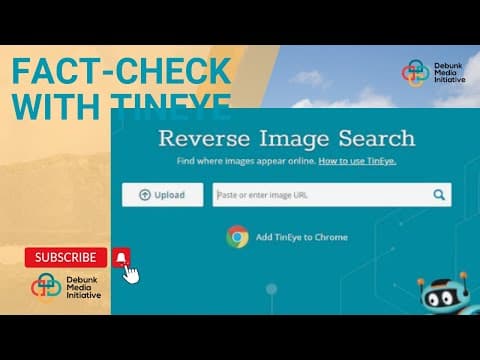
TinEye is a reverse image search engine built to find exact and altered copies of an image across the web. Instead of matching keywords or interpreting the subject, it creates a visual fingerprint from the submitted image and compares that fingerprint against its continuously crawled image index.
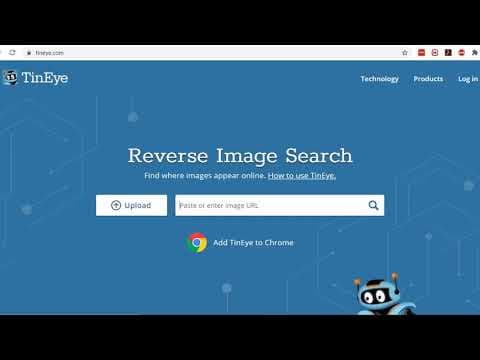
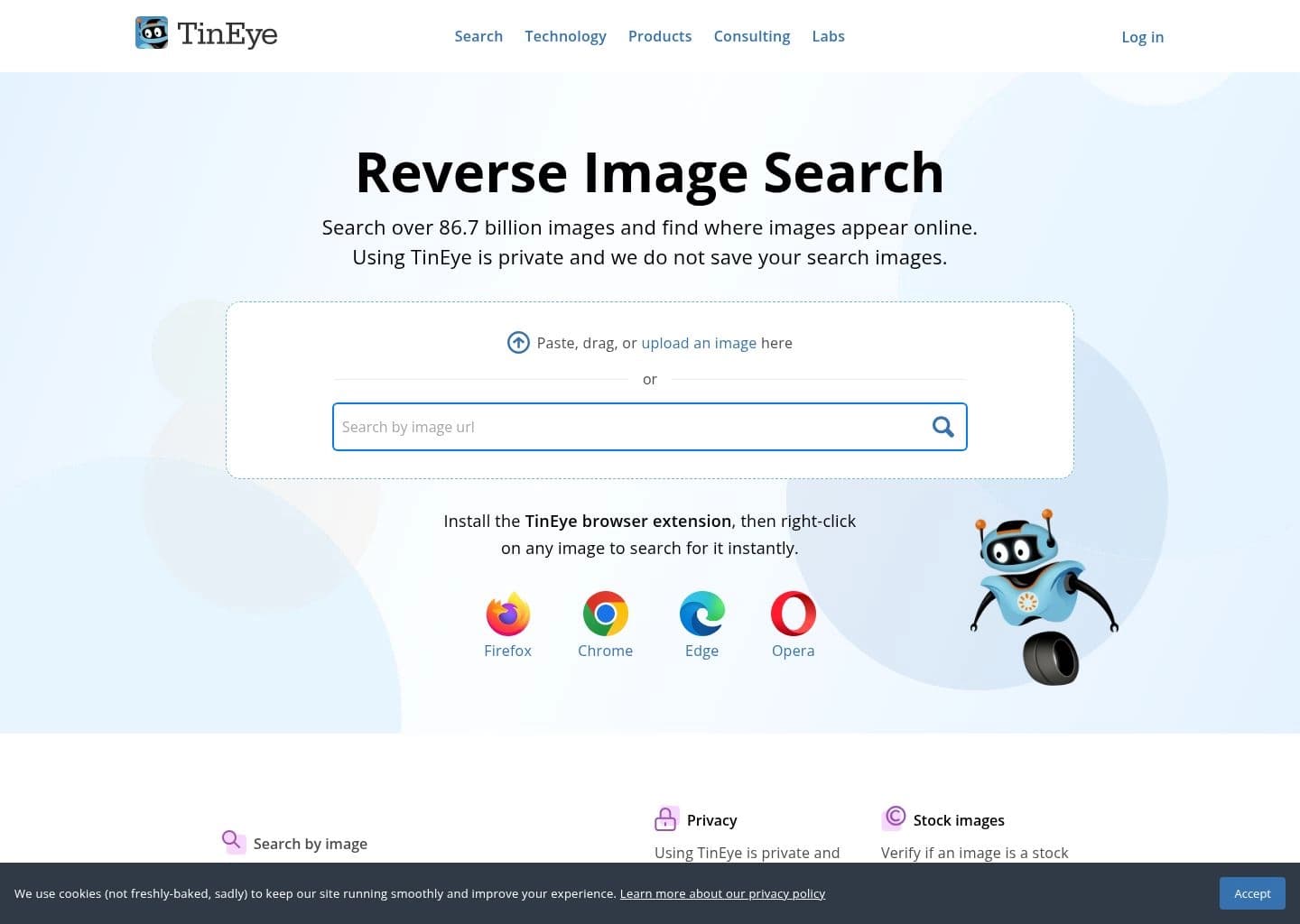
Users can upload, paste, drag and drop, or submit an image URL, then inspect matching pages and sort results by oldest, newest, biggest, or most changed. TinEye also offers browser extensions, commercial search APIs, MatchEngine for private image collections, and TinEye Alerts for ongoing image-use monitoring. Its strength is locating copies and variants, not finding different photographs of the same subject or performing facial recognition.
TinEye is useful for photographers, publishers, journalists, researchers, and brand or intellectual-property teams checking image provenance and online reuse. The public search is free for non-commercial use, while commercial search, API integration, and automated monitoring are paid offerings.
Key Features
- Reverse image search by file upload, paste, drag and drop, or image URL
- Visual fingerprint matching for exact and modified image copies
- Detection of cropped, resized, color-adjusted, and edited variants
- Sorting by oldest, newest, biggest, or most changed match
- Source-page discovery for image provenance and attribution research
- Browser extensions for Chrome, Firefox, Edge, and Opera
- Commercial reverse-image search API and private MatchEngine collections
- TinEye Alerts for automated image-use monitoring and notifications
Pros
- Specializes in finding exact and modified image copies rather than relying on filenames or metadata
- Clearly documents that submitted search images are not added to its public index
- Useful sorting and comparison tools help investigate image history and modifications
- Offers a progression from free manual searches to APIs and enterprise monitoring
Cons
- Does not generally find different images that depict the same subject
- Does not provide facial recognition or identify the people or objects in an image
- Commercial API and monitoring costs can become significant for large image libraries
- Finding an image online does not establish copyright ownership or grant permission to reuse it
Pricing & Plans
TinEye's public reverse-image search is free for non-commercial use, with a published limit of 100 searches per day and 300 per week. Users can upload an image, paste it, drag and drop it, or search by image URL; no account or card is required for ordinary free searches.
Commercial search and API access use prepaid search bundles. TinEye's separate MatchEngine service offers private image-search infrastructure, while TinEye Alerts provides ongoing image monitoring. Alerts starts at $300 USD per month, plus image fees: an initial indexing/search fee (from $0.12 per image for the first 5,000) and $0.01 per tracked image per month for ongoing monitoring. Larger libraries use tiered rates or custom pricing.
Claim Verified Creator Badge
Are you the founder of TinEye? Display this listing's verified badge on your website to show your customers that your product has been vetted and listed on AI Central Resources.
<a href="https://www.aicentralresources.com/tool/tineye" target="_blank" rel="noopener">
  <img src="https://www.aicentralresources.com/badges/featured-badge-dark.svg" alt="Featured on AICentralResources" width="200" height="54" style="border: none;" />
</a>
* Place this HTML snippet in your website's footer, landing page, or press section. This creates a search-friendly backlink directly to your verification page.
Frequently Asked Questions
TinEye is used for reverse image search: finding where an image appears online, locating higher-resolution copies, and discovering cropped, resized, or edited versions.
TinEye's public search is free for non-commercial use, with a limit of 100 searches per day and 300 per week. Commercial use requires a paid option.
Not reliably. TinEye is designed to find exact or altered copies of the submitted image, not different photos of the same subject.
TinEye says submitted search images are kept only briefly to display results and are not added to its image index.
No. TinEye can help locate pages displaying matching images, but it does not determine legal ownership or decide whether a use is infringement. You must assess rights and context separately.
Similar AI Tools to TinEye
View all alternatives of TinEye
Yandex Images
Search by image to find exact copies and visually similar results across the web

Google Lens
Search what you see with AI-powered visual search, built into every Google app

Bing
Microsoft's AI-powered search engine with Copilot chat, visual search, and image generation