Google Lens
Search what you see with AI-powered visual search, built into every Google app
Gallery
7 items
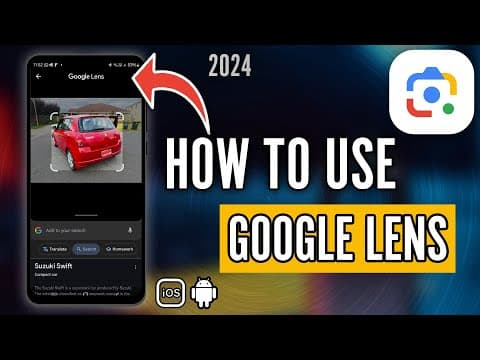

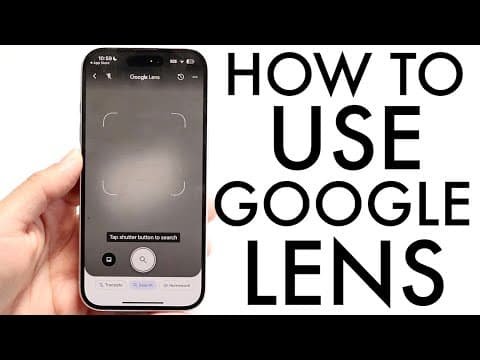
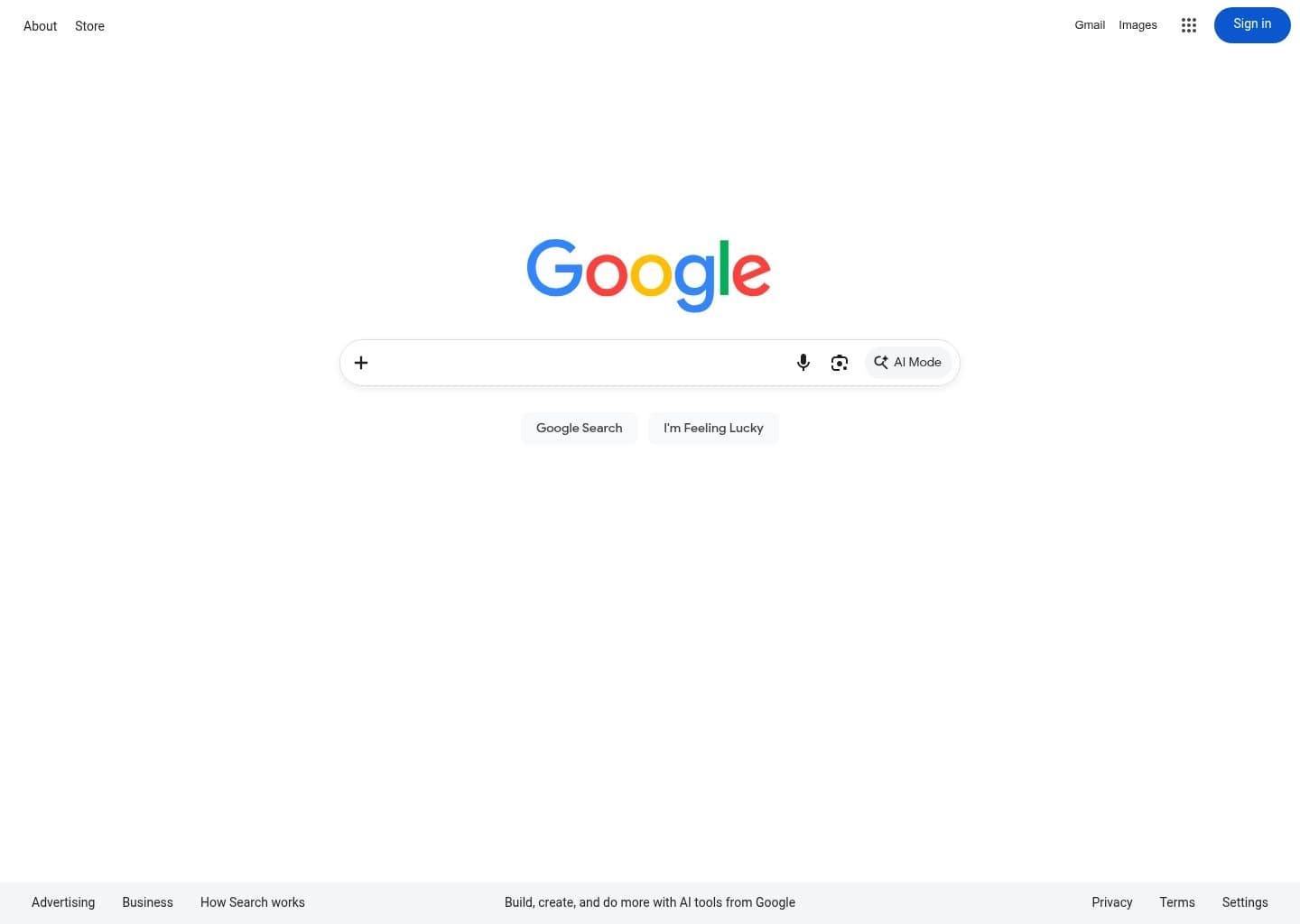
About Google Lens
Running Google Lens across visual product searches, foreign language translations, and handwritten equation solving proved how mature Google's computer vision has become. Pointing your camera at an unknown plant, landmark, or electronic component returns accurate identification instantly. Complex queries with multiple overlapping subjects in poor lighting can occasionally misidentify specific product model variants. Being completely free and baked into every Android and iOS Google app, it is an indispensable visual search companion.
Google Lens is a free, AI-powered visual search tool that lets users search the web using images instead of text, identifying objects, text, landmarks, products, plants, and animals through a smartphone camera or an uploaded photo. It was first announced by CEO Sundar Pichai at Google I/O on May 17, 2017, positioned as a core feature of Google Assistant and a successor to the earlier, less capable Google Goggles app that Google had launched back in 2009. Lens officially launched on October 4, 2017, as a preview pre-installed on the Google Pixel 2, before expanding into Google Photos in late 2017 and early 2018, then to Google Assistant on other Android devices, and finally to iOS through the Google app by the end of 2018. A standalone Google Lens app became available on the Google Play Store in June 2018.
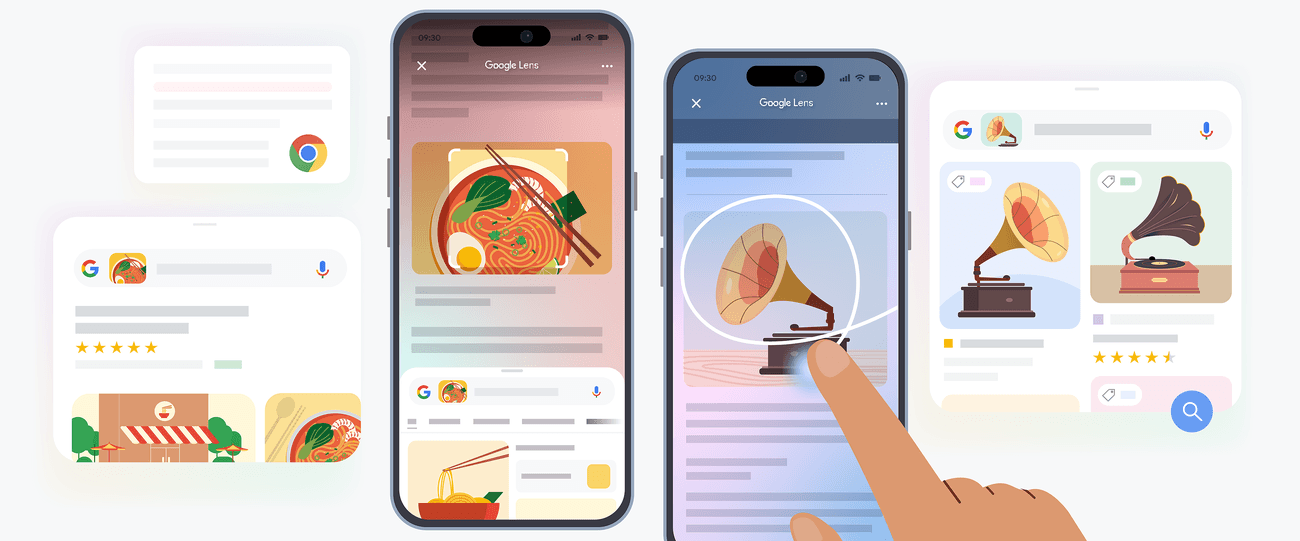
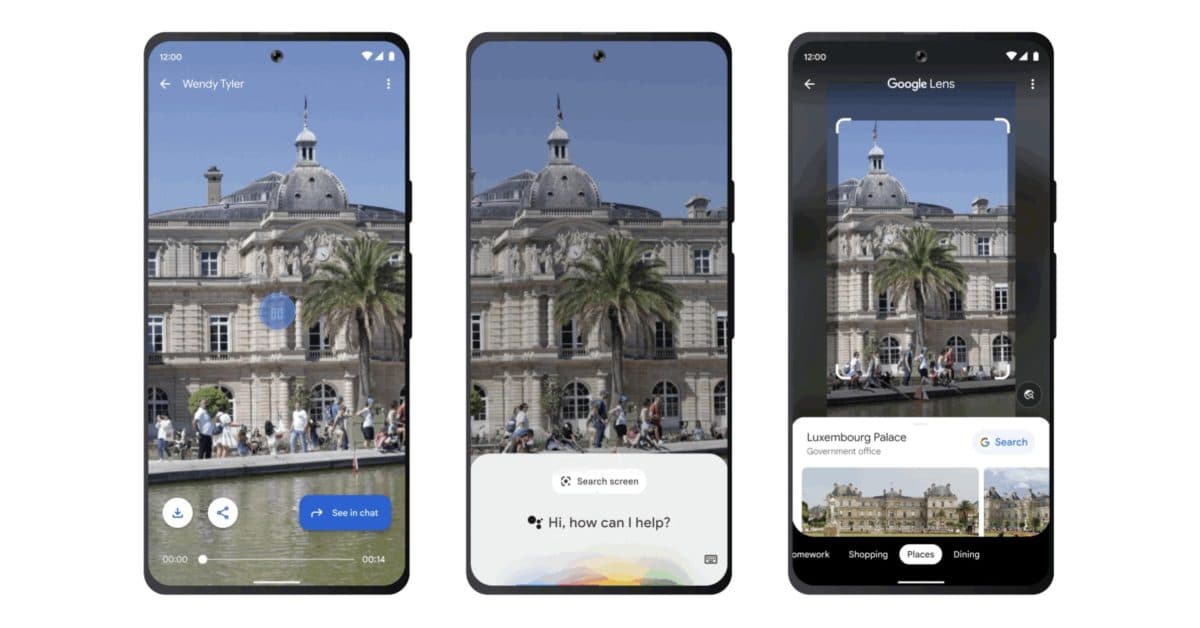
Since that initial launch, Lens has evolved from a relatively simple image-matching tool into a much broader AI-driven visual search platform, closely integrated with Google's Gemini models. Where early versions of Lens could only identify objects by matching against Google's indexed image database, newer AI Overviews let Lens provide contextual explanations for novel or unique images that don't have an exact match anywhere online, without requiring the user to type an accompanying question. Additional capabilities added over the years include real-time text translation through the camera, Style Match for finding similar clothing and home decor, homework help with step-by-step math problem solving, and Search Your Screen, which lets users highlight or select any content within Chrome or the Google app on iOS and Android to run an instant visual search without switching apps or taking a screenshot.
Lens has become deeply woven into Google's broader ecosystem rather than existing as a standalone destination: it's built into the Android camera app, Google Photos, Google Assistant, Chrome, and Google's AI Mode search experience, and Google reports the feature is now used for more than 20 billion visual searches every month. Common real-world use cases span identifying plants and landmarks while traveling, translating menus or product labels in a foreign language, comparing prices while shopping, and, notably, secondhand resellers using Lens to quickly research and price vintage or thrifted items while sourcing inventory.
Because Google Lens is a free, built-in feature rather than a standalone paid product, its main tradeoffs are less about cost and more about accuracy and privacy. Recognition quality drops with blurry photos, poor lighting, or busy visual patterns, and while Lens is excellent at OCR for printed text, it still struggles with handwritten or heavily stylized text like signatures. On the privacy side, Lens usage and visual search history are tied to a user's Google Account and can be reviewed or cleared through Google's Activity Controls, though there's no simple, dedicated "off switch" separate from broader Google Account privacy settings. This makes Google Lens an excellent, genuinely free starting point for casual visual search, shopping research, translation, and identification tasks, though users with strict privacy requirements should be aware their visual search activity is logged the same way other Google Account activity is by default.
Key Features
- Real-time object, plant, animal, and landmark identification via camera
- Text recognition (OCR) and real-time text translation through the camera
- Visual shopping search with price comparison across retailers
- Search Your Screen: select any on-screen content in Chrome or the Google app for instant search
- AI Overviews providing contextual information on novel or unique images
- Homework help, including math problem solving with step-by-step explanations
- Circle to Search integration on supported Android devices
- Video-based visual search for identifying objects within video content
Pros
- Completely free with no subscription, ads-within-the-tool, or paywalled core features
- Deep native integration means it's already available on virtually every Android and iOS device
- Gemini-powered AI Overviews now explain novel images Lens can't directly match, not just known objects
- Search Your Screen lets users visually search on-screen content without leaving the current app
- Massive scale and continuous improvement, backed by over 20 billion monthly visual searches worth of usage data
Cons
- OCR handles printed text well but consistently struggles with handwritten or heavily stylized text like signatures
- No formal opt-out toggle; users manage privacy indirectly through Google Account Visual Search History and Activity Controls
- Accuracy drops noticeably with blurry photos, poor lighting, unusual angles, or busy/cluttered patterns
- Deep integration into Search and Assistant means Lens usage feeds into Google's broader data and ad ecosystem
- Feature availability and rollout has historically been inconsistent across Android manufacturers and iOS versions
Pricing
Google Lens is entirely free to use, with no subscription tiers, paid upgrades, or usage limits for individual consumers. It's built directly into the Android camera app, the Google app, Google Photos, Chrome, and Google Search on both Android and iOS, requiring no separate purchase or account beyond a standard, free Google Account. There is no business, enterprise, or API-based paid tier specific to Google Lens itself; developers looking for similar programmatic visual search and image recognition capabilities would instead need to use Google Cloud's Vision AI API, which is a separate, independently priced product from Google Cloud rather than a paid version of the consumer Google Lens app.
Claim Verified Creator Badge
Are you the founder of Google Lens? Display this listing's verified badge on your website to show your customers that your product has been vetted and listed on AI Central Resources.
<a href="https://www.aicentralresources.com/tool/google-lens" target="_blank" rel="noopener">
  <img src="https://www.aicentralresources.com/badges/featured-badge-dark.svg" alt="Featured on AICentralResources" width="200" height="54" style="border: none;" />
</a>
* Place this HTML snippet in your website's footer, landing page, or press section. This creates a search-friendly backlink directly to your verification page.
Connect with Google Lens
Frequently Asked Questions
Google Lens is a free AI-powered visual search tool that identifies objects, text, landmarks, plants, animals, and products from a photo or live camera feed, and can translate text, solve math problems, find visually similar items, and surface shopping matches across the web.
Google Lens is completely free to use and requires no subscription. It's built into the Google app, the Android camera, Google Photos, Chrome, and Google Search, with no separate download needed on most modern devices.
Google Lens was first announced at Google I/O on May 17, 2017, by CEO Sundar Pichai as a visual search feature integrated with Google Assistant. It officially launched on October 4, 2017, as a preview pre-installed on the Google Pixel 2, before expanding to Google Photos, other Android devices, and iOS through 2018.
Google Lens uses deep learning and computer vision, evolved from the earlier Google Goggles app, trained on billions of images indexed from Google Search, Google Books, and other sources. It's increasingly powered by Google's Gemini models, which allow it to provide AI Overviews and more conversational answers about novel or unique images rather than just matching against a known image database.
Google reports Lens is used for more than 20 billion visual searches every month as of 2025-2026, and it's integrated across Android, iOS, Chrome, Google Assistant, Google Photos, and Google's AI Mode search experience.
Similar AI Tools to Google Lens
View all alternatives of Google Lens
Google Cloud Vision
Pretrained computer vision API for image labeling, OCR, and content moderation

AWS Rekognition
AWS's deep learning API for image and video analysis, face recognition, and content moderation

Azure AI Vision
Microsoft's cloud computer vision API for image tagging, OCR, and face detection

Google Gemini API
Build with Google's multimodal Gemini models via API and AI Studio

Bing
Microsoft's AI-powered search engine with Copilot chat, visual search, and image generation

Klevu
AI-powered search and product discovery that helps shoppers find what they want to buy
Compared with Google Lens
Direct head-to-head feature matrices, pricing breakdowns, and real-world performance benchmarks