
Top 20 Best Augment Code Alternatives in 2026
Editorial analysis comparing key features, free tier limits, pricing spectrums, and real-world trade-offs.
Executive Summary & Buying Decision
We benchmarked 8+ leading alternative tools competing with Augment Code across feature depth, pricing transparency, and workflow efficiency. Options range from 15 free & freemium tools to paid solutions starting around $0 – $100/mo. Choose Augment Code for Enterprise engineering teams with large, complex multi-repository codebases needing deep semantic AI coding assistance, automated code review, and agentic workflows, or select Aider for complementary capabilities.
Baseline Tool Overview

Augment Code
AI coding agent with deep Context Engine for large enterprise codebases
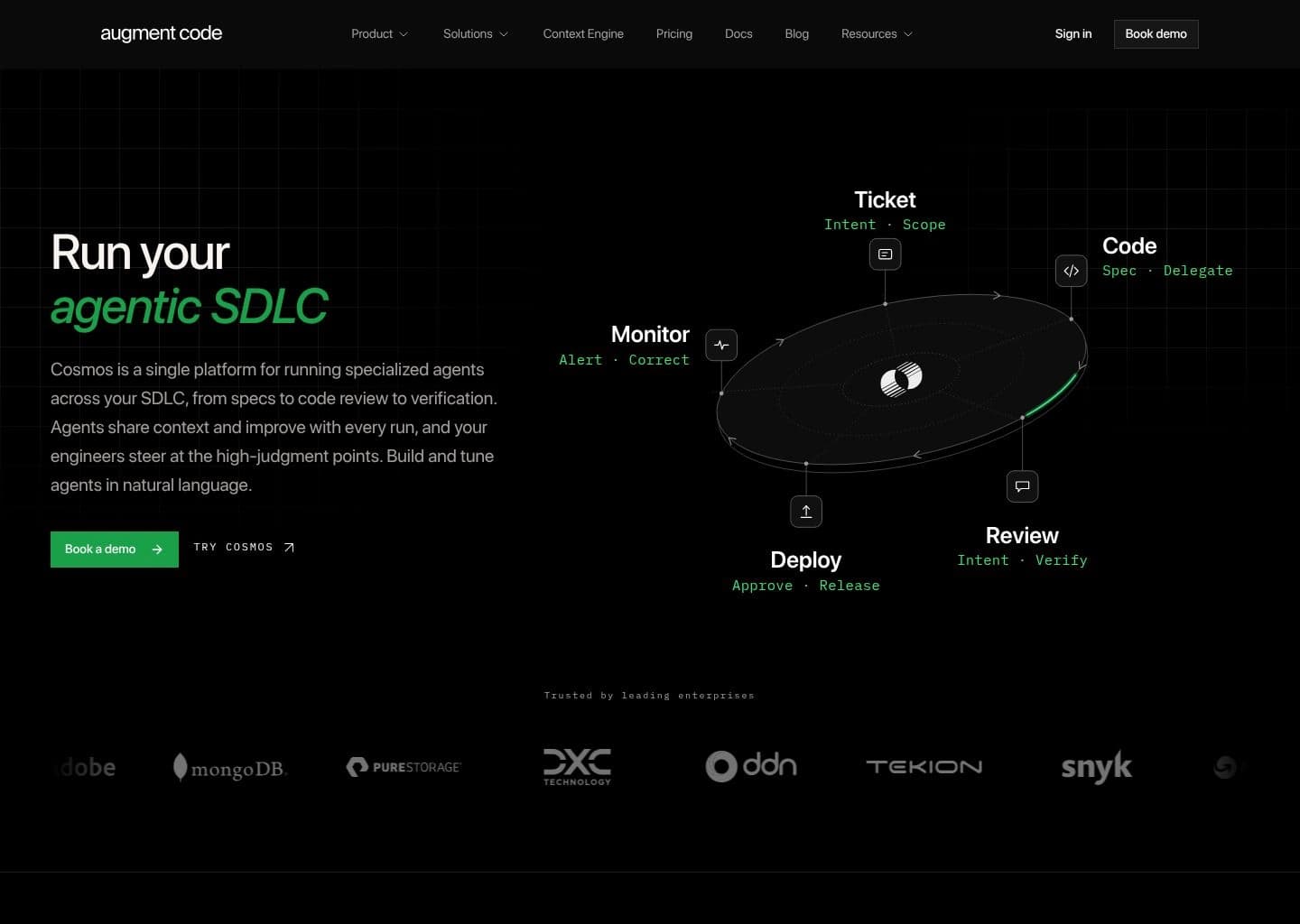
Enterprise engineering teams with large, complex multi-repository codebases needing deep semantic AI coding assistance, automated code review, and agentic workflows
- Pricing Model:Paid
- Starting Price:$100/mo flat (up to 50 seats) — Enterprise custom
- Free Tier / Limits:No free plan. Business plan starts at $100/month flat (up to 50 seats, $100 usage included). 7-day free trial available.
- Context Engine — semantically indexes 400,000+ files and builds a persistent graph of functions, classes, modules, imports, and data flows for cross-repo understanding
- Cosmos agentic platform — ticket-to-PR, automated code review, test coverage, incident investigation, security remediation, migrations, and onboarding workflows
- Auggie CLI agent — terminal-native agent ranked #1 on SWE-bench Pro at 51.80%, supporting daemon mode and 50 concurrent sessions (Business) or unlimited (Enterprise)
- Automated Code Review — AI-powered PR review for every GitHub pull request with inline comments and one-click IDE fix integration
Top Recommendations by Use Case

Aider
Leading direct competitor in this category offering proven performance and strong feature maturity.

Amazon Q Developer
Provides generous free capabilities for individual developers and creators with zero upfront cost.


GitHub Copilot
Comprehensive multi-feature platform covering end-to-end workflows.
Why Teams Migrate from Augment Code

Cost & Plan Scalability
Users evaluating alternatives to Augment Code to optimize subscription costs or access more flexible tiers.
Offers flexible entry pricing starting at $0 Free Tier / $19/user/mo Pro (new signups blocked May 2026)") .
Compare vs Amazon Q Developer
Advanced Automation & Feature Depth
Teams seeking deeper automation and specialized functionality tailored to specific project requirements.
Delivers comprehensive capabilities designed for high-throughput workflows.
Compare vs Aider
Ecosystem & Integration Compatibility
Organizations requiring seamless integration with their existing software stack and team tools.
Features robust multi-platform compatibility and enterprise security standards.
Compare vs CursorHead-to-Head Comparison Matrix
| Software Tool | Pricing Model | Free Tier Scope | Target Persona / Best For | Rating | Head-to-Head |
|---|---|---|---|---|---|
 Augment CodeBaseline | Paid ($100/mo flat (up to 50 seats) — Enterprise custom) | No free plan. Business plan starts at $100/month flat (up to 50 seats, $100 usage included). 7-day free trial available. | Enterprise engineering teams with large, complex multi-repository codebases needing deep semantic AI coding assistance, automated code review, and agentic workflows | 4.7 | Full Review |
Free ($0 (Free Open Source — BYO API keys)) | 100% free and open source via CLI; users pay only for their own LLM API tokens (OpenAI, Anthropic, DeepSeek, Ollama) | Terminal-based AI pair programming, multi-file codebase refactoring, automated Git commits, and test-driven development | 4.9 | Compare | |
Freemium ($0 Free Tier / $19/user/mo Pro (new signups blocked May 2026)")
) | Free tier includes code generation, autocomplete, chat in IDE, and 25 security scans per month | AWS cloud architecture assistance, IDE inline code generation, automated Java version upgrades, and security vulnerability scanning | 4.5 | Compare | |
Freemium ($20/mo (Pro) or $40/user/mo (Business)) | Free Hobby tier includes 2-week Pro trial, 50 fast premium requests, 2,000 completions, and standard codebase indexing | AI-native full-stack software development, autonomous multi-file refactoring, fast code generation, and intelligent codebase Q&A | 4.9 | Compare | |
Freemium ($10/mo (Individual) or $19/user/mo (Business)) | Free plan provides 2,000 code completions/month and 50 Copilot Chat messages/month in VS Code | Real-time code autocomplete across all major IDEs, multi-file code explanation, automated test generation, and GitHub pull request reviews | 4.8 | Compare |




Deep-Dive Alternative Profiles
Click any tool card to expand its complete interface & pricing evaluation
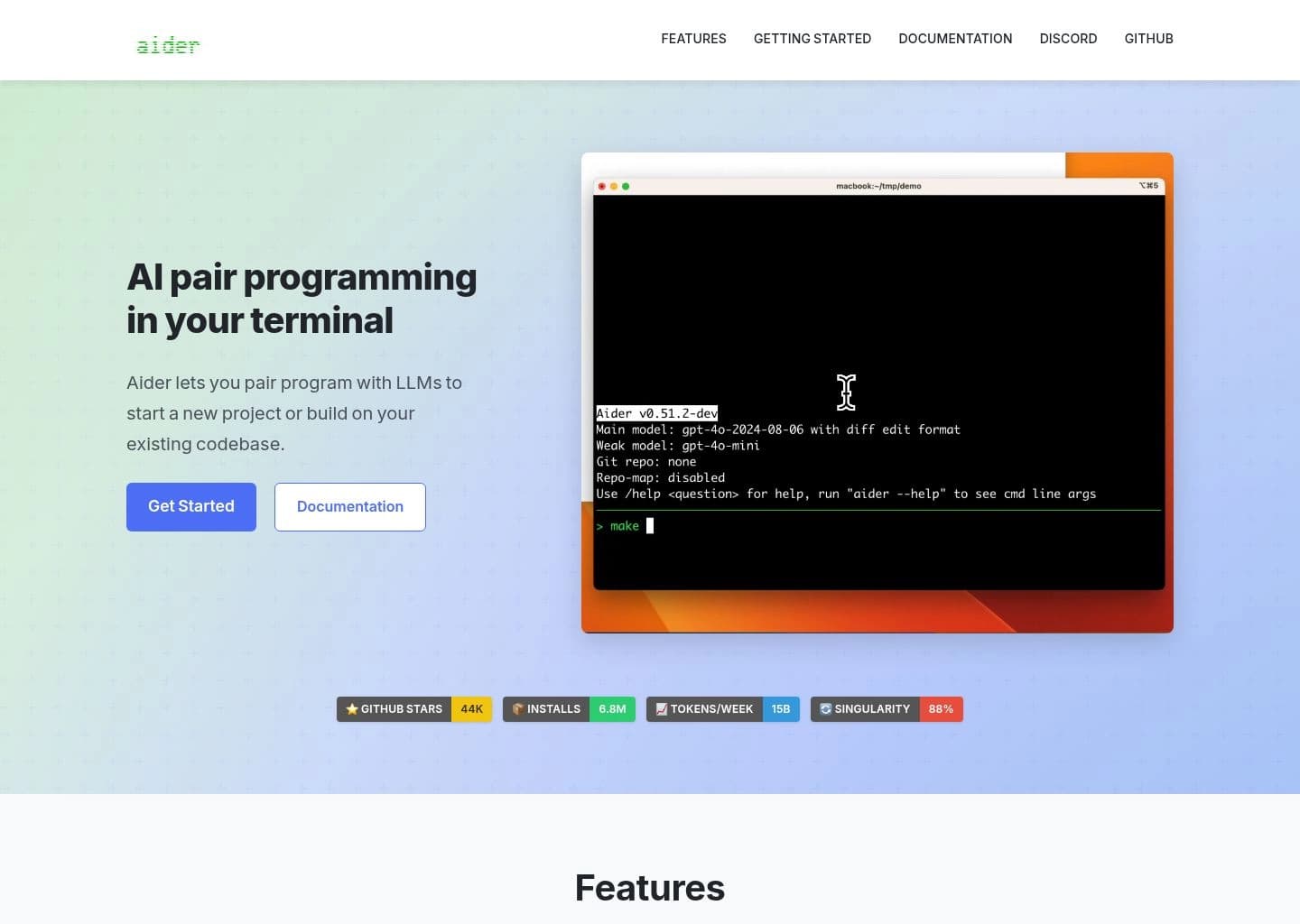
Aider focuses on "Free, open-source AI pair programming that lives in your terminal", providing an agile and dedicated approach compared to Augment Code.
Key Capabilities
- Terminal-based AI pair programming with natural language chat and code edits
- Repository mapping using tree-sitter and PageRank to surface relevant code context
- Automatic git commits with AI-generated, sensible commit messages for every change
- Support for 100+ programming languages including Python, JavaScript, Rust, Go, and Ruby
Pricing & Best Match
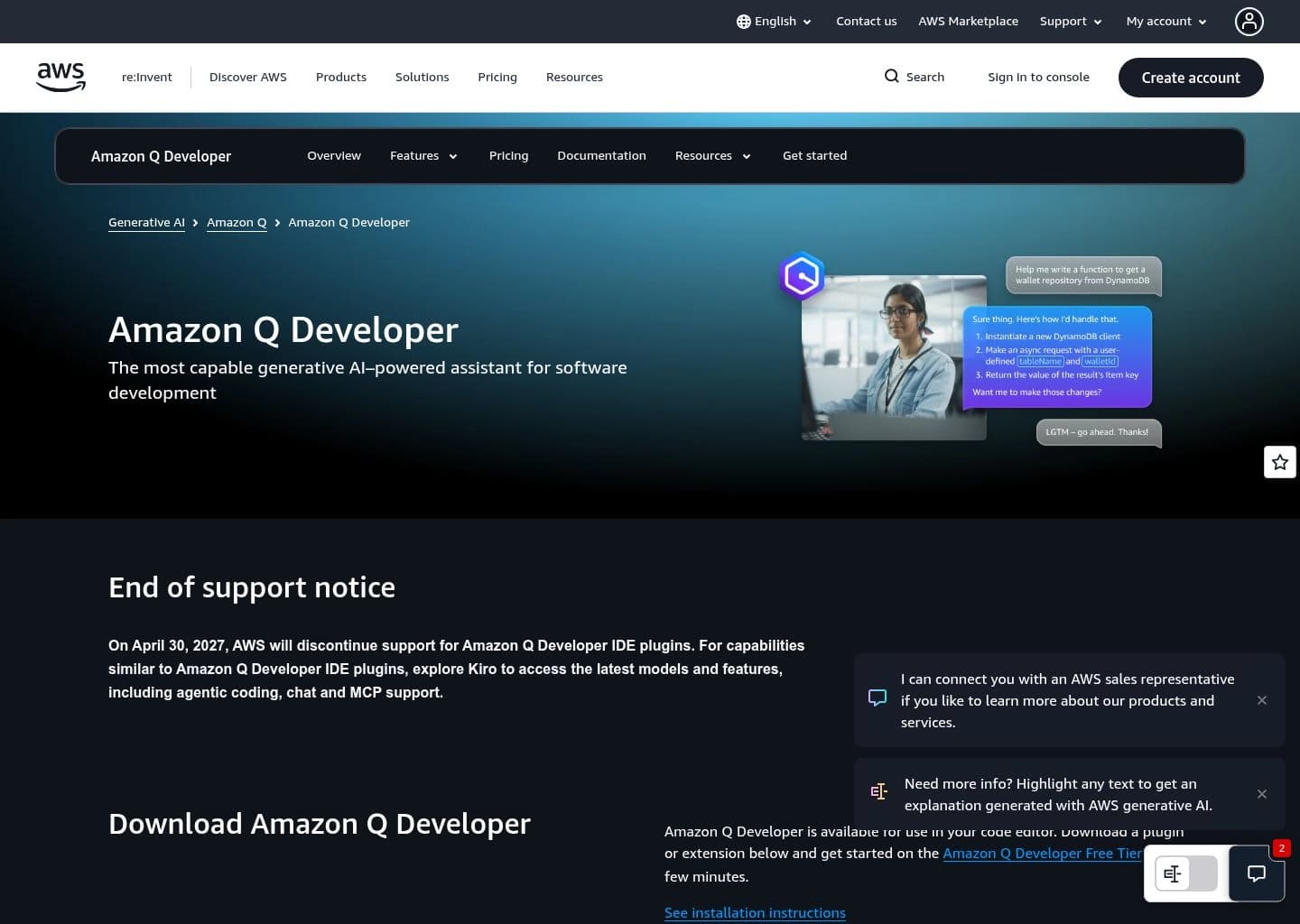
Amazon Q Developer focuses on "AWS's AI coding assistant — deprecated in favor of Kiro (EOS April 2027)", providing an agile and dedicated approach compared to Augment Code.
Key Capabilities
- Inline AI code completions in VS Code, JetBrains, Eclipse, and Visual Studio
- Chat-based assistant trained on AWS documentation and public open-source code
- Autonomous agents for multi-step tasks like feature implementation and refactoring
- Automated Java 8-to-17 and .NET Framework-to-.NET 8 code transformation
Pricing & Best Match
















Frequently Asked Questions
Aider is one of the top alternatives to Augment Code, offering strong feature parity and active development.
Know another alternative to Augment Code?
Help the community by submitting other similar tools you've used. Your contribution helps others make better decisions.