
Google’s AI filmmaking studio for generating, editing, and shaping cinematic videos with Veo
Gallery
6 items



About Google Flow
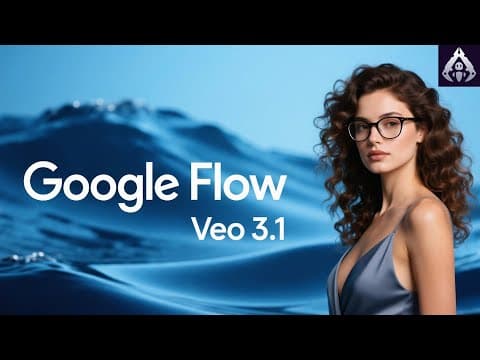
Google Flow was evaluated by our editorial lab for workflow efficiency and practical value. Google Flow is an AI creative studio from Google built for turning visual ideas into videos and shaping them into cohesive creative projects. It brings Google's generative models, including Veo, into a creator-focused workspace designed for filmmaking, concept development, and vi...

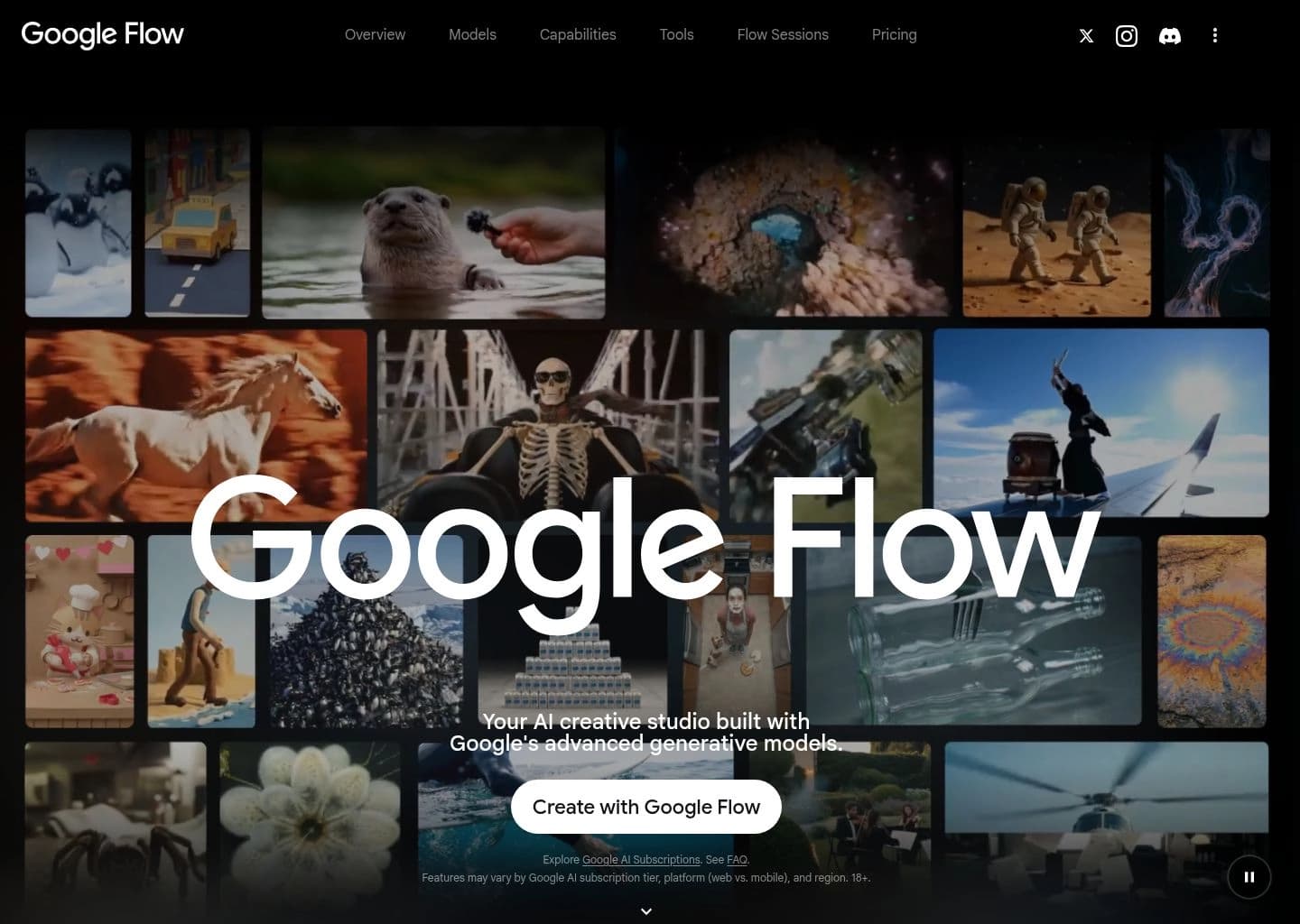
Google Flow is an AI creative studio from Google built for turning visual ideas into videos and shaping them into cohesive creative projects. It brings Google's generative models, including Veo, into a creator-focused workspace designed for filmmaking, concept development, and visual storytelling.
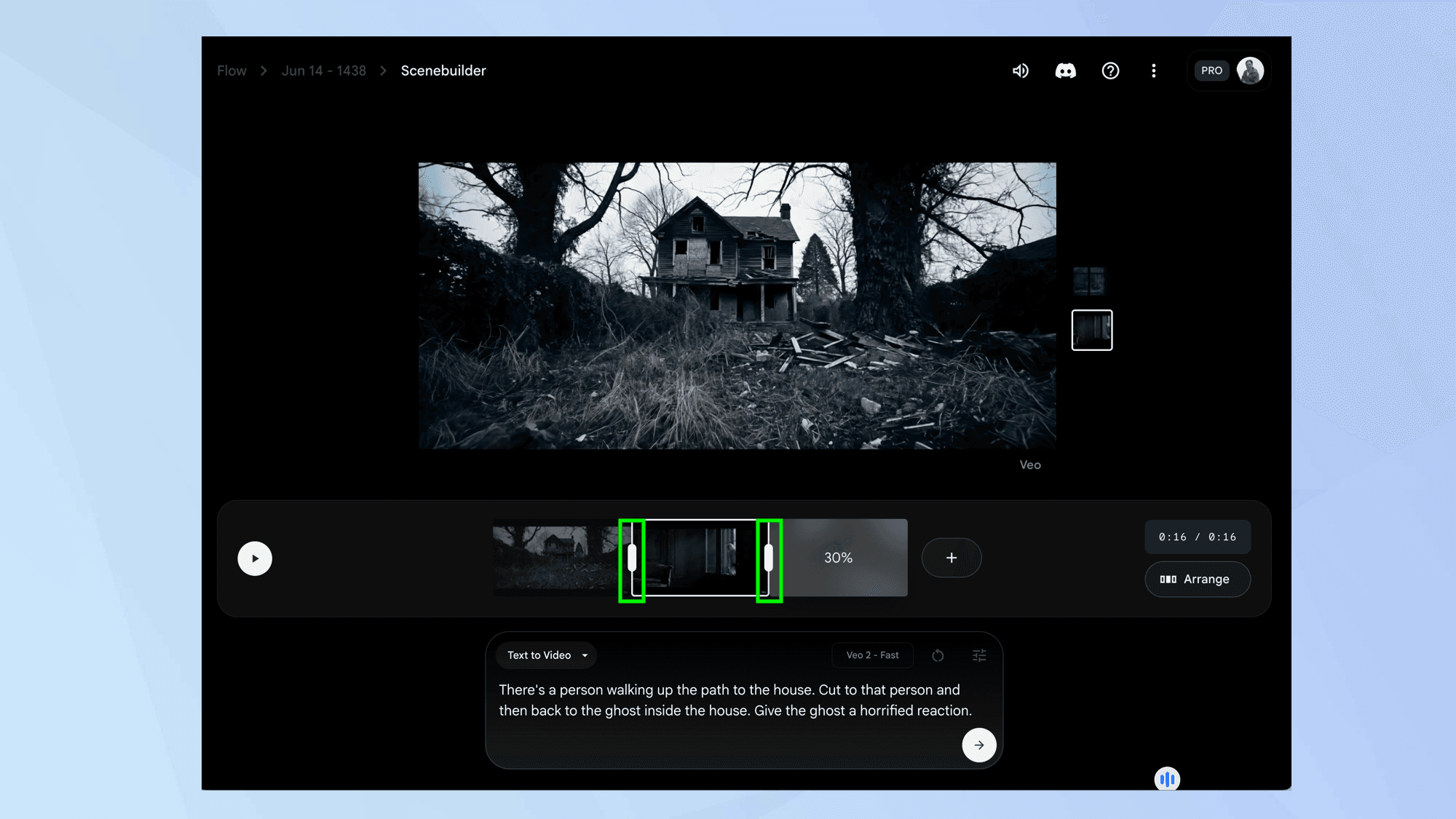
Creators can generate videos from text, frames, and reference ingredients, extend clips, edit video with natural-language instructions, and organize scenes with SceneBuilder. Flow also includes image generation and editing capabilities, creative tools, and an agent that helps plan and refine projects.
Google Flow is aimed at filmmakers, content creators, artists, and creative teams producing concept films, social videos, music videos, story-driven sequences, and visual prototypes. Availability and some capabilities vary by subscription tier, platform, and region.
Key Features
- Text-to-video generation with Google's Veo models
- Frames-to-video and reference-ingredient video generation
- Video extension and video-to-video editing
- SceneBuilder for arranging and developing video sequences
- Natural-language editing for iterative creative changes
- Image generation and precise image editing with Nano Banana models
- Creative agent for planning, exploring, and refining ideas
- Custom creative tools for effects, resizing, storyboards, and other workflows
Pros
- Combines video generation, editing, and scene organization in one creative workspace
- Access to Google's Veo models and native-audio video generation capabilities
- Free tier provides daily credits for trying core generation workflows
- Natural-language editing can reduce repetitive manual adjustments
- Custom tools extend the workspace for specialized creative tasks
Cons
- Credit consumption varies by model and generation type, making output costs less predictable
- Access, features, and subscription benefits vary by country, platform, and plan
- Generation results can require multiple iterations to achieve precise scene continuity
- Higher-resolution upscaling and larger credit allowances require paid subscriptions
Pricing & Plans
Google Flow offers a free tier with a Google Account and no Google AI subscription. The official pricing page lists 50 daily Flow credits, with access to text-to-video, frames-to-video, ingredients-to-video, video extension, video-to-video editing, SceneBuilder, and selected image/video models.
The official page currently lists Google AI Plus at $4.99/month with 200 monthly Flow credits, Google AI Pro at $19.99/month with 1,000 monthly credits, and Google AI Ultra at $99.99/month with 10,000 monthly credits. A higher Ultra tier is listed at $199.99/month with 25,000 monthly credits.
Paid tiers add higher generation allowances and features such as Flow Tools creation, 1080p or 4K upscaling, and additional access to the creative agent. Google notes that prices may vary by market, and generation credit costs vary by model and task; check the local plan page before purchasing.
Claim Verified Creator Badge
Are you the founder of Google Flow? Display this listing's verified badge on your website to show your customers that your product has been vetted and listed on AI Central Resources.
<a href="https://www.aicentralresources.com/tool/google-flow" target="_blank" rel="noopener">
  <img src="https://www.aicentralresources.com/badges/featured-badge-dark.svg" alt="Featured on AICentralResources" width="200" height="54" style="border: none;" />
</a>
* Place this HTML snippet in your website's footer, landing page, or press section. This creates a search-friendly backlink directly to your verification page.
Frequently Asked Questions
Yes. Google lists a free tier for users with a Google Account, including 50 daily Flow credits. Some creation tools and higher limits require a Google AI subscription.
The official Flow page currently highlights Veo 3.1 for video generation, Nano Banana for image generation and editing, and Gemini Omni for video creation and conversational editing.
Yes. Its listed workflows include text-to-video, frames-to-video, and ingredients-to-video, alongside video extension and video-to-video editing.
Google lists a free tier and Google AI subscriptions. The official page shows Plus at $4.99/month, Pro at $19.99/month, and Ultra tiers at $99.99 and $199.99/month in the displayed pricing; prices may vary by market.
Flow is designed for filmmakers, artists, and content creators who want to generate and refine visual stories, concept videos, music videos, and other creative projects.
Similar AI Tools to Google Flow
View all alternatives of Google Flow
Higgsfield AI
Cinematic AI video suite with multi-model diffusion and Soul ID character consistency

Kling AI
Next-generation AI creative studio for imaginative images and videos.

Runway
The complete AI creative toolkit for video, image, and audio generation.


Hailuo AI
MiniMax's AI video generator for cinematic text-to-video and image-to-video clips