

CodeGPT
The multi-model AI coding agent for VS Code and JetBrains, with bring-your-own-key support
Gallery
8 items






About CodeGPT
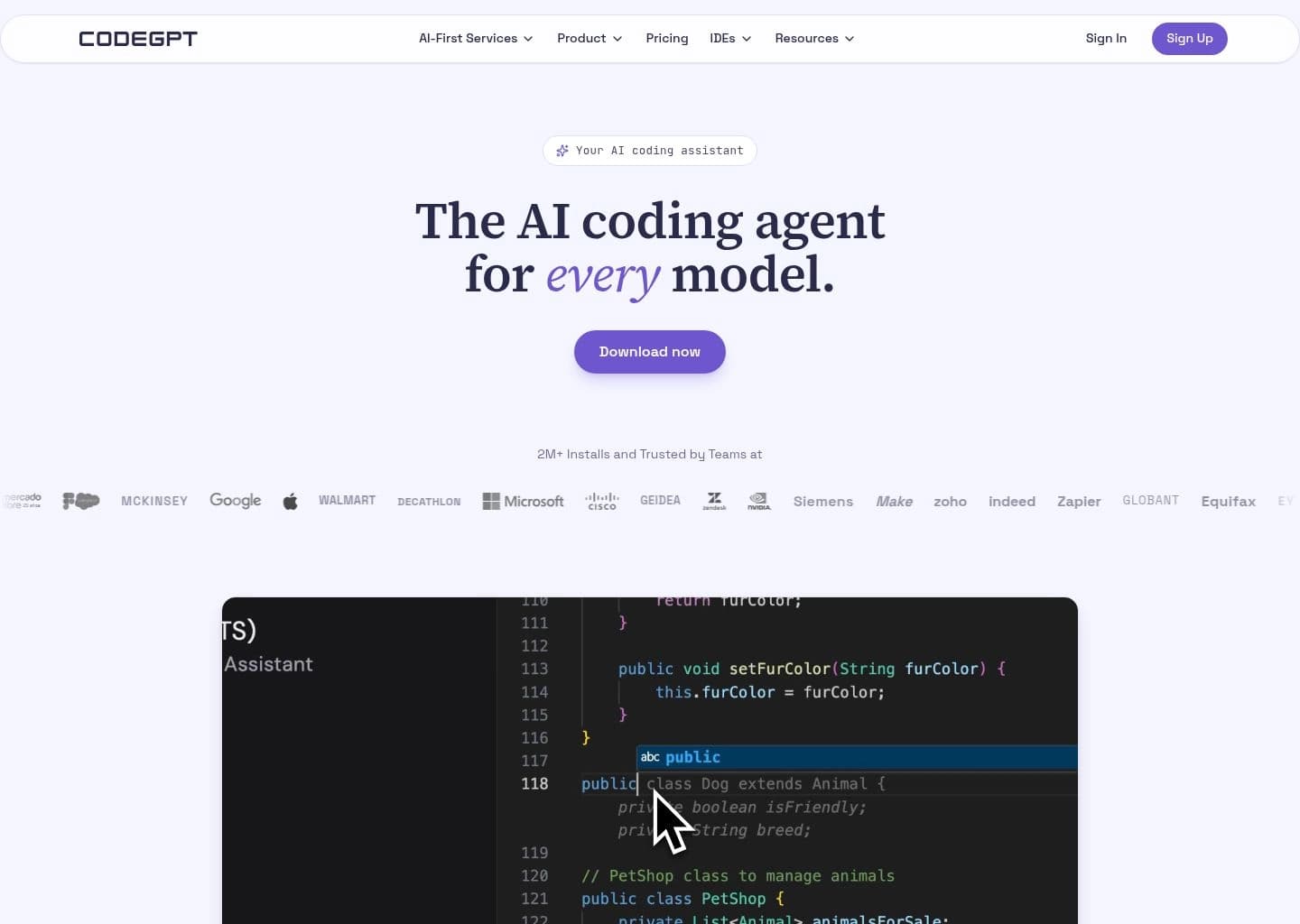
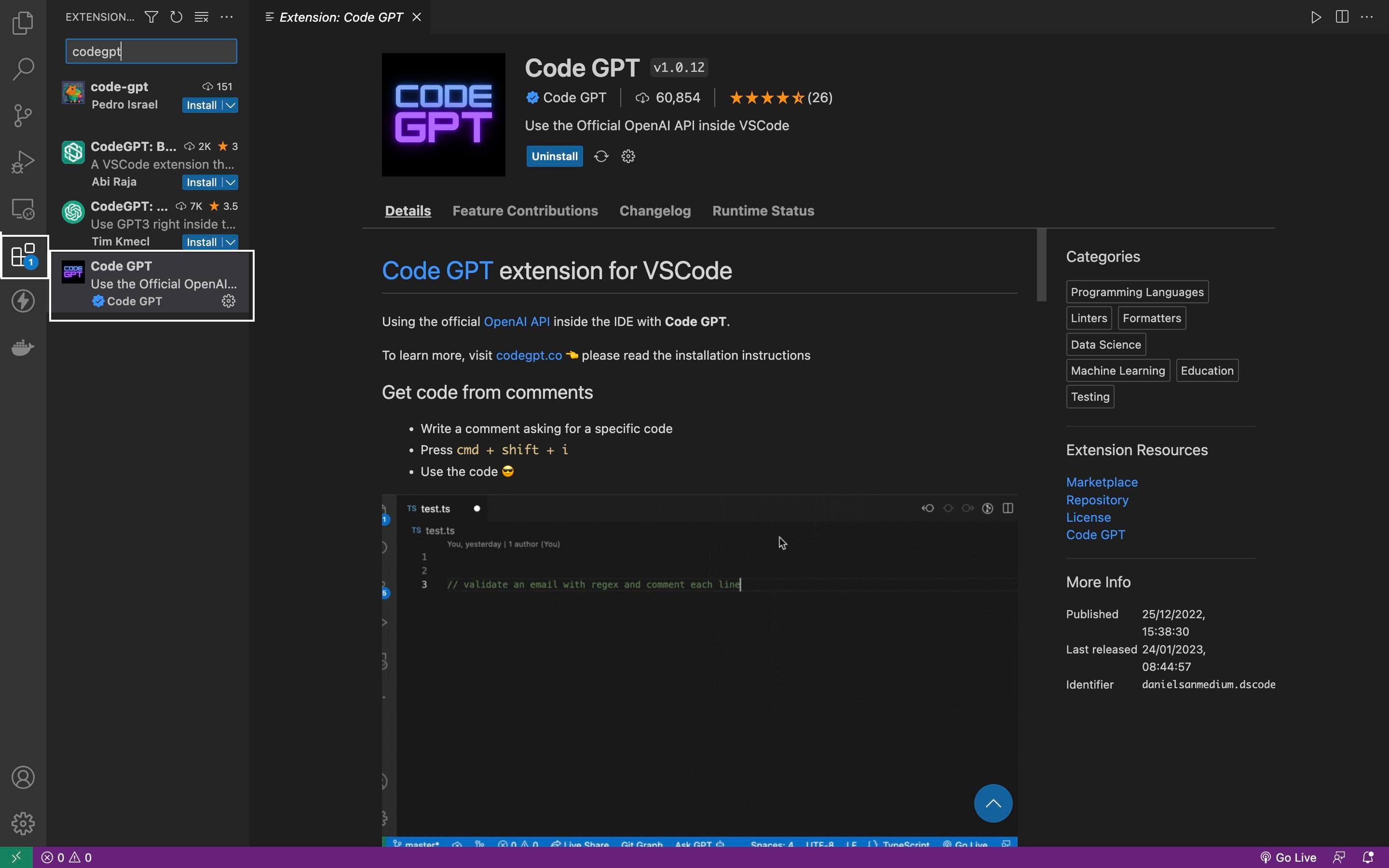
CodeGPT's main idea is model freedom inside the IDE. From the official site and public reviews, onboarding is a marketplace install followed by either signing in for credits or pasting your own API keys, and the agent then reads the codebase, proposes an editable plan and asks for approval before edits or terminal commands. I have not run a controlled test of it here, so these notes reflect the documented behavior and what reviewers report. The strengths are flexibility and a low entry price. It supports Claude, GPT, Gemini, Grok and local models through Ollama and LM Studio, the free plan allows unlimited use with your own keys, and Professional is $10 a month ($9 billed yearly). The limits are scale and focus. The free plan caps Economy-model use at 10 interactions a day, premium usage on the Professional plan runs against a monthly allowance, and the company's 2M+ installs claim counts installs rather than active users. It also sits in a crowded field against GitHub Copilot, Cline and Kilo Code, which have larger communities. It makes sense for developers who want one extension that works with several providers and who may already hold API keys. If you want the deepest autocomplete and ecosystem integration, GitHub Copilot is the safer default, and if you want an open-source agent, Cline or Kilo Code are worth comparing first.

CodeGPT is an AI coding assistant that runs as an extension in Visual Studio Code and as a plugin for JetBrains IDEs such as IntelliJ and PyCharm. Its pitch is a coding agent for every model: you can use Claude, GPT, Gemini, Grok, or open models through Ollama and LM Studio, either with your own API keys or with CodeGPT credits.
The agent reads your codebase, proposes an editable plan, and shows each step for approval before making changes. It also offers unlimited autocomplete on paid plans, MCP support to connect external APIs, docs and databases, project rules to enforce coding standards, live context-usage tracking, and terminal commands that need approval before they run. The company also markets AI services for businesses, such as voice conversations and customer-journey automation, separate from the developer tool.
It suits individual developers who want to mix and match models without a single-vendor subscription, and teams that want pooled credits and central billing. The site claims 2M+ installs, which counts installs rather than active users.
Key Features
- Coding agent for VS Code and JetBrains IDEs
- Works with Claude, GPT, Gemini, Grok and open models via Ollama and LM Studio
- Bring your own API key or use CodeGPT credits
- Reads the codebase and proposes an editable plan before coding
- Step-by-step approval before changes and terminal commands
- Unlimited autocomplete on paid plans
- MCP support for external APIs, docs and databases
- Project rules and live context-usage tracking
Pros
- Model-agnostic, so you are not locked into one vendor
- Unlimited use with your own API keys even on the free plan
- Low entry price at $10 per month for the Professional plan
- Approval steps give control over edits and terminal commands
- Available in both VS Code and JetBrains IDEs
Cons
- Free plan is limited to 10 daily interactions on Economy models
- Premium model usage is capped by a monthly allowance on the Professional plan
- The 2M+ installs figure counts installs, not active users
- Less widely adopted than GitHub Copilot or Cline in the open-source community
- Company also sells unrelated business AI services, which can blur the product focus
Pricing
CodeGPT has a free plan at $0 per month. It includes 10 daily interactions on Economy models, a $1.00 welcome credit for premium models, unlimited use with your own API keys, and the option to buy top-ups without a subscription.
The Professional plan is $10 per month, or $9 per month billed yearly ($108 per year). It adds unlimited Economy models, unlimited autocomplete, access to premium models such as Claude, GPT and Gemini, and a monthly allowance for premium tasks.
The Teams plan is $30 per user per month, or $27 per user per month billed yearly ($324 per seat per year). It adds pooled team credits, centralized billing and an admin dashboard with usage stats. Prices come from the official site and may change.
Claim Verified Creator Badge
Are you the founder of CodeGPT? Display this listing's verified badge on your website to show your customers that your product has been vetted and listed on AI Central Resources.
<a href="https://www.aicentralresources.com/tool/codegpt" target="_blank" rel="noopener">
  <img src="https://www.aicentralresources.com/badges/featured-badge-dark.svg" alt="Featured on AICentralResources" width="200" height="54" style="border: none;" />
</a>
* Place this HTML snippet in your website's footer, landing page, or press section. This creates a search-friendly backlink directly to your verification page.
Connect with CodeGPT
Frequently Asked Questions
CodeGPT is an AI coding agent that runs in VS Code and JetBrains IDEs and works with many models, including Claude, GPT, Gemini, Grok and local open models.
Yes, there is a free plan with 10 daily interactions on Economy models, a $1.00 welcome credit and unlimited use with your own API keys. Paid plans start at $10 per month.
Yes. You can bring your own keys for unlimited use, or use CodeGPT credits instead.
It supports Visual Studio Code and JetBrains IDEs such as IntelliJ and PyCharm.
The official site claims 2M+ installs. That counts installs, not active users, so treat it as a rough signal of reach.
Similar AI Tools to CodeGPT
View all alternatives of CodeGPT
GitHub Copilot
AI pair programmer for code completion, chat, and autonomous coding agents

Tabnine
The original AI code assistant — private, secure, and built for the enterprise


JetBrains AI Assistant
AI coding assistance built natively into every JetBrains IDE


Blackbox AI
High-trust AI coding platform — 300+ models, VS Code, CLI, enterprise inference