Basecamp
Project management and team collaboration, built for calm work.
Gallery
3 items

About Basecamp
In my testing of Basecamp's streamlined collaboration suite, its calm, all-in-one approach to message boards, to-dos, and automatic check-ins eliminated the chaotic notification fatigue of typical modern work tools. The flat-rate pricing model is refreshingly predictable. However, its AI integration is deliberately minimal compared to aggressive competitors like ClickUp, lacking autonomous task assignment or generative project drafting. Teams requiring granular Gantt dependencies or deep automated workflows will outgrow its simplicity.
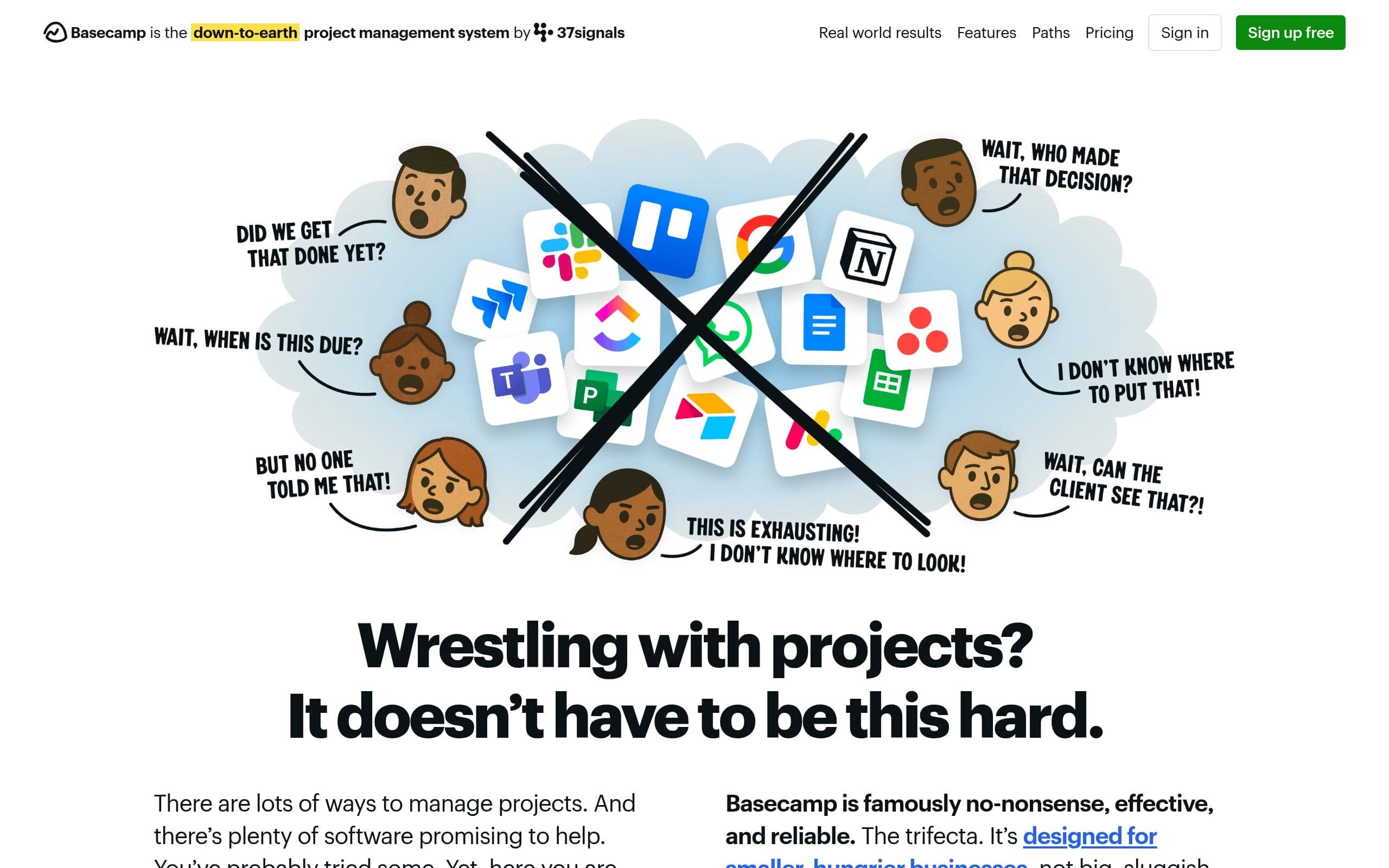
Basecamp is a famously straightforward project management and team collaboration platform designed to eliminate the digital chaos of scattered emails, multiple apps, and bloated software subscriptions. By consolidating essential workflows into a single interface, it provides teams with dedicated message boards, structured to-do lists, Kanban-style card tables, real-time chats, document storage, and automated check-ins. Built for predictable productivity, Basecamp replaces the need for disconnected tools like Slack, Asana, and Dropbox while enforcing clean accountability across internal departments and external clients.
The platform has evolved to embrace modern workflows, introducing robust support for AI agents through CLI access and official Model Context Protocol (MCP) connectors for tools like ChatGPT and Claude. Unlike competitors that bloat their interfaces with heavy AI automations, Basecamp keeps interactions grounded while allowing developers and teams to integrate generative AI assistants seamlessly into their tracking structures. Furthermore, Basecamp is backed by independent ownership, zero venture-capital debt, and rock-solid infrastructure boasting a historical 99.99% uptime record across self-hosted data centers.
Ideal for small-to-medium businesses, agencies, educational institutions, and remote distributed teams, Basecamp champions a calm approach to project tracking. Its flat-rate pricing models and per-tier user caps ensure predictable monthly budgeting without predatory per-user scaling penalties. Whether used for client onboarding, software development sprints, or internal corporate communications, Basecamp delivers an uncompromised, friction-free foundation for getting work done.
Key Features
- Message boards for internal announcements and structured discussions
- Task management using to-do lists and Kanban-style card tables
- Real-time team communication via group chats and direct pings
- Official MCP connectors and CLI access for AI agents like ChatGPT and Claude
- Secure file sharing, document storage, and asset management
- Client collaboration with granular, controlled permission access
- Scheduling tools for tracking deadlines, milestones, and events
- Progress tracking using automated check-ins and visual reports
Pros
- All-in-one platform eliminates the need for multiple subscriptions
- Predictable flat-rate pricing tiers with no per-user penalties
- Calm, intuitive interface that requires virtually zero onboarding time
- Built-in MCP connectors for seamless integration with modern AI assistants
- Exceptional historical 99.99% uptime and reliable customer support
- Controlled client access keeps external stakeholders informed securely
Cons
- Lower tiers have strict active project and user limits
- Lacks native advanced Gantt chart dependencies for complex engineering pipelines
- Minimal built-in generative AI features compared to heavier project management suites
- Interface language options are primarily English
Pricing & Plans
Free Plan: 1 project, 3 users max, 1 GB storage. Freelancer: $29/mo for up to 3 projects and 5 users. Pro: $79/mo for up to 8 projects and 10 users. Pro Plus: $99/mo for up to 12 projects and 15 users. Pro Unlimited: $199/mo billed annually ($329/mo monthly) for unlimited projects and users with 1 TB storage.
Claim Verified Creator Badge
Are you the founder of Basecamp? Display this listing's verified badge on your website to show your customers that your product has been vetted and listed on AI Central Resources.
<a href="https://www.aicentralresources.com/tool/basecamp" target="_blank" rel="noopener">
  <img src="https://www.aicentralresources.com/badges/featured-badge-dark.svg" alt="Featured on AICentralResources" width="200" height="54" style="border: none;" />
</a>
* Place this HTML snippet in your website's footer, landing page, or press section. This creates a search-friendly backlink directly to your verification page.
Connect with Basecamp
Frequently Asked Questions
Yes, Basecamp offers a free tier limited to 1 active project, up to 3 users, and 1 GB of storage space for personal use.
Basecamp uses tiered pricing rather than per-user fees. Packages range from the Freelancer plan ($29/mo) to the Pro Unlimited plan ($199/mo billed annually) which supports unlimited users and projects.
Yes, Basecamp provides official connectors and MCP (Model Context Protocol) support along with CLI access, allowing you to run and connect your own AI agents.
Yes, you can invite clients to specific projects with controlled access settings, ensuring they only view relevant files, discussions, and task lists.
No credit card is required to sign up for Basecamp's full-featured 30-day trial.
No. Basecamp does not charge per-user fees on its paid plans. Each tier includes a specified maximum user limit (or unlimited users on the Pro Unlimited plan).
Basecamp allows account administrators to export project data at any time in an accessible, browser-friendly format.
Similar AI Tools to Basecamp
View all alternatives of Basecamp
Asana
The OS for human-agent teams and cross-functional work management

ClickUp
The all-in-one AI work platform to maximize your team productivity

monday.com AI
The AI workspace for people and agents to automate workflows and scale operations.



Compared with Basecamp
Direct head-to-head feature matrices, pricing breakdowns, and real-world performance benchmarks