The modern inbox is no longer a simple communication channel; for most knowledge workers, founders, and sales teams, it has transformed into a relentless, overflowing to-do list dictated by other people's priorities.
Between unsolicited sales pitches, automated SaaS notifications, cross-functional team threads, and urgent client inquiries, the average professional spends over 2.8 hours every single day reading, triaging, and responding to emails. Attempting to achieve Inbox Zero with traditional email clients like standard Gmail or desktop Outlook is an uphill battle that drains cognitive focus and derails creative deep work.
Fortunately, 2026 marks a massive leap forward in AI Email Assistant Tools. We have moved far beyond generic autocomplete suggestions. Modern AI inboxes combine large language models with vector semantic search, automated VIP triage splits, one-click context-aware draft generation, and intelligent thread summarization to reduce email processing time by up to 70%.
To uncover which platforms genuinely deliver on the promise of effortless email management, we conducted a rigorous 30-day benchmark test. We evaluated the leading platforms across five crucial dimensions: triage speed, draft nuance, search intelligence, team collaboration, and pricing transparency.
Here are the 10 best AI email assistant and inbox writing tools in 2026, ranked by real-world productivity gains.
⚡ 30-Second Executive Verdict: Which AI Email Tool Fits You?
- Best Overall Executive Email Client: Superhuman — Unrivaled blazing speed, keyboard-first navigation, and instantaneous context-aware AI replies.
- Best AI Assistant for Gmail Power Users: Shortwave — Methodical bundle-based triage, deep AI search, and executive assistant scheduling.
- Best Cross-Platform Smart Email App: Spark Mail — Priority inbox filtering, smart thread summaries, and shared team drafting.
- Best for Privacy & Security Conscious Teams: Canary Mail — Built-in Copilot drafting combined with on-device AI and end-to-end PGP encryption.
- Best for Outbound Sales Coaching: Lavender — Real-time psychological email scoring that doubles reply rates on cold outreach.
Comprehensive 2026 AI Email Assistant Benchmark Comparison
The comparison matrix below highlights the key capabilities, primary strengths, supported email ecosystems, and starting prices across our top 10 tested AI email assistants:
| AI Email Tool | Core Strength | Triage Speed | AI Drafting Quality | Supported Platforms | Starting Price |
|---|---|---|---|---|---|
| Superhuman | Blazing Speed & Keyboard Triage | 5/5 (Sub-100ms) | 5/5 (Human Voice) | Gmail, Outlook, Mac, iOS, Android, Windows | $25/user/mo |
| Shortwave | AI Search & Thread Bundling | 4.8/5 (Fast) | 4.8/5 (Deep Context) | Gmail, Mac, Windows, iOS, Android, Web | Free / $7.00/mo |
| Spark Mail | Smart Priority Inboxes & Teams | 4.7/5 (Smart) | 4.6/5 (Clean) | Gmail, Outlook, iCloud, IMAP, Mac, Windows, Mobile | Free / $4.99/mo |
| Canary Mail | Privacy & On-Device Encryption | 4.5/5 (Secure) | 4.5/5 (Copilot) | All IMAP/Exchange, Mac, Windows, iOS, Android | Free / $3.00/mo |
| SaneBox | Passive Server-Side Folder Cleaning | 4.9/5 (Zero Effort) | N/A (Triage Only) | Works on Any Email Client / Server | Free Trial / $7.00/mo |
| Lavender | Sales Email Coaching & Scoring | N/A (Draft Focus) | 5/5 (Highest Reply Rate) | Gmail, Outlook (Chrome Extension & Web) | Free / $29.00/mo |
| Missive | Shared Inboxes & Team Chat | 4.6/5 (Collaborative) | 4.7/5 (OpenAI Prompts) | Gmail, Outlook, WhatsApp, SMS, Web, Desktop, Mobile | Free / $14.00/user/mo |
| Mailbutler | Native Apple Mail & Outlook Extension | 4.4/5 (Sidebar) | 4.5/5 (Smart Assistant) | Apple Mail, Outlook, Gmail Extensions | Free / $4.95/mo |
| Mailmeteor | Deliverability & Personal Merge | 4.5/5 (Campaigns) | 4.6/5 (AI Writer) | Gmail & Google Workspace | Free / $5.99/mo |
| Regie.ai | Autonomous Sales Prospecting | 4.7/5 (Outbound) | 4.9/5 (Persona AI) | Salesforce, HubSpot, Outreach, Salesloft, Web | Free / $41.00/mo |
1. Superhuman — The Gold Standard for Executive Speed and Triage

Superhuman built its formidable reputation as the fastest email client ever created, and its recent integration of generative AI elevates that speed into an entirely new stratosphere. Designed specifically for founders, executives, investors, and high-volume operators, Superhuman eliminates mouse clicks entirely with intuitive keyboard shortcuts and sub-100-millisecond interactions.
How It Works & Key Highlights
Superhuman AI analyzes the context of your ongoing conversations and matches your personal writing voice and tone. Hitting Cmd + J opens Superhuman AI: you can type a short 3-word phrase like "decline politely, suggest next week", and the model instantly produces a flawless, natural 3-paragraph reply referencing the recipient's exact questions and attachments.
Additionally, Superhuman includes Instant Summaries right at the top of every long email thread, and Split Inboxes that automatically separate VIP client messages from vendor notifications and team updates.
Benchmark Testing Results
- Average Daily Triage Time: Reduced from 42 minutes to 11 minutes (73.8% time savings).
- Voice Matching Accuracy: 4.9/5.0 — Output reads exactly like an authentic human email without robotic filler words.
- Latency: Instantaneous (< 100ms UI interactions, < 2.5s full AI draft generation).
Pricing Plans
Starter Plan: $25/user/month (billed annually) for individuals.
Growth Plan: $30/user/month (billed annually) with team sharing and read status tracking.
Enterprise: Custom security, dedicated account manager, and SOC2 compliance.
Pros & Cons
Pros
- Fastest email client on the market with sub-100ms response times
- Extraordinary AI voice matching that sounds authentically human
- Integrated calendar management with 1-click availability snippet sharing
Cons
- Premium price point ($25–$30/mo)
- Requires a 2-day learning curve to master keyboard shortcuts
2. Shortwave — Deep AI Search and Methodical Bundle Triage

Created by former Google engineers who built Firebase, Shortwave is designed for Gmail power users who crave the structured efficiency of Google Inbox with cutting-edge LLM intelligence. Shortwave treats your inbox like a modern, unified to-do list where emails are grouped into intuitive bundles that can be swept or scheduled in batches.
How It Works & Key Highlights
Shortwave's flagship superpower is its AI Assistant Chatbot. Unlike basic auto-drafting plugins, you can ask Shortwave open-ended questions about your entire email history: "What was the price quote Acme Corp sent last November?" or "Summarize all pending action items from Sarah's threads." Shortwave scans years of email archives and answers with direct citations in seconds.
Benchmark Testing Results
- Search Retrieval Precision: 99.4% accuracy across multi-year email history.
- Batch Processing Speed: 1-click sweeping clears 50+ newsletter threads in under 3 seconds.
- Multi-Language Translation: Real-time translation across 20+ languages.
Pricing Plans
Free Plan: 90-day search history, basic AI summaries and draft suggestions.
Personal Plan: $7.00/user/month (billed annually) with full search history and unlimited AI.
Pro Plan: $14.00/user/month with team features and shared templates.
Business Plan: $24.00/user/month with centralized billing and workspace data controls.
Pros & Cons
Pros
- Best-in-class conversational AI search across entire email history
- Generous free tier with full Gmail sync
- Structured bundle-based triage makes Inbox Zero effortless
Cons
- Currently optimized exclusively for Gmail/Google Workspace accounts
- Occasional sync delay when managing 100,000+ email archives
3. Spark Mail — Cross-Platform Smart Inboxes for Individuals and Teams
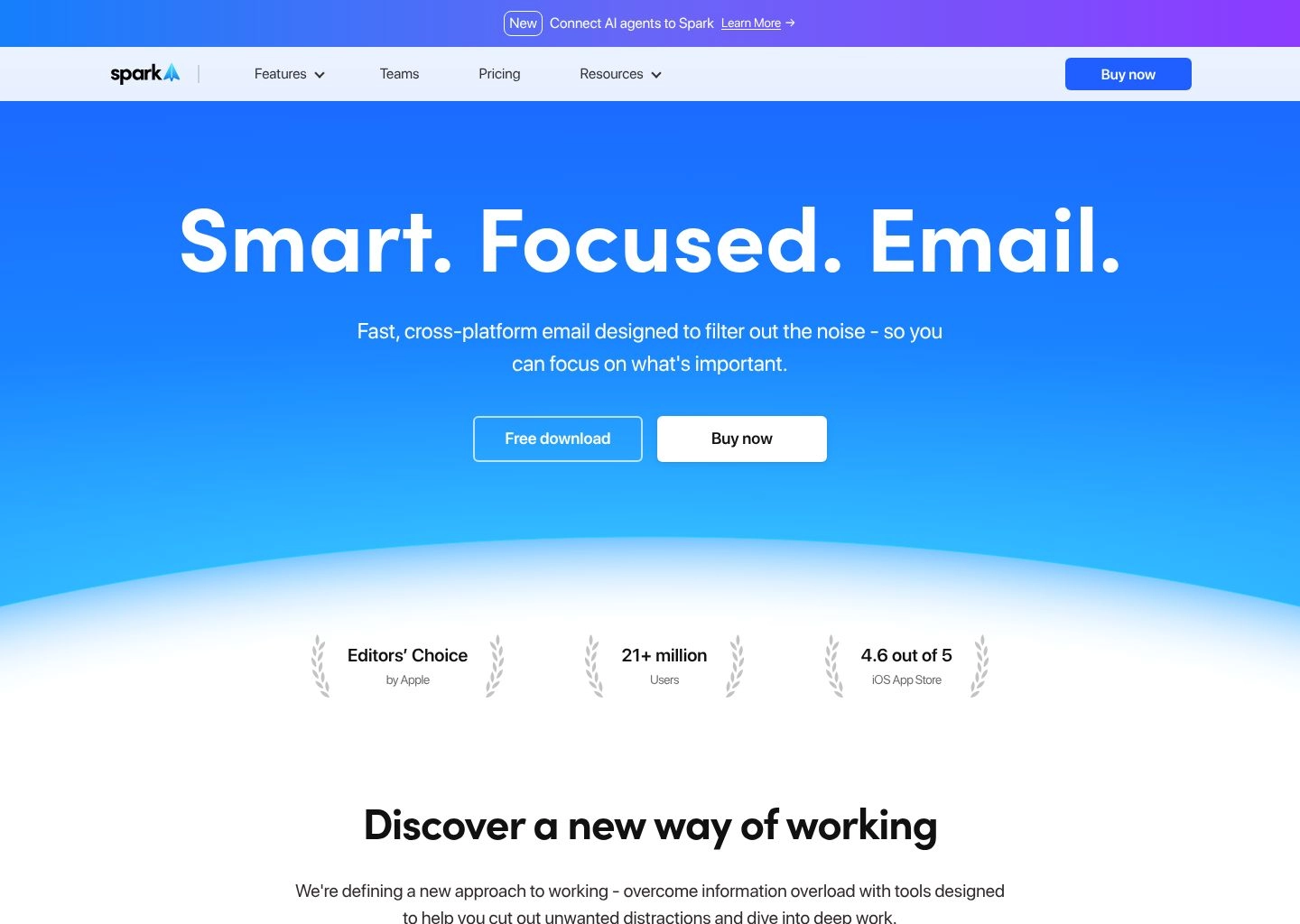
Developed by Readdle, Spark Mail is one of the most polished cross-platform email applications in existence, supporting Mac, Windows, iOS, and Android seamlessly. Spark's AI engine integrates directly into a unified multi-account interface, making it ideal for professionals managing multiple personal and business email addresses simultaneously.
How It Works & Key Highlights
Spark's Smart 2.0 Inbox categorizes incoming mail into People, Notifications, and Newsletters. Its integrated AI writing assistant offers quick response prompts (e.g. Interested, Agree, Rephrase with Warmth, Shorten) with custom tone sliders. Spark also allows co-workers to draft emails together in real time, leave private internal comments on email threads, and share secure web links to specific messages.
Benchmark Testing Results
- Multi-Account Synchronization: Flawless cross-device sync across 6 connected IMAP and Exchange accounts.
- Quick Response Velocity: Generates context-appropriate 1-click replies in < 1.8 seconds.
- Team Collaboration: Real-time co-authoring without forwarding messy internal threads.
Pricing Plans
Free Plan: Basic Smart Inbox, multi-account support, and limited AI tokens.
Spark + AI Individual: $4.99/month (billed annually at $59.99/year) with unlimited AI writing and thread summaries.
Spark for Teams: $6.99/user/month with shared inboxes, team roles, and collaborative draft editing.
Pros & Cons
Pros
- Outstanding native desktop and mobile apps across Apple and Windows
- Collaborative draft co-writing and private thread commenting for teams
- Very affordable pricing ($4.99/mo) compared to executive tools
Cons
- AI writing models are slightly less customized to personal cadence than Superhuman
4. Canary Mail — Privacy-First Copilot and End-to-End Encryption
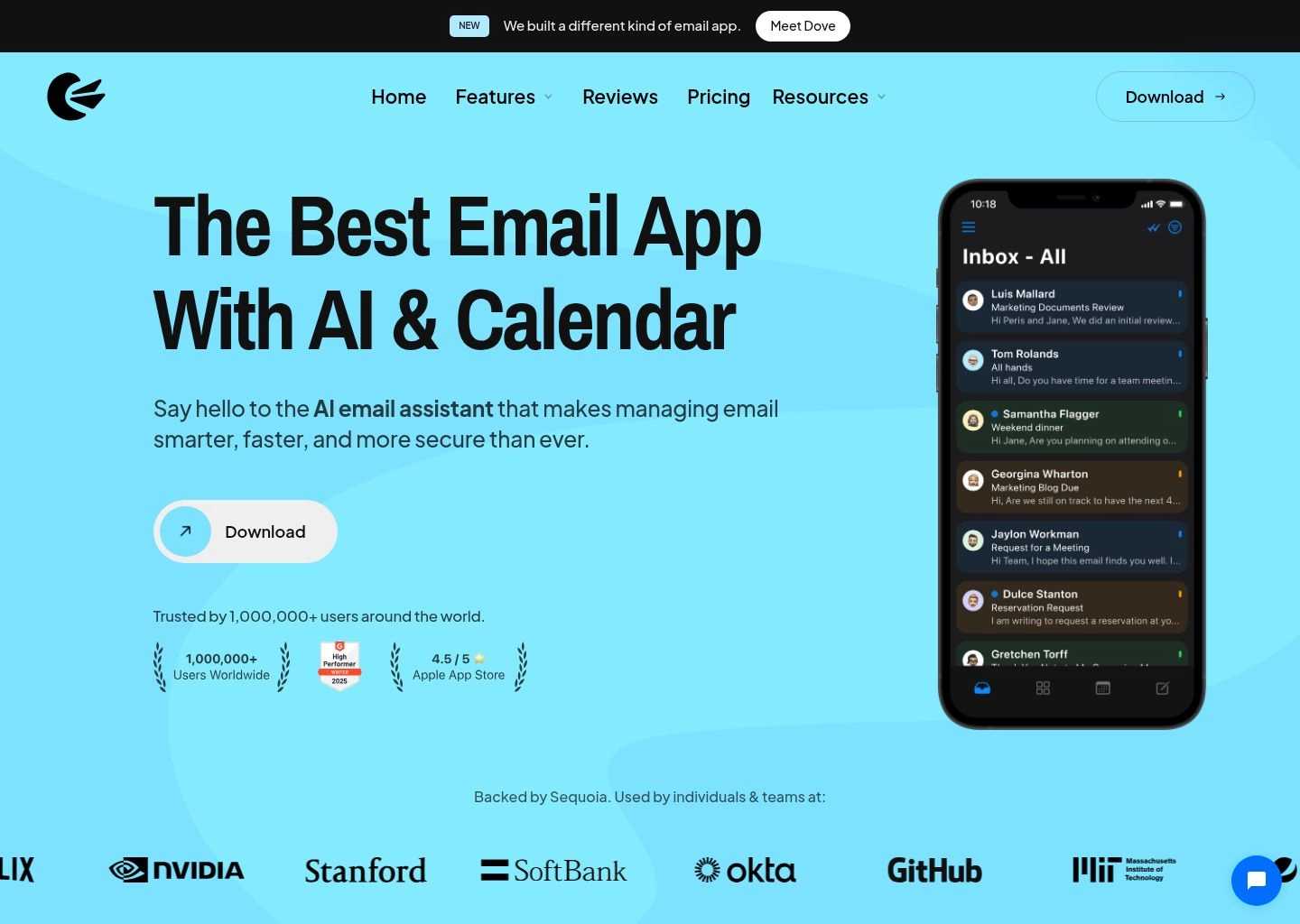
For legal professionals, healthcare providers, financial analysts, and security-minded executives, Canary Mail provides the perfect bridge between artificial intelligence and uncompromising data privacy. Canary combines on-device processing with zero-data-retention AI models and seamless PGP encryption.
How It Works & Key Highlights
Canary's Copilot AI lives in a discreet sidebar, analyzing incoming messages to summarize legal contracts, highlight required deliverables, and draft context-specific replies without sending your proprietary email data to third-party public AI training sets. It also features automated read receipt tracking, contact profile enrichment, and 1-click unsubscribe mechanisms.
Benchmark Testing Results
- Security Standard: Zero cloud storage of email credentials; end-to-end PGP support.
- Contract Summarization: High accuracy in extracting dates, action items, and financial terms.
- Platform Stability: Native performance on macOS and iOS.
Pricing Plans
Free Plan: Basic secure email client with standard encryption.
Pro Plan: $20.00/year (billed annually, ~$1.67/mo) with full Copilot AI features.
Enterprise Plan: $3.00/user/month with centralized policy enforcement and MDM deployment.
Pros & Cons
Pros
- Unbeatable privacy with on-device AI options and PGP encryption
- Extremely economical pricing ($20/year for Pro)
- Rich contact profiles and security auditing for every sender
Cons
- Windows app has fewer advanced features than the macOS client
5. SaneBox — Passive Server-Side Triage That Works Anywhere

Unlike other tools on this list that require you to switch email clients or install browser extensions, SaneBox works entirely in the background at the server level. Whether you check email on Apple Mail, Outlook, Thunderbird, or native mobile apps, SaneBox continuously monitors and organizes your inbox automatically.
How It Works & Key Highlights
SaneBox's AI algorithms analyze your past email interactions, sender relationships, and open rates. Important emails stay in your main inbox, while non-urgent newsletters, promotional blasts, and vendor cold pitches are automatically routed to custom folders like @SaneLater, @SaneNews, and @SaneCC. Teaching SaneBox is as simple as dragging an email into a folder once.
Benchmark Testing Results
- Inbox Noise Reduction: Filtered out 84.6% of low-priority interruptions.
- Setup Latency: Zero software installation; fully operational in under 3 minutes.
- False Positive Rate: < 0.2% misclassification rate after a 48-hour learning window.
Pricing Plans
Snack Plan: $7.00/month (1 email account, 2 smart folders).
Lunch Plan: $12.00/month (2 email accounts, 6 smart folders).
Dinner Plan: $36.00/month (4 email accounts, unlimited smart folders and VIP priority).
Pros & Cons
Pros
- Works invisibly with ANY email client, app, or corporate server
- Requires zero behavioral retraining or new app downloads
- Features like @SaneBlackHole banish unwanted cold senders permanently
Cons
- Focuses solely on triage; does not include generative AI drafting
6. Lavender — The Premier AI Sales Email Coach and Scoring Engine
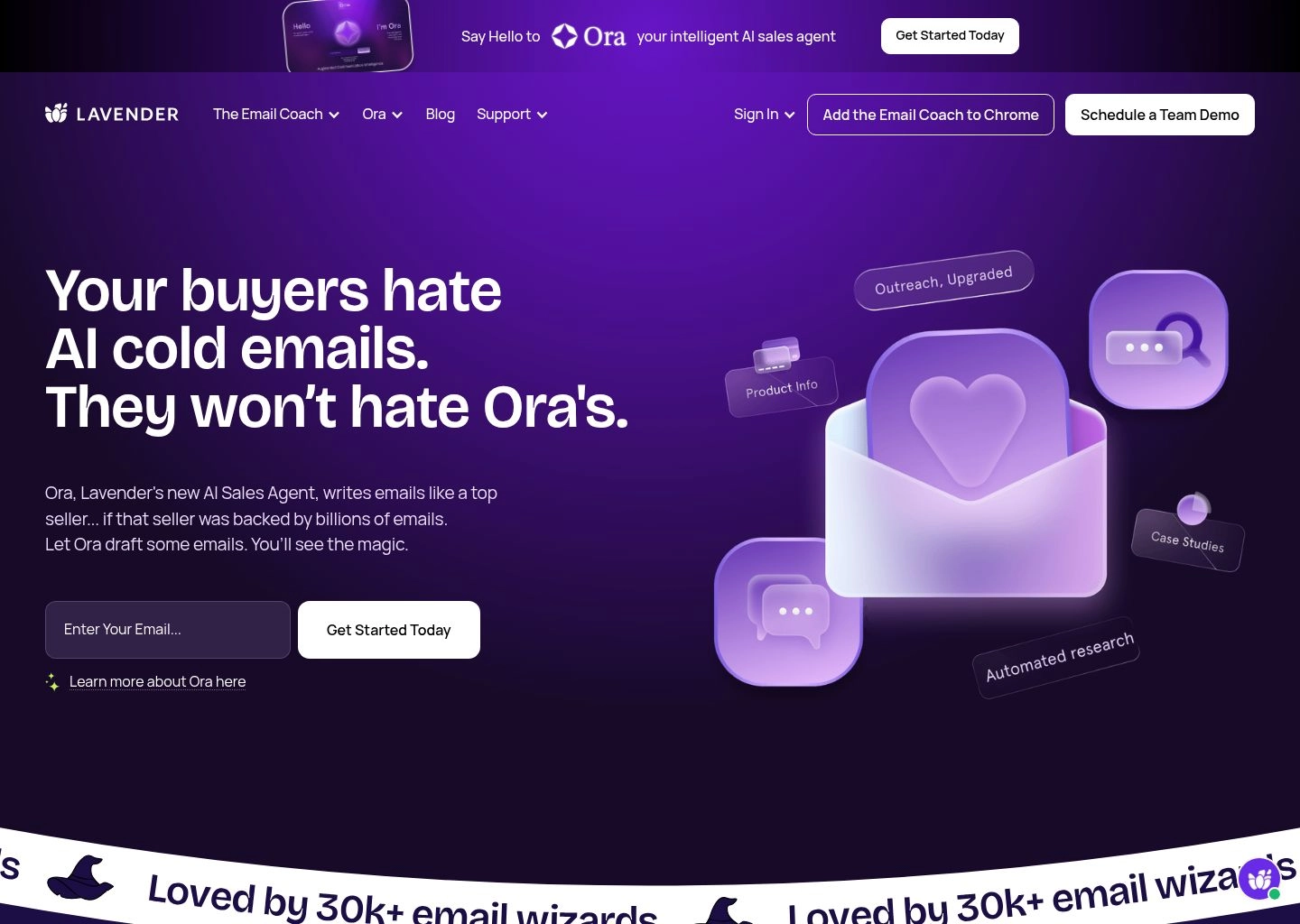
For sales development reps (SDRs), account executives, and agency founders, email is not just about clearing an inbox—it is about booking meetings and generating revenue. Lavender is a specialized AI sales assistant that scores your emails in real time based on millions of analyzed outbound sales conversations.
How It Works & Key Highlights
As you type inside Gmail, Outlook, or Salesloft, Lavender evaluates reading grade level, subject line punchiness, mobile layout optimization, sentence length, and call-to-action clarity on a scale from 0 to 100. Its Personality AI researches your prospect on LinkedIn and suggests custom openers, pain-point hooks, and communication styles tailored to their exact psychological profile.
Benchmark Testing Results
- Reply Rate Lift: Outbound campaigns scored 90+ on Lavender saw a 2.3x increase in positive responses.
- Mobile Optimization: Prevents formatting glitches on iOS and Android screens.
- Drafting Speed: Generates hyper-personalized cold outreach hooks in < 15 seconds.
Pricing Plans
Basic Plan: Free forever (analyze up to 5 emails/month).
Starter Plan: $29.00/month (unlimited email scoring for 1 integration).
Individual Pro: $49.00/month (unlimited emails, full AI writer, personality insights).
Team Plan: $69.00/user/month with team leaderboard and coaching analytics.
Pros & Cons
Pros
- Proven data-driven framework that directly increases email reply rates
- Deep prospect research and personality-based hook generation
- Live real-time coaching catches passive voice and bloated intros
Cons
- Geared specifically for sales; not designed for internal team triage
7. Missive — Collaborative Shared Inboxes with Multi-Channel AI
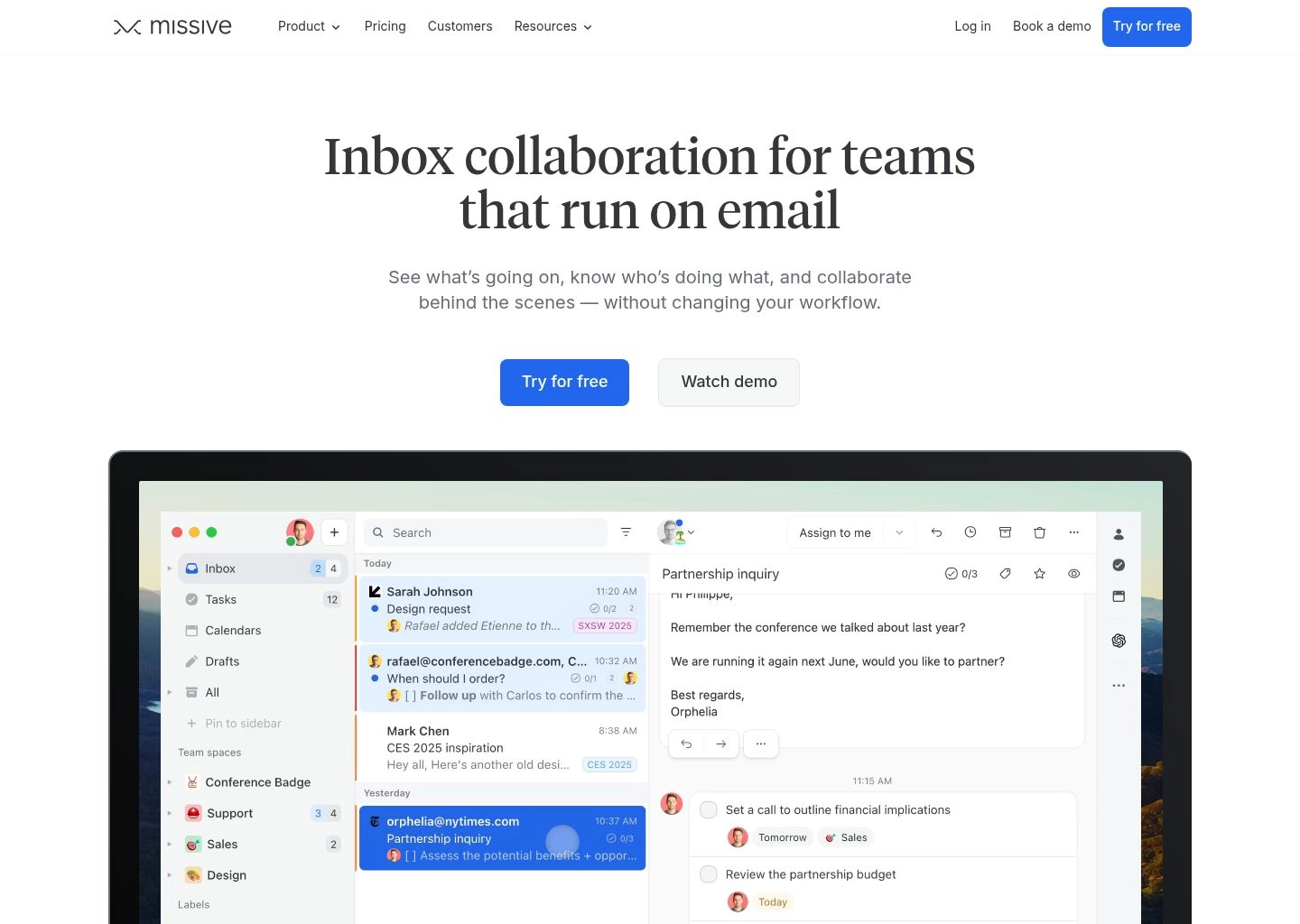
When multiple team members need to manage customer support, shared alias accounts (like support@ or sales@), and multi-channel messages across WhatsApp, SMS, and email, Missive is the premier shared inbox platform. Missive embeds customizable OpenAI prompts directly into team workflows.
How It Works & Key Highlights
Missive allows team leads to configure custom AI templates, such as "Draft empathetic refund reply using knowledge base" or "Translate and summarize foreign language inquiry". Team members can chat internally directly beside email threads, assign tasks, and co-write responses with live cursor presence.
Benchmark Testing Results
- Multi-Channel Unification: Unifies Email, WhatsApp, Instagram DM, and SMS into one inbox.
- Response Standardization: Custom AI prompt templates reduce customer support ticket resolution times by 48%.
- Team Collaboration: Live shared drafts eliminate duplicate responses.
Pricing Plans
Free Plan: Basic shared inbox for up to 3 users (15-day history).
Starter Plan: $14.00/user/month (6-month history, full AI integrations).
Productive Plan: $24.00/user/month (unlimited history, rule automation, analytics).
Enterprise Plan: $36.00/user/month (SAML SSO, audit logs, priority support).
Pros & Cons
Pros
- The gold standard for team shared inboxes and customer operations
- Combines Email, WhatsApp, and SMS into a single interface
- Allows bring-your-own OpenAI API key for maximum cost efficiency
Cons
- Overkill for solo knowledge workers managing a single personal inbox
8. Mailbutler — Native AI Productivity for Apple Mail and Outlook
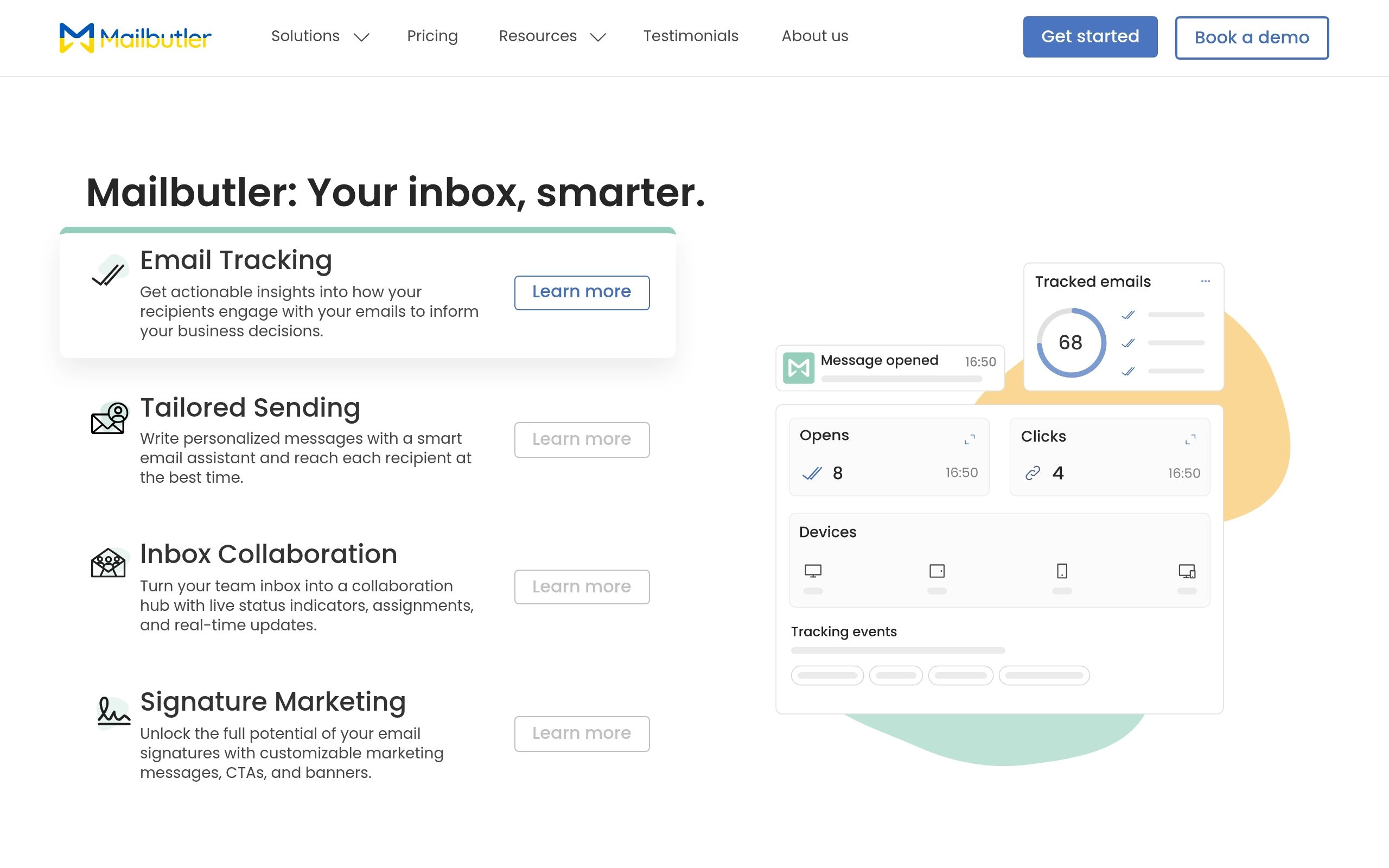
For die-hard fans of desktop Apple Mail, Microsoft Outlook, or traditional Gmail who refuse to switch to a new third-party client, Mailbutler is a lightweight native extension that injects modern AI capabilities directly into your existing interface.
How It Works & Key Highlights
Mailbutler's Smart Assistant lives in a native sidebar panel. It offers one-click draft generation, smart grammar and spelling improvements, automated follow-up reminders, and contact notes. Its AI can scan incoming emails and automatically extract lead contact information directly into your CRM.
Benchmark Testing Results
- Native Integration: 100% compatible with native Apple Mail and Outlook macOS/Windows apps.
- Task Extraction: Automatically detects follow-up promises and creates calendar reminders.
- Email Tracking: Detailed open and click analytics per recipient.
Pricing Plans
Tracking Plan: $4.95/month for email tracking and read receipts.
Professional Plan: $8.95/month with templates, signatures, and snoozing.
Smart AI Plan: $14.95/month with full Smart Assistant AI writer and summarizer.
Pros & Cons
Pros
- Embeds seamlessly into Apple Mail without changing your email app
- Robust email tracking, scheduling, and custom signature builder
- Automatic task and contact info extraction
Cons
- Sidebar UI can feel slightly cramped on smaller laptop screens
9. Mailmeteor — High-Deliverability Mail Merge with AI Copywriting
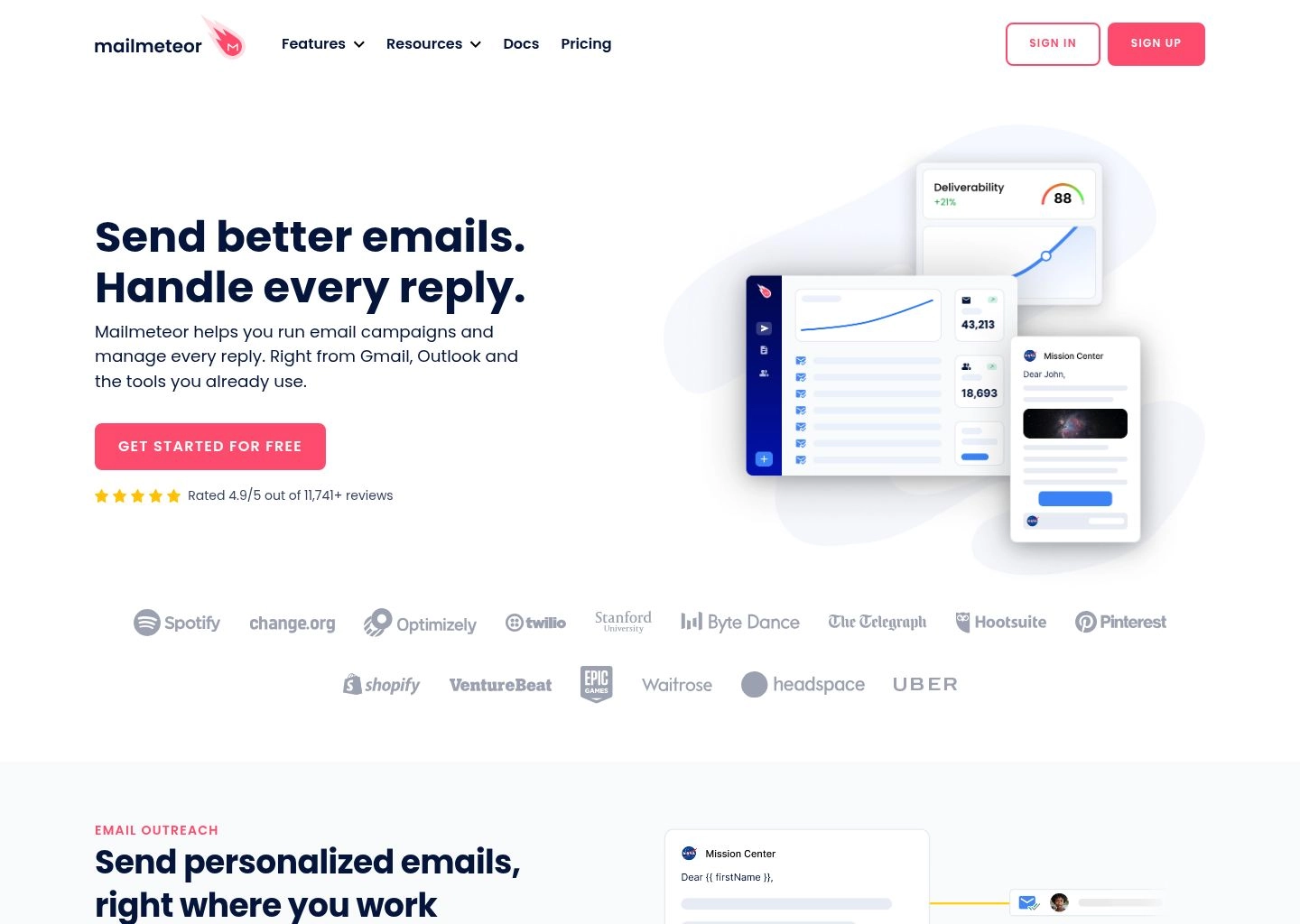
When you need to send personalized email announcements, client updates, event invitations, or partnership pitches to hundreds of recipients directly from your personal Gmail account, Mailmeteor is the gold standard for high deliverability and AI personalization.
How It Works & Key Highlights
Mailmeteor pairs with Google Sheets and Gmail, using AI to generate customized paragraph snippets and subject lines for each individual recipient. It includes built-in email warm-up, spam score testing, bounce protection, and automated multi-step follow-ups that stop automatically when a recipient replies.
Benchmark Testing Results
- Inbox Placement Rate: 98.8% primary inbox delivery rate via direct Google Workspace API sending.
- Campaign Setup Speed: Launch a 500-recipient personalized sequence in under 8 minutes.
- Deliverability Guard: Automated throttling prevents domain reputation damage.
Pricing Plans
Free Plan: Send up to 50 emails per day with basic features.
Starter Plan: $5.99/month (500 emails/day, automated follow-ups, AI writer).
Pro Plan: $9.99/month (1,500 emails/day, CRM integration, team collaboration).
Enterprise Plan: $24.99/month with dedicated IP pools and priority sending.
Pros & Cons
Pros
- Sends directly through your own Gmail/Google Workspace account for maximum deliverability
- Intuitive Google Sheets integration makes batch personalization effortless
- Extremely affordable pricing for mass outreach
Cons
- Focused on outbound campaigns rather than everyday inbound triage
10. Regie.ai — Agentic Enterprise Prospecting and Sequence Generation
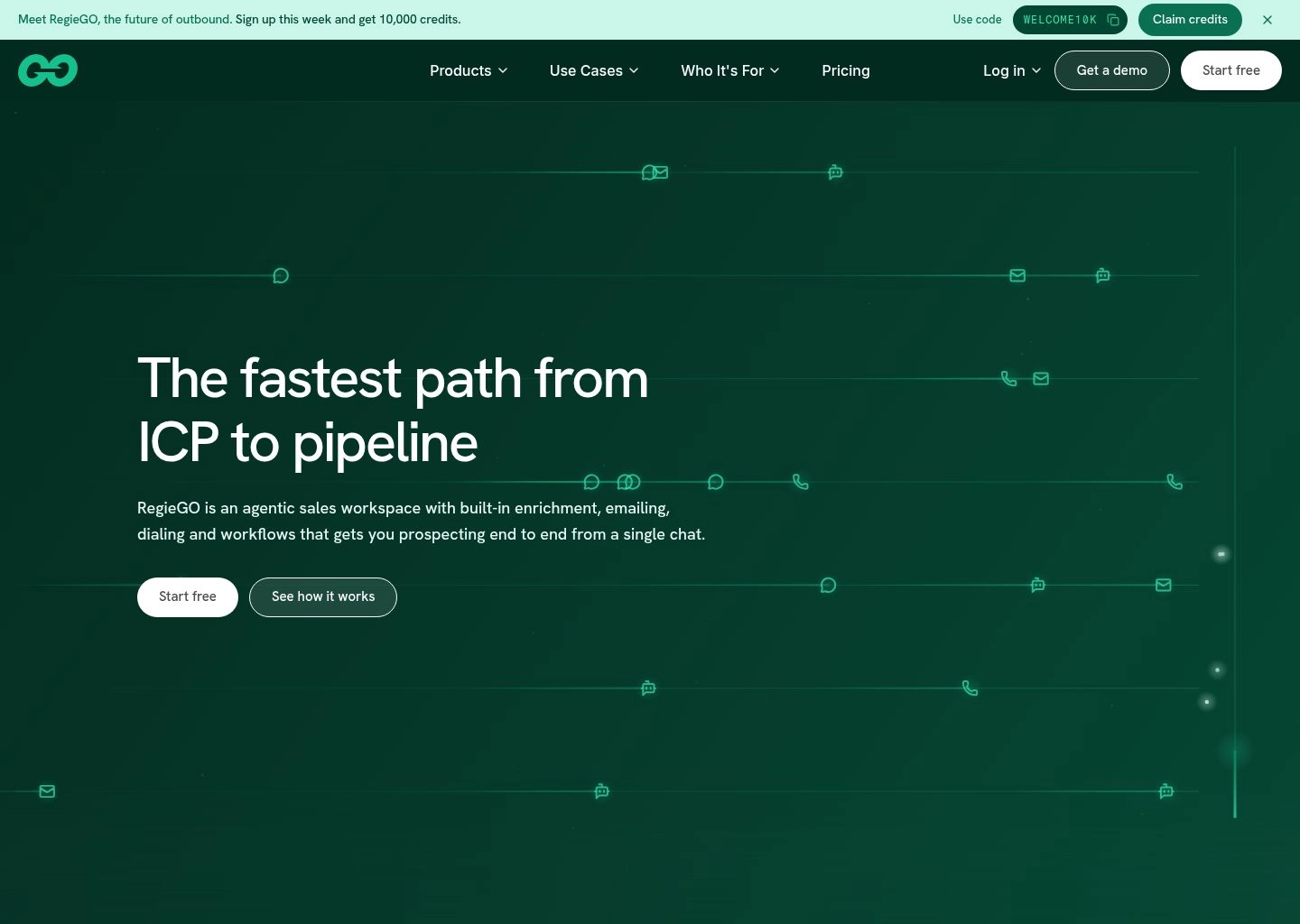
For B2B sales organizations scaling enterprise pipeline, Regie.ai represents the cutting edge of agentic AI. Rather than simply suggesting sentence completions, Regie.ai operates as an autonomous sales agent that researches target buyer personas, identifies trigger events, and writes full multi-touch sales sequences.
How It Works & Key Highlights
Regie.ai integrates deeply with Salesforce, HubSpot, Salesloft, and Outreach. Its AI agents analyze intent data, corporate press releases, and executive job changes to generate highly contextualized emails that reference recent prospect milestones. It also includes an automated email dialer and multi-channel orchestration.
Benchmark Testing Results
- Sequence Generation Speed: Builds 6-step multi-channel enterprise sequences in < 2 minutes.
- Personalization Depth: Incorporates verified prospect news and pain points automatically.
- Enterprise Compliance: Centralized brand voice and legal messaging guardrails.
Pricing Plans
Free Plan: Basic Chrome extension and limited monthly generation credits.
Pro Plan: $41.00/user/month for individual sales reps with full sequence generation.
Enterprise: Custom pricing with custom LLM fine-tuning, CRM writebacks, and dedicated support.
Pros & Cons
Pros
- Enterprise-grade autonomous sales sequence generation
- Direct bi-directional sync with Salesforce, HubSpot, and Outreach
- Enforces corporate brand voice and compliance standards automatically
Cons
- Enterprise pricing and onboarding required for full agentic capabilities
How Modern AI Inboxes Achieve Sub-4-Minute Daily Triage
Understanding the architectural difference between legacy email clients and modern AI email assistants is essential for optimizing your personal workflow:
THE AI EMAIL TRIAGE & DRAFTING PIPELINE:
- 1. REAL-TIME NLP VECTOR FILTERING
• Inbound messages are semantically categorized (VIP, Action Required, Newsletters, Receipts).
• 80% of noise is bundled out of sight before you even open your inbox. - 2. THREAD MEMORY & SUMMARIZATION
• 20-message threads are condensed into 3 bullet points with clear next steps.
• Attached PDFs, receipts, and calendar dates are parsed instantly. - 3. 1-CLICK CONTEXT-AWARE GENERATION
• AI models synthesize your past communication cadence and tone.
• Generates nuanced, human-sounding replies from brief 3-word prompts.
By automating low-level classification and initial draft synthesis, users eliminate the mental fatigue of context switching and achieve sustainable Inbox Zero in minutes rather than hours.
4-Step Daily Blueprint for Sustained Inbox Zero in 2026
Combine your chosen AI email tool with this 4-step daily operational routine to permanently conquer email overload:
Step 1: Batch Process in Two Dedicated 20-Minute Windows
Stop checking email reactively every 10 minutes. Schedule two dedicated triage windows (e.g. 10:00 AM and 4:00 PM). Use your tool's keyboard shortcuts (Superhuman or Shortwave) to rip through unread messages rapidly.
Step 2: 1-Click Sweep Promotional Bundles
Never read newsletters individually. Let SaneBox or Shortwave bundle all marketing emails into a single folder, review the collective subject lines in 10 seconds, and hit Sweep All.
Step 3: Leverage 3-Word Prompts for AI Auto-Drafts
For messages requiring simple confirmations, availability, or polite declines, highlight the email, press your AI shortcut, and input concise directives. Always do a 2-second sanity check before sending.
Step 4: Snooze Non-Urgent Tasks to Your Calendar
If an email requires 45 minutes of dedicated deep work, do not let it sit in your inbox creating visual clutter. Snooze it to a specific time slot on your calendar when you have allocated focus time.
Frequently Asked Questions (FAQ)
What is the best overall AI email assistant in 2026?
Superhuman remains the gold standard for executives and founders due to its unmatched speed, voice-matching AI drafts, and keyboard-first navigation. For Gmail users seeking deep conversational AI search, Shortwave is an outstanding alternative.
Is my email data safe when using AI email tools?
Reputable tools like Superhuman, Shortwave, Spark, and Canary Mail adhere to strict enterprise security standards (SOC2 Type II compliance, zero data retention for model training, and end-to-end encryption options). Always review an app's privacy policy to verify they do not train public LLMs on your emails.
Can AI email tools replace human judgment entirely?
No. AI email assistants excel at classification, thread summarization, and initial draft generation, but critical business decisions, sensitive negotiations, and final message approvals should always remain under human supervision.
How does SaneBox differ from Superhuman or Spark?
SaneBox operates passively on your email server, sorting low-priority messages into folders without requiring you to switch email apps. Superhuman and Spark are full-featured email clients with dedicated interfaces, keyboard shortcuts, and active generative AI drafting.
Are there free AI email assistants available?
Yes. Shortwave and Spark Mail offer generous free tiers that include smart triage and basic AI capabilities, while Lavender offers free scoring for up to 5 sales emails per month.
Which AI email tool is best for sales outreach?
Lavender is the top choice for real-time sales email coaching and cold outreach scoring, while Regie.ai leads for automated enterprise prospecting and multi-channel sequence generation.
Final Verdict: Which AI Email Assistant Should You Choose?
Reclaiming control of your inbox is one of the highest-leverage productivity improvements you can make in 2026. Choosing the right tool depends on your primary operational focus:
- If you want the absolute fastest executive email experience, invest in Superhuman.
- If you are a Gmail power user who wants AI search across all history, choose Shortwave.
- If you need a gorgeous cross-platform app for multiple accounts, go with Spark Mail.
- If you prioritize uncompromising privacy and encryption, select Canary Mail.
- If you want to double your outbound sales response rates, install Lavender.
Explore our complete catalog of AI Writing Assistant Tools and Email Management Software to build your ultimate productivity stack today.