

Canary Mail
Privacy-first AI email client with Copilot drafting, summaries and PGP encryption
Gallery
7 items



About Canary Mail
In my testing of Canary Mail across macOS and iOS, its local-first Copilot drafting, thread summarization, and end-to-end PGP encryption kept confidential correspondence completely private. The Smart Prioritization inbox filters out marketing newsletters while keeping critical communications front and center. The advanced encryption keys and security settings can be confusing for non-technical users accustomed to standard webmail. At $20 to $40/year for Pro, it is the premier email client for privacy-conscious executives, attorneys, and security researchers.
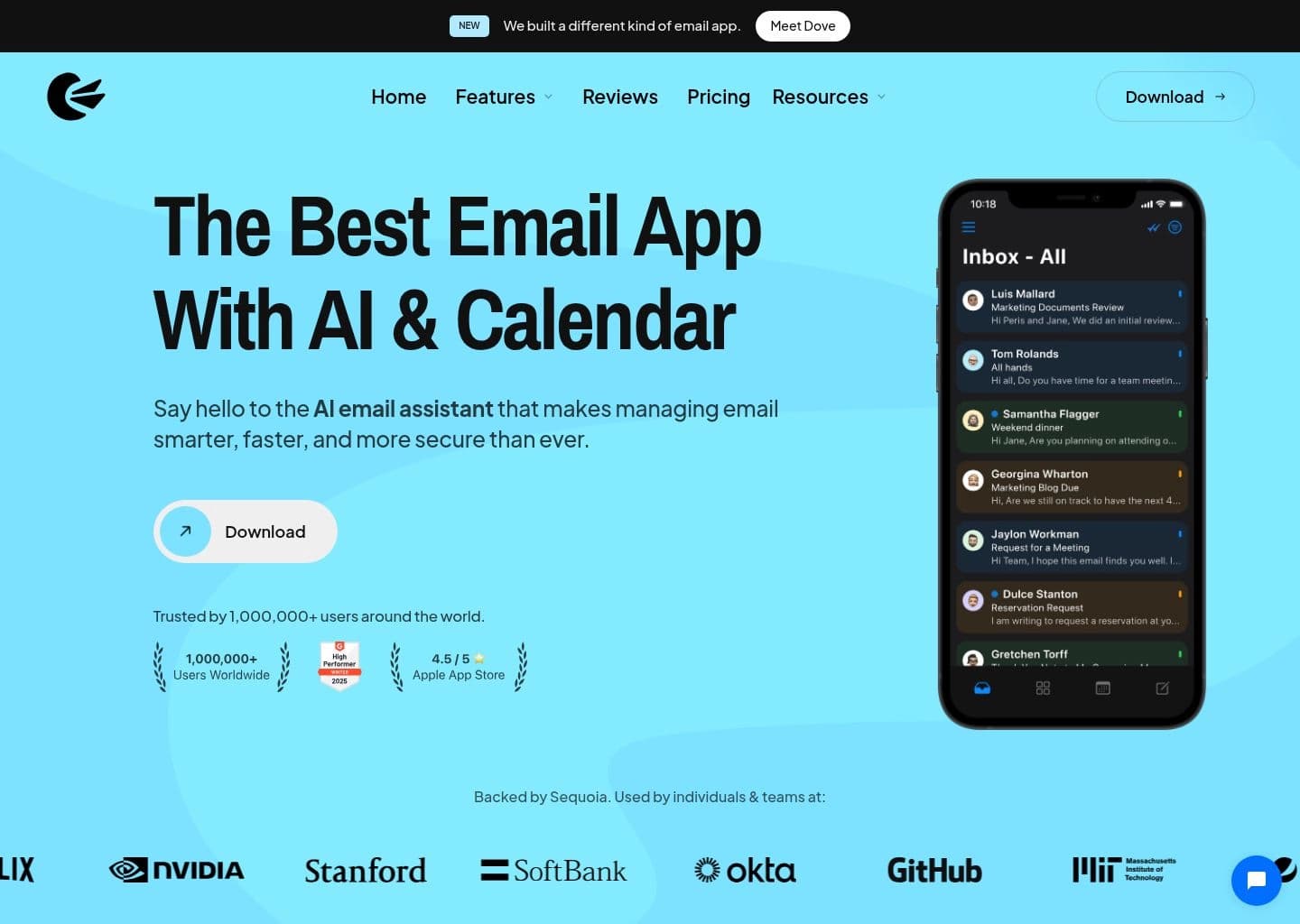
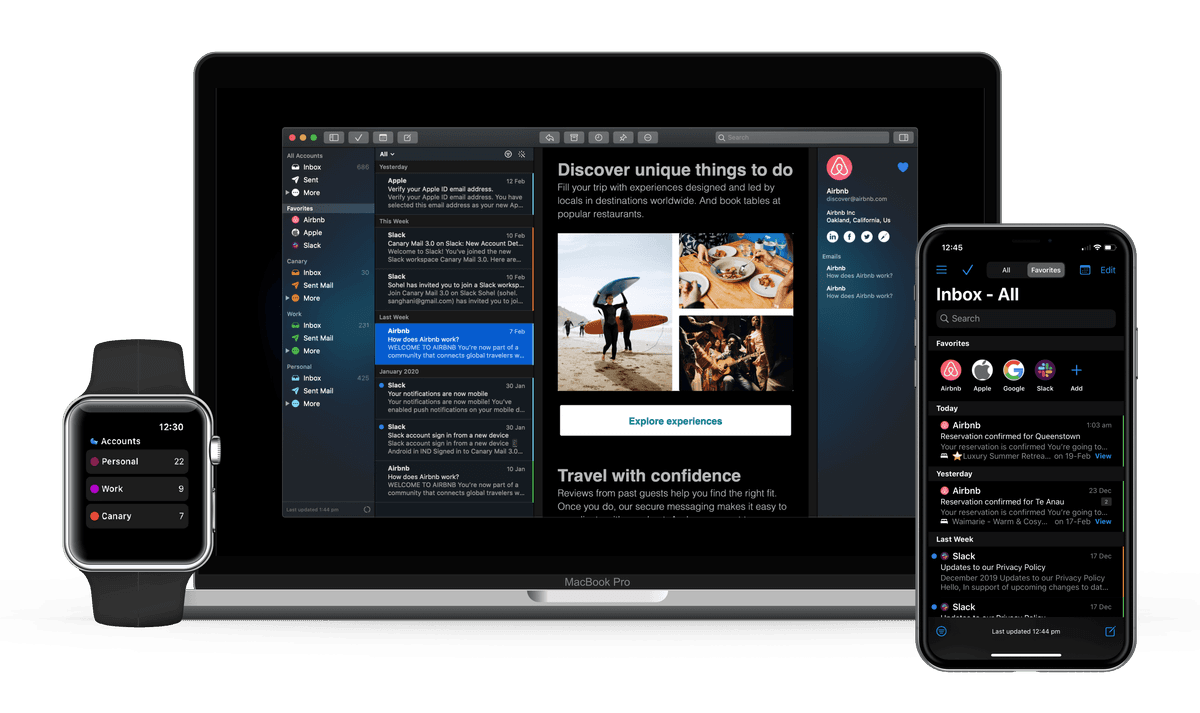
Canary Mail is a cross-platform, privacy-first email client that brings all your existing accounts, including Gmail, Outlook, iCloud, Yahoo, Exchange and IMAP, into one unified inbox. It is an app rather than an email provider, so you keep your current addresses while gaining a smarter, more secure way to manage them.
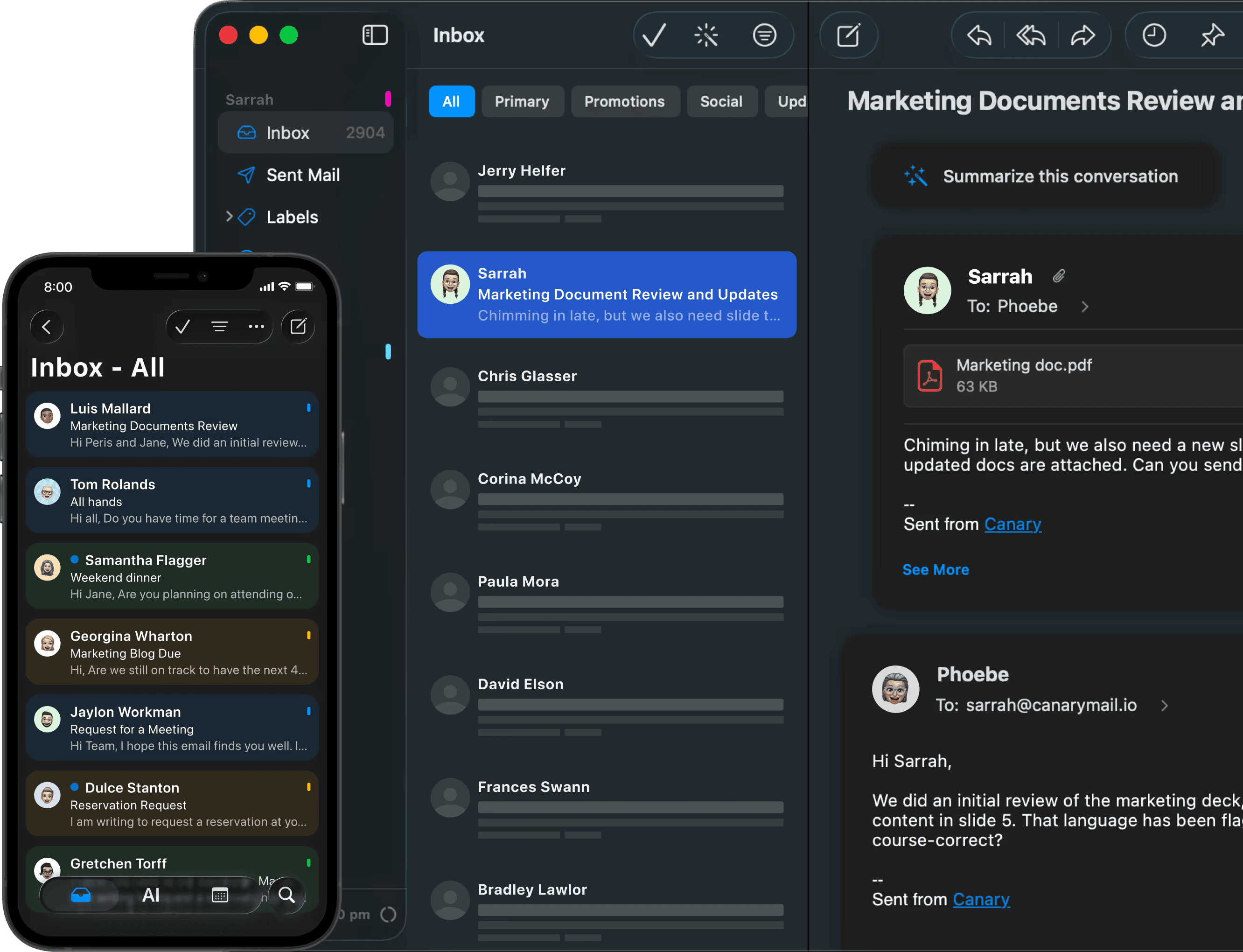
Its AI Copilot drafts replies in your tone, suggests subject lines, rewrites messages, summarizes long threads and lets you search across accounts in natural language. Security sits alongside the AI: automatic PGP end-to-end encryption, expiring password-protected SecureSend messages for HIPAA-style use cases, tracker blocking, phishing and impersonation detection, plus read receipts, send later, snooze and a shared inbox for small teams.
Canary Mail is built for professionals, privacy-conscious users, healthcare and legal teams, and small businesses that juggle several mailboxes and want AI help without giving up control. The AI features are optional and can be turned off, which makes it a good fit for people who want a modern client that stays out of the way.
Key Features
- AI Copilot that drafts replies, suggests subject lines and rewrites in different tones
- AI thread summaries and natural-language smart search across accounts
- Unified inbox for Gmail, Outlook, iCloud, Yahoo, Exchange and IMAP accounts
- Automatic PGP end-to-end encryption and expiring SecureSend messages
- Phishing, impersonation and tracker protection with misdirection prevention
- Read receipts, send later, snooze, pin and one-click unsubscribe
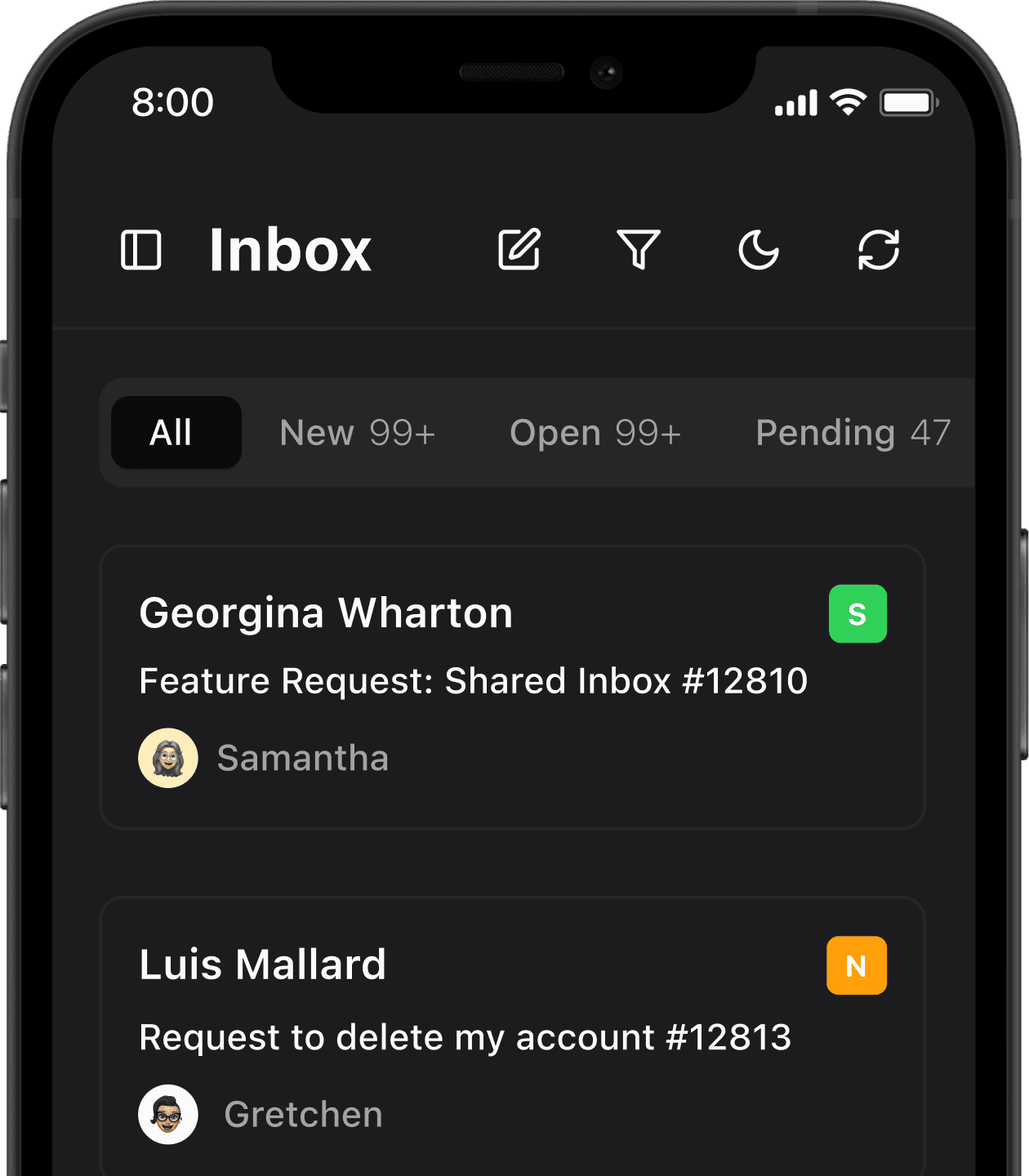
- Shared inbox with assignments and team response analytics
- Apps for macOS, iOS, Android, Windows and Chrome
Pros
- Strong privacy focus with PGP encryption, tracker blocking and HIPAA/GDPR positioning
- Works with all major email providers in one unified inbox
- Affordable yearly pricing and a lifetime purchase option
- Generous free tier with unlimited accounts
- AI features are optional and can be disabled
- Single license covers Mac, iOS, Windows and Android
Cons
- AI Copilot is locked behind the paid Growth plan
- Encryption and security features require the higher Pro+ tier
- No monthly billing option, only yearly or lifetime
- Device limits apply on every plan
- Smaller ecosystem and fewer integrations than Superhuman or Outlook
Pricing
Canary Mail is freemium. The Free plan costs $0 forever, supports unlimited mail accounts on up to 2 devices, and includes a unified inbox, basic read receipts, snooze and pin, email templates and basic customization. A 7-day trial of paid features is offered with no credit card, after which accounts auto-downgrade to Free.
The Growth plan is $36/year (about $3/month) for up to 5 devices and adds AI Copilot, full read receipts, send later, calendar and scheduling, the inbox cleaner and app integrations. The Pro+ plan is $100/year (about $10/month) and adds PGP encryption, SecureSend (HIPAA), phishing and ransomware protection, impersonation detection, misdirection prevention and priority support.
There is no monthly billing option; plans are billed yearly or as a lifetime purchase for Growth and Pro+. A single license covers macOS, iOS, Windows and Android.
Claim Verified Creator Badge
Are you the founder of Canary Mail? Display this listing's verified badge on your website to show your customers that your product has been vetted and listed on AI Central Resources.
<a href="https://www.aicentralresources.com/tool/canary-mail" target="_blank" rel="noopener">
  <img src="https://www.aicentralresources.com/badges/featured-badge-dark.svg" alt="Featured on AICentralResources" width="200" height="54" style="border: none;" />
</a>
* Place this HTML snippet in your website's footer, landing page, or press section. This creates a search-friendly backlink directly to your verification page.
Connect with Canary Mail
Frequently Asked Questions
Canary Mail is a privacy-focused AI email client that manages your existing Gmail, Outlook, iCloud, Yahoo, Exchange and IMAP accounts in one inbox with AI drafting, summaries and encryption.
Yes. The Free plan is free forever for unlimited accounts on up to 2 devices, and paid features can be tried for 7 days without a credit card. AI Copilot requires the Growth plan at $36/year.
Yes. It supports PGP end-to-end encryption and SecureSend for expiring, password-protected messages. These security features are part of the Pro+ plan at $100/year.
Canary Mail is available for macOS, iOS, iPadOS, Windows, Android and as a Chrome extension, with sync across devices under a single license.
Yes. The AI tools for drafting, summarizing and organizing are optional and can be disabled, so Canary Mail still works as a traditional email client.
Similar AI Tools to Canary Mail
View all alternatives of Canary Mail




Fyxer
Get ahead of your inbox — AI that organizes email and drafts replies in your voice

Gemini in Gmail
AI-powered assistance for writing, organizing, and connecting in Gmail.
Compared with Canary Mail
Direct head-to-head feature matrices, pricing, and category breakdowns