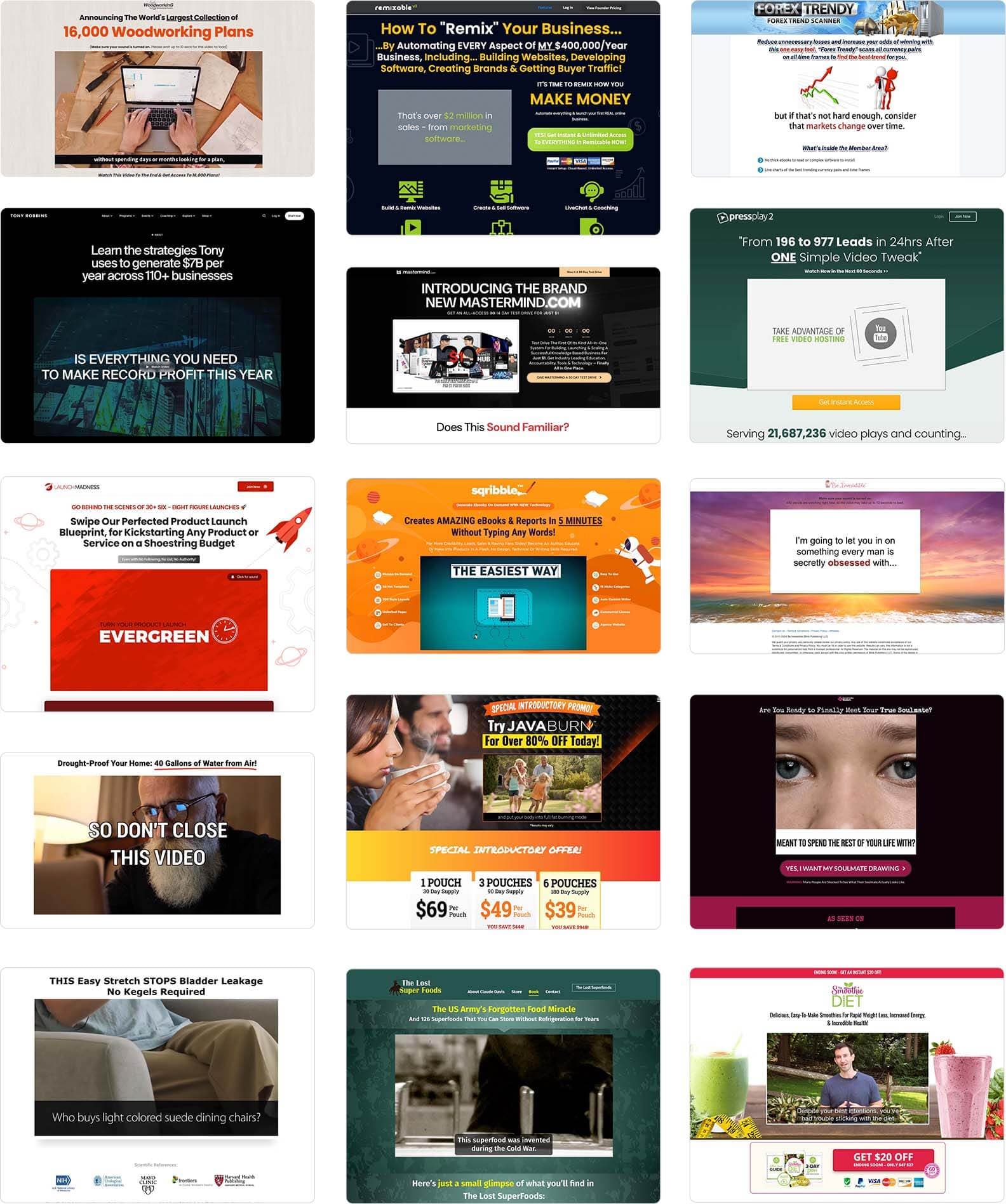
Turn scripts and voiceovers into kinetic typography, slideshow and live-action video sales letters.
Gallery
6 items
About EasyVSL
I reviewed EasyVSL's official feature list, pricing table and product walkthrough material rather than claiming a hands-on timed benchmark in a licensed desktop install. The documented workflow is straightforward: paste a script, choose a visual theme, synchronize a voiceover, refine the timeline and export. That structure is useful for marketers who repeatedly need a recognizable VSL format and do not want to assemble every slide manually. The product's strongest features are its script-to-slide conversion, speech-to-text synchronization, kinetic typography themes and AI-assisted stock-footage selection. The main trade-off is plan gating: the Professional tier limits synchronization time and AI creation access, while Platinum is needed for the larger asset library and higher usage allowances. Public materials do not provide independent measurements of sync accuracy or a controlled comparison against general-purpose editors, so those performance claims remain unverified here. I would shortlist EasyVSL for agencies and course businesses that produce VSLs regularly and value a repeatable script-led workflow. Occasional creators or teams making cinematic, interview-heavy or highly customized edits may be better served by a general video editor or a broader AI video platform.
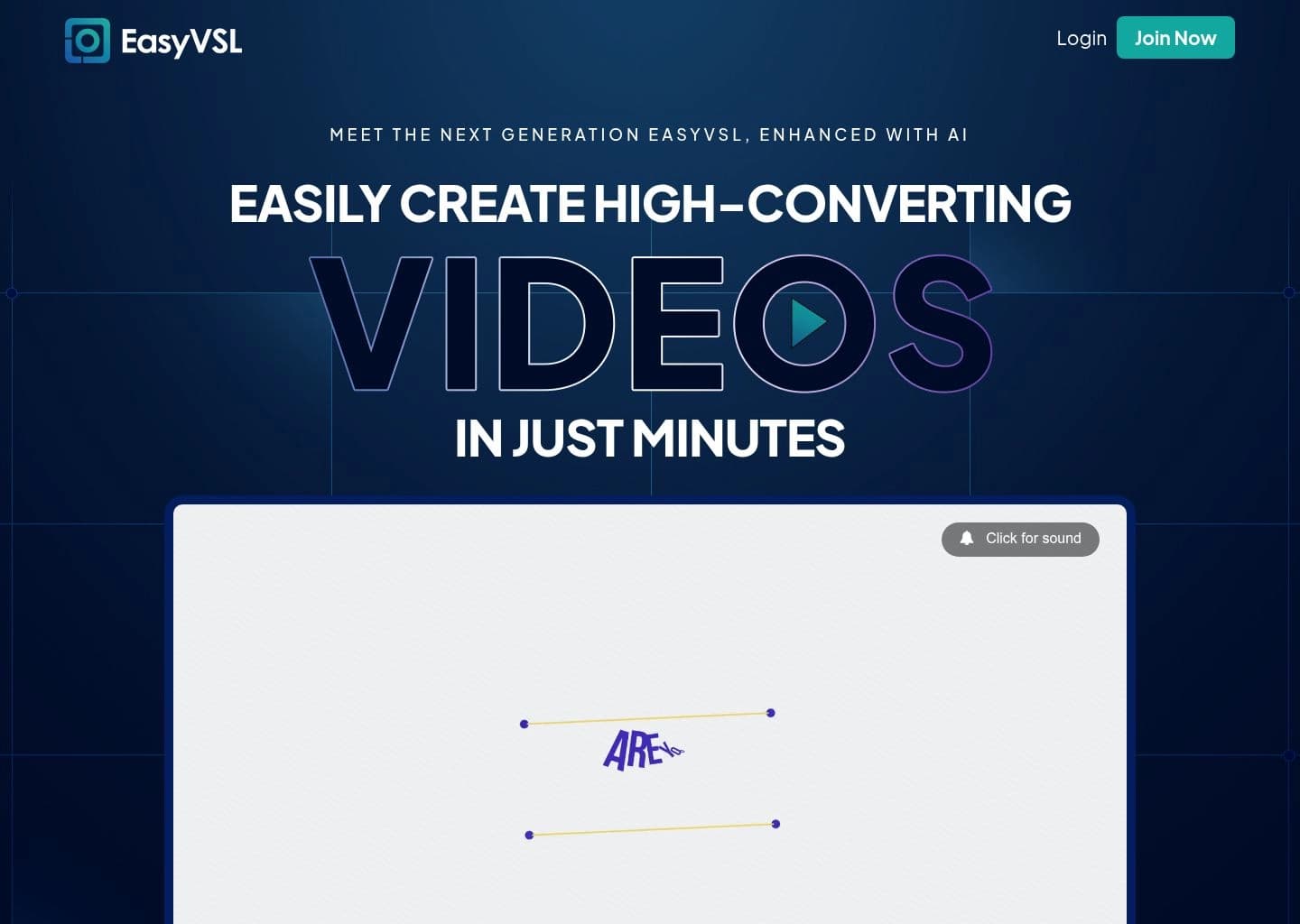
EasyVSL is a desktop video creation tool for producing video sales letters, kinetic typography presentations and live-action marketing videos. It is designed for marketers and creators who want to convert a written script and voiceover into a structured sales video without building every slide and transition manually.
Its workflow includes AI text-to-slide generation, AI-assisted text-to-video asset matching, speech-to-text, voiceover-to-slide synchronization, templates, a multi-layer timeline editor and one-click translation. Users can add their own video clips, choose stock assets and export videos in common social and presentation aspect ratios, with HD output supported.
EasyVSL is aimed at direct-response marketers, course creators, agencies and small businesses producing VSLs, product explainers, lead-capture videos and social promotions. Its main distinction is its focused script-to-sales-video workflow rather than broad cinematic text-to-video generation.
Key Features
- AI text-to-slide conversion for turning scripts into structured video scenes
- AI text-to-video asset matching for selecting relevant stock footage
- AI speech recognition and voiceover-to-slide synchronization
- Kinetic typography, traditional VSL and live-action video styles
- Template library with backgrounds, themes, stock assets and fonts
- Multi-layer timeline editor for video clips, cuts and audio adjustments
- Speech-to-text, one-click translation and MP4 export in multiple aspect ratios
Pros
- Purpose-built for video sales letters and direct-response marketing videos
- Automates much of the script-to-slide and voiceover synchronization workflow
- Supports kinetic typography, slideshow and live-action formats
- Includes stock media, templates and a timeline editor in one workflow
- Desktop versions are available for Mac and Windows
Cons
- No permanent free plan or standard free trial is clearly listed
- Professional tier limits AI synchronization hours and access to some AI features
- The more extensive script and asset library requires the higher-priced tier
- It is specialized for VSL-style production rather than a full professional nonlinear video-editing workflow
Pricing & Plans
EasyVSL is a paid product with Professional and Platinum tiers. The current pricing page lists Professional at $27/month and Platinum at $47/month when billed monthly; annual billing reduces these to $22/month and $39/month respectively. There is no permanent free plan or clearly advertised time-limited free trial.
Professional includes three active license installs, five hours of audio/text synchronization per month, limited AI script and video creation, software updates and priority support. Platinum includes ten active licenses, twenty hours of synchronization per month, a larger AI script allowance and broader access to the stock asset library and AI video creator.
The website also advertises a 30-day money-back guarantee, which is a refund policy rather than a free trial. Extra synchronization usage may be charged separately; the FAQ states additional hours can be purchased from $2.50 per hour. Confirm the live checkout total and any Creative Club terms before purchasing.
Claim Verified Creator Badge
Are you the founder of EasyVSL? Display this listing's verified badge on your website to show your customers that your product has been vetted and listed on AI Central Resources.
<a href="https://www.aicentralresources.com/tool/easyvsl" target="_blank" rel="noopener">
  <img src="https://www.aicentralresources.com/badges/featured-badge-dark.svg" alt="Featured on AICentralResources" width="200" height="54" style="border: none;" />
</a>
* Place this HTML snippet in your website's footer, landing page, or press section. This creates a search-friendly backlink directly to your verification page.
Frequently Asked Questions
EasyVSL supports traditional video sales letters, kinetic typography videos and live-action videos, as well as product explainers, lead-capture videos and social content.
Yes. Its AI Text to Slide feature converts a written script into a designed slide presentation that can then be styled and synchronized with a voiceover.
Yes. Its speech-recognition and AI synchronization tools align the voiceover with the corresponding slides. Included monthly hours depend on the plan.
The pricing page lists Professional at $27/month or $22/month with annual billing, and Platinum at $47/month or $39/month with annual billing.
The website advertises a 30-day money-back guarantee, not a free trial. Check the current checkout page for the exact refund and subscription terms.
Similar AI Tools to EasyVSL
View all alternatives of EasyVSL
InVideo AI
Prompt-to-video AI platform — create marketing promos, YouTube videos, and faceless content from text

Syllaby
Turn ideas into scripts, faceless videos and AI avatar clips, then schedule them in one workspace

HeyGen
Transform ideas into stunning AI videos with realistic avatars and multi-language support.


Compared with EasyVSL
Direct head-to-head feature matrices, pricing breakdowns, and real-world performance benchmarks