Shortwave
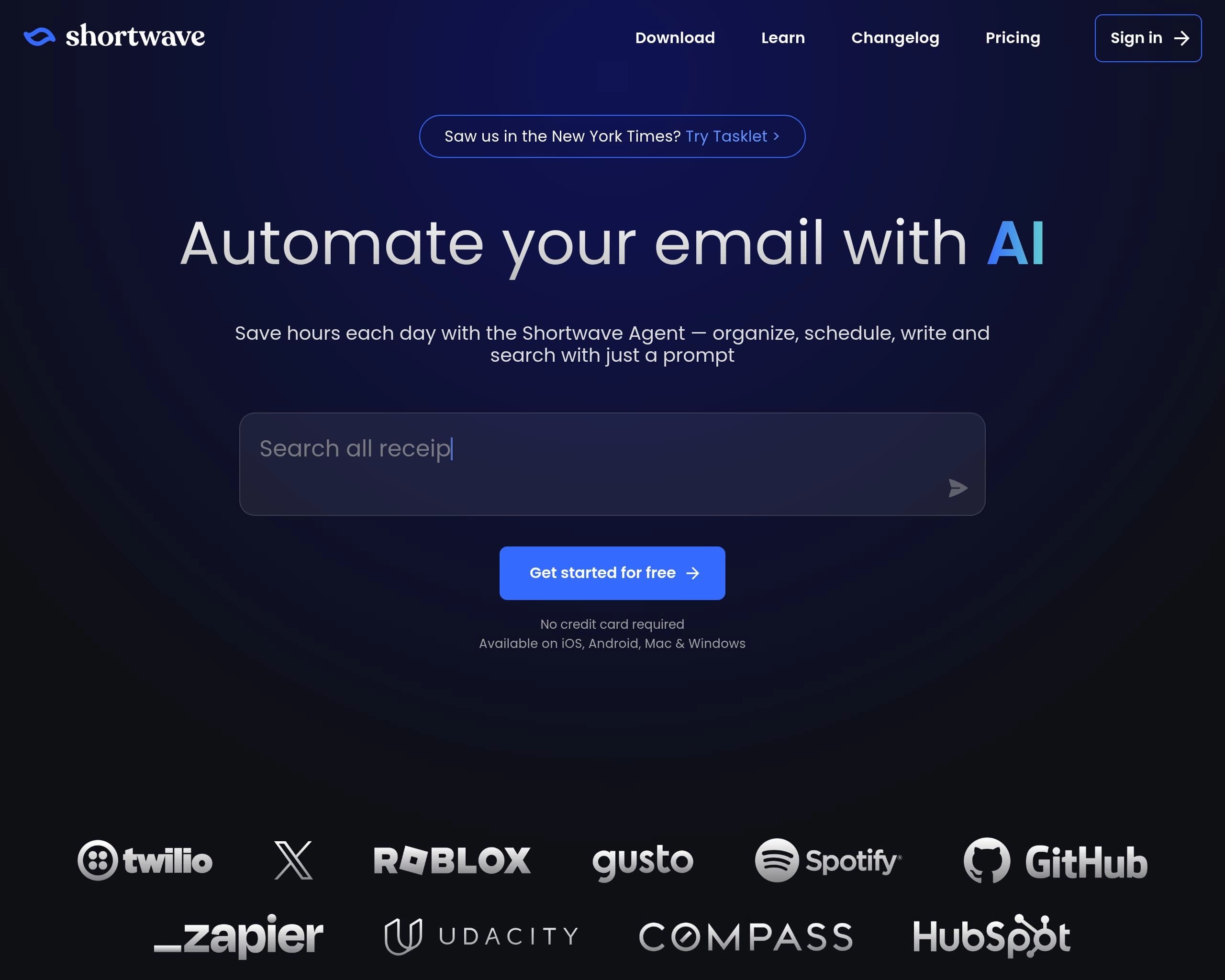
Automate your email with AI
Gallery
3 items

About Shortwave
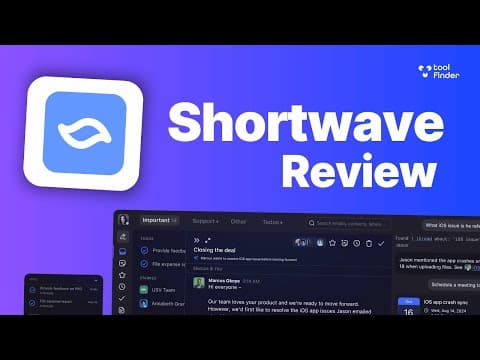
Shortwave is an AI email assistant designed to revolutionize inbox management. It leverages agentic AI to help users organize, write, search, and schedule emails efficiently. By connecting to tools like Slack, Calendar, Notion, and Asana, Shortwave automates workflows directly from the inbox. It's ideal for ambitious teams and individuals seeking to enhance productivity and streamline their email experience with advanced AI capabilities.
Key Features
- AI-powered inbox organization
- AI email writing and enhancement
- AI-driven search and analysis
- Intelligent autocomplete
- Automated scheduling
- Team collaboration features
- Integration with popular tools like Slack, Calendar, and Notion
- Customizable AI filters
Pros
- Saves time by automating email tasks
- Enhances team collaboration through shared threads and comments
- Improves inbox organization with AI-powered filters and bundles
- Integrates with other productivity tools for seamless workflows
- Offers a free plan for basic use
Cons
- Advanced features require a paid subscription
- Relies on Gmail or Google Workspace accounts
- May require a learning curve to fully utilize all AI features
- Accuracy of AI summaries and suggestions may vary
- Limited customization options compared to traditional email clients
Pricing
Business: $24 per seat/month, billed annually. Premier: $36 per seat/month, billed annually. Max: $100 per seat/month, billed annually. A free trial is available. Offers a free plan with standard search history and limited AI usage.
Claim Verified Creator Badge
Are you the founder of Shortwave? Display this listing's verified badge on your website to show your customers that your product has been vetted and listed on AI Central Resources.
<a href="https://www.aicentralresources.com/tool/shortwave" target="_blank" rel="noopener">
  <img src="https://www.aicentralresources.com/badges/featured-badge-dark.svg" alt="Featured on AICentralResources" width="200" height="54" style="border: none;" />
</a>
* Place this HTML snippet in your website's footer, landing page, or press section. This creates a search-friendly backlink directly to your verification page.
Connect with Shortwave
Frequently Asked Questions
Yes, Shortwave offers a 14-day free trial to explore its premium features. A free plan is also available with limited functionality.
Shortwave primarily supports Gmail and Google Workspace accounts. Outlook and POP3 emails are also supported.
Yes, Shortwave integrates with Slack, Calendar, Notion, Asana, Hubspot, and more, allowing for automated workflows across different platforms.
Shortwave employs enterprise-grade security measures, including CASA Tier 2 compliance, Google verification, and encryption of data at rest and in transit.
Yes, Shortwave integrates with Tasklet to automate email workflows, draft replies, add comments, and connect to 3,000+ apps.