AI Tool Comparison

Comparing as AI Business & Finance Tools
Shortwave vs Asana

Compare features, pricing, pros & cons, and user ratings to decide which AI tool is best for your needs.

Shortwave

Shortwave

VS
Asana

Asana

Core Differences

The fundamental difference lies in their core functionality. Shortwave is an AI-powered email client built on top of Gmail/Google Workspace, focusing solely on enhancing email management. Asana is a comprehensive work management platform that encompasses task management, project tracking, and team collaboration, with AI features integrated to augment these functionalities.

Verdict by Category

Best for Email Management

Shortwave

Shortwave's AI capabilities are specifically designed to enhance email workflows, making it the superior choice for managing inboxes efficiently.

Best for Project Management

Asana

Asana offers a wide range of project management features, including task tracking, workflow automation, and reporting, making it ideal for managing complex projects.

Best Free Tier

Asana

Asana's free tier supports up to 15 users, making it more suitable for small teams compared to Shortwave's limited free offering.

E

Editor's Take

Honest opinion from our review team

"
I found that Shortwave felt incredibly intuitive for managing my overflowing inbox. The AI summaries and smart replies saved me a ton of time. Asana, on the other hand, felt a bit overwhelming at first, but once I got the hang of it, the organization and workflow features were a game-changer for my team's projects. I think the choice really depends on where your biggest productivity bottlenecks are.
"

Detailed Comparison

Feature
Shortwave
Asana
Pricing
FreemiumBusiness: $24 per seat/month, billed annually. Premier: $36 per seat/month, billed annually. Max: $100 per seat/month, billed annually. A free trial is available. Offers a free plan with standard search history and limited AI usage.
FreemiumPersonal: Free for up to 2 users. Starter: $10.99 per user per month (billed annually). Advanced: $24.99 per user per month (billed annually). Enterprise: Contact sales for pricing. Enterprise+: Contact sales for pricing.
Pricing Verdict
Shortwave's pricing is structured per seat, with increasing AI usage and features at higher tiers. The value lies in the time saved through AI-powered email automation. Asana's pricing is also per user, offering different levels of project management features and reporting capabilities. The value is derived from improved team collaboration and project visibility. Shortwave's free plan is quite limited. Asana's free tier is more generous, but advanced features are locked behind higher-priced tiers. For smaller teams needing robust project management, Asana's Starter plan offers a good balance of features and cost. For teams heavily reliant on email, Shortwave's Business plan might be worth the investment.
Categories
AI Productivity ToolsAI Writing Assistant ToolsAI Business & Finance Tools
AI Productivity ToolsAI No-Code / Automation ToolsAI Business & Finance Tools
Summary
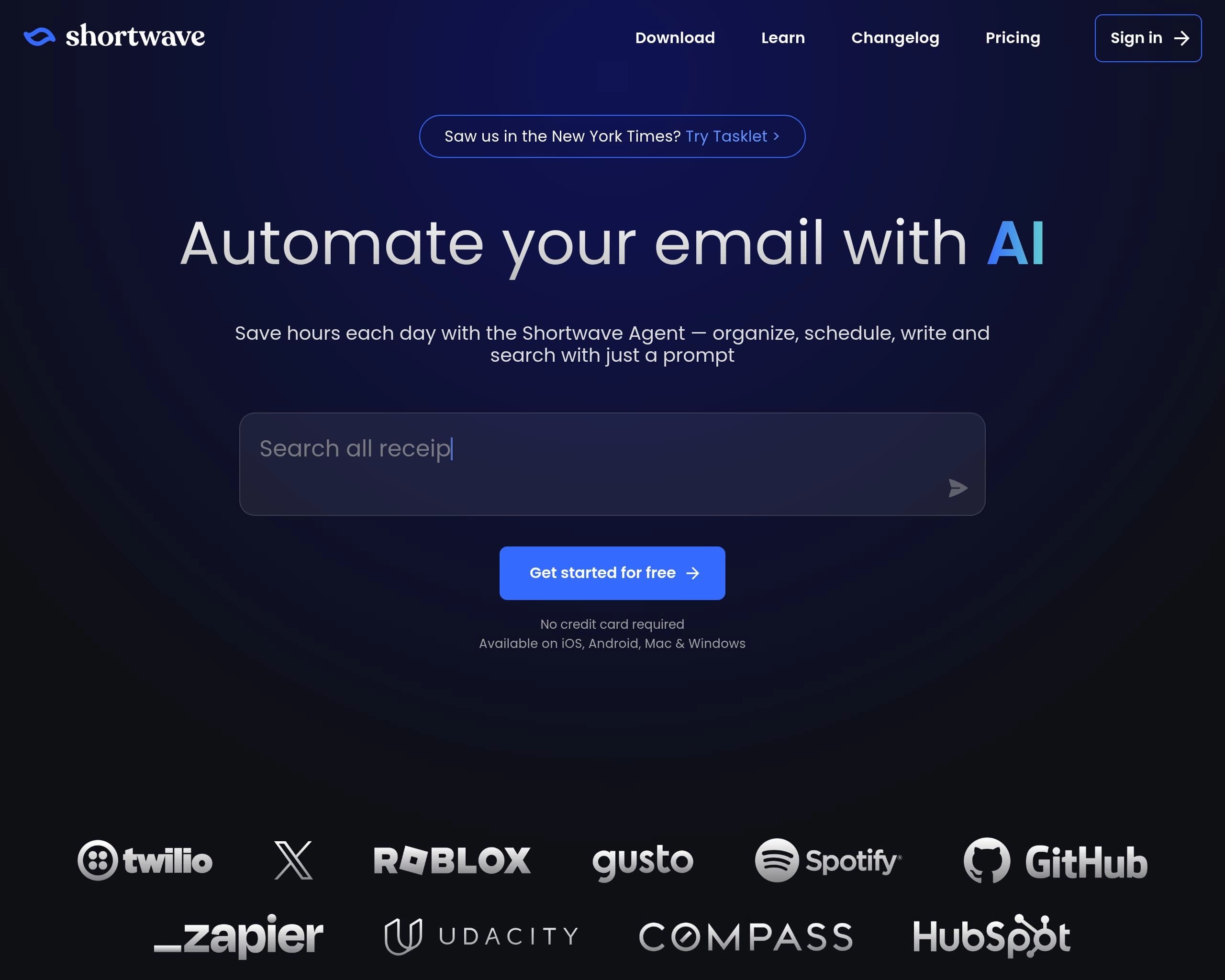
Automate your email with AI
Teamwork without the chaos.
Shortwave

Shortwave Pros & Cons

Pros

  • Saves time by automating email tasks
  • Enhances team collaboration through shared threads and comments
  • Improves inbox organization with AI-powered filters and bundles
  • Integrates with other productivity tools for seamless workflows
  • Offers a free plan for basic use

Cons

  • Advanced features require a paid subscription
  • Relies on Gmail or Google Workspace accounts
  • May require a learning curve to fully utilize all AI features
  • Accuracy of AI summaries and suggestions may vary
  • Limited customization options compared to traditional email clients
Asana

Asana Pros & Cons

Pros

  • Centralized platform for task and project management
  • AI-driven features enhance productivity and decision-making
  • Scalable solution for teams of all sizes
  • Robust workflow automation capabilities
  • Comprehensive reporting and analytics
  • Extensive integration options

Cons

  • Steep learning curve for new users
  • Advanced features require a paid subscription
  • Can be overwhelming for very small teams or individual use
  • Reliance on integrations for certain functionalities may add complexity
  • Limited customization options in the free plan

AI Verdict

Shortwave and Asana both leverage AI to boost productivity, but they tackle different aspects of workflow. Shortwave is laser-focused on revolutionizing email management by using AI to organize, summarize, and automate email tasks. It's perfect for individuals and teams overwhelmed by email and seeking an AI-powered solution to streamline their inbox. Key differentiators include its deep integration with Gmail/Google Workspace and its agentic AI capabilities tailored for email workflows. Its strengths lie in AI-driven inbox organization and intelligent email composition.

Asana, on the other hand, is a comprehensive work management platform designed to bring clarity to team projects. It uses AI to enhance task management, automate workflows, and provide insights across projects. It’s ideal for teams needing a centralized space for task tracking, project management, and collaboration. Asana's strength is its ability to connect work to company goals and its robust features for workflow automation and reporting. While Asana incorporates AI to enhance its features, its core focus remains broader than Shortwave's email-centric approach. Therefore, while both products improve productivity, they cater to different needs and workflows.

In essence, Shortwave is an AI email assistant, and Asana is an AI-enhanced work management platform. Choosing between them depends on whether your primary pain point is email overload or the broader challenge of managing projects and team collaboration. Consider Shortwave if email dominates your workday and Asana if you need a holistic solution for organizing and tracking all aspects of your team's work.

Frequently Asked Questions

QDoes Shortwave work with email providers other than Gmail?

No, Shortwave currently only supports Gmail and Google Workspace accounts.

QCan Asana integrate with my existing email client?

Yes, Asana offers integrations with various email clients, allowing you to create tasks directly from emails.

QIs there a limit to the number of integrations I can use with Asana?

The number of integrations available depends on your Asana subscription plan. Higher-tier plans typically offer more integration options.

QHow does Shortwave's AI summarize email threads?

Shortwave uses natural language processing (NLP) to identify the key points and topics discussed in an email thread, generating a concise summary that captures the essence of the conversation.

QDoes Asana offer training resources for new users?

Yes, Asana provides a variety of training resources, including tutorials, webinars, and documentation, to help new users get started with the platform.