

Humata AI
AI that answers questions about your documents with citations, for individuals and teams
Gallery
7 items


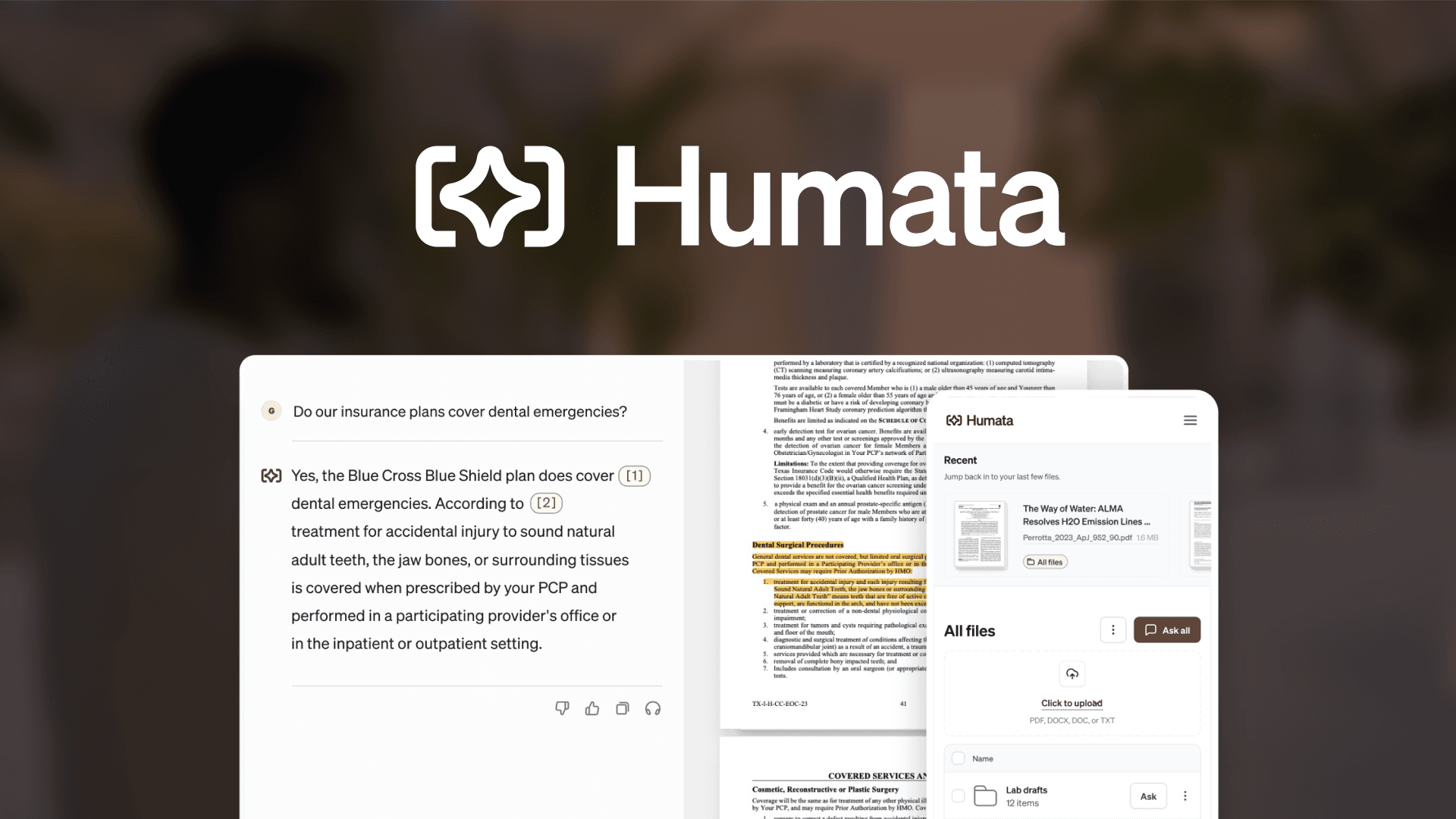
About Humata AI
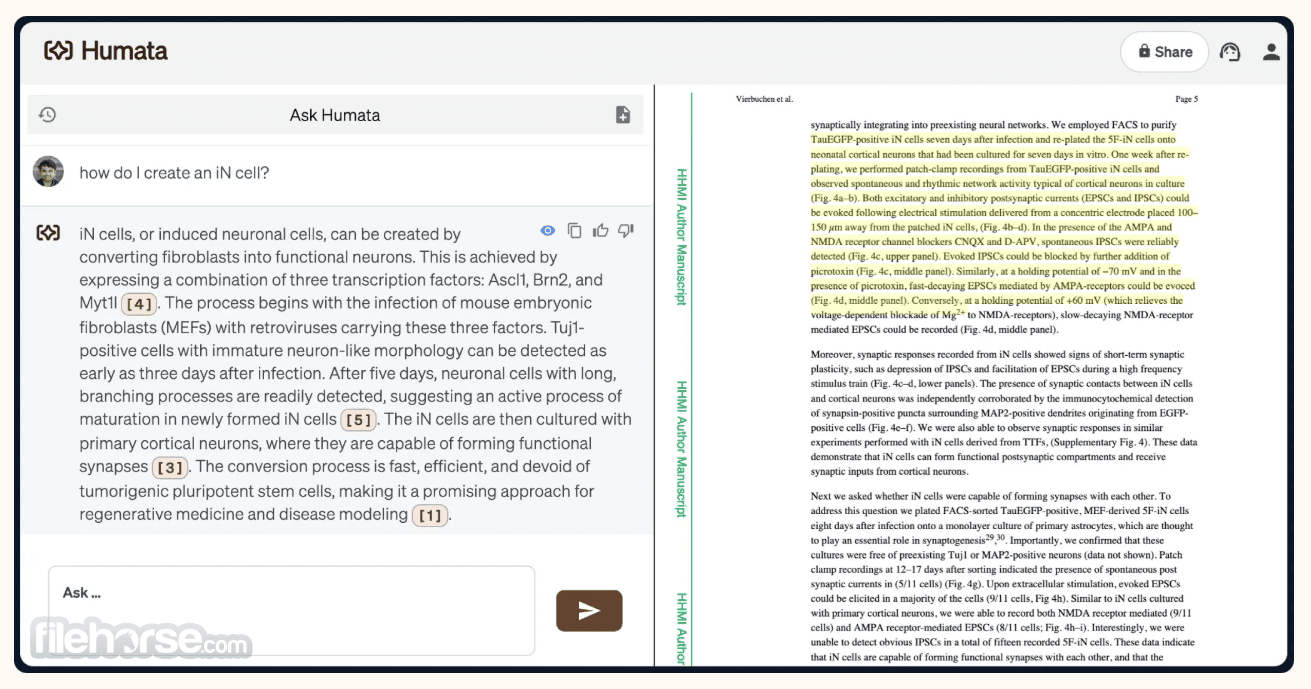
This review is based on Humata's official homepage and pricing, reviewer videos and the product screenshots I could find, not on a hands-on test run for this listing. The appeal is clear: upload files, ask questions, get answers that point back to the source section. Compared with simpler PDF chat tools, Humata puts more weight on teams, with folder and department permissions, OCR and an embed option. The pricing model is worth reading closely. The free plan is only 60 pages and 10 answers, the Expert plan includes 500 pages with a per-page fee after that, and Team is $49 per user per month. That structure is fair for occasional use but can get expensive for large document libraries or bigger groups. SSO is listed as coming soon, which matters for security-conscious buyers. Individual students and researchers can get real use from the free or Expert tiers. Teams should pilot with their actual document volume first, and compare against NotebookLM and other document chat tools before committing to per-user pricing.
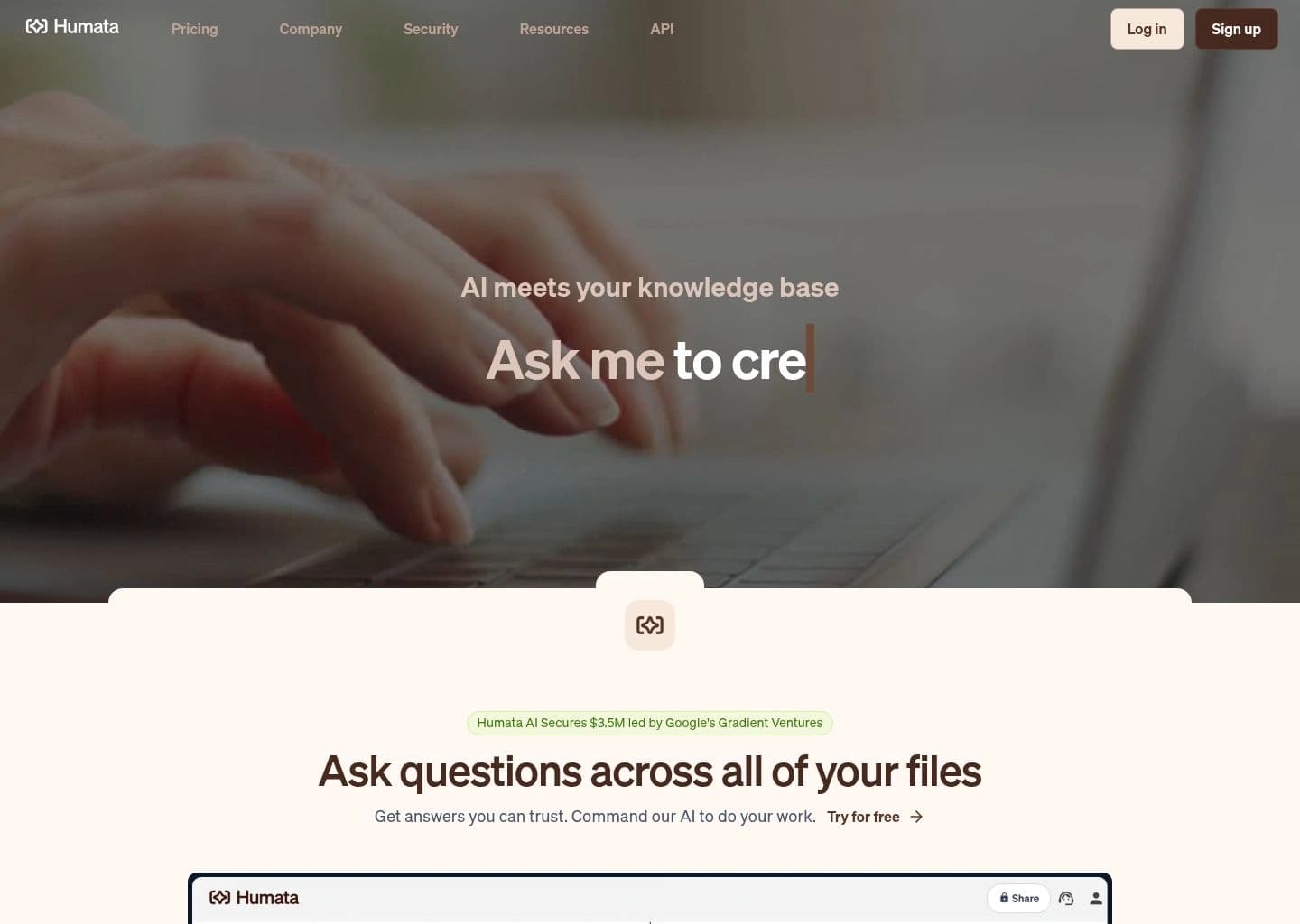
Humata AI is a document question-and-answer tool: you upload files and ask questions in plain language, and it generates answers with links back to the relevant sections of your sources. Its homepage frames it as AI meeting your knowledge base, and it supports revising or shortening summaries as often as you like.
For teams it adds role-based access, encryption at rest, department- and folder-level permissions, OCR for images and scanned text on higher tiers, response personalization and an embed option to answer questions from your documents on a webpage. SSO support is listed as coming soon.
It suits students and researchers who work with long papers, as well as teams that want a searchable knowledge base built from their own files. Individual users can start on the free plan, while the Team plan is priced per user.
Key Features
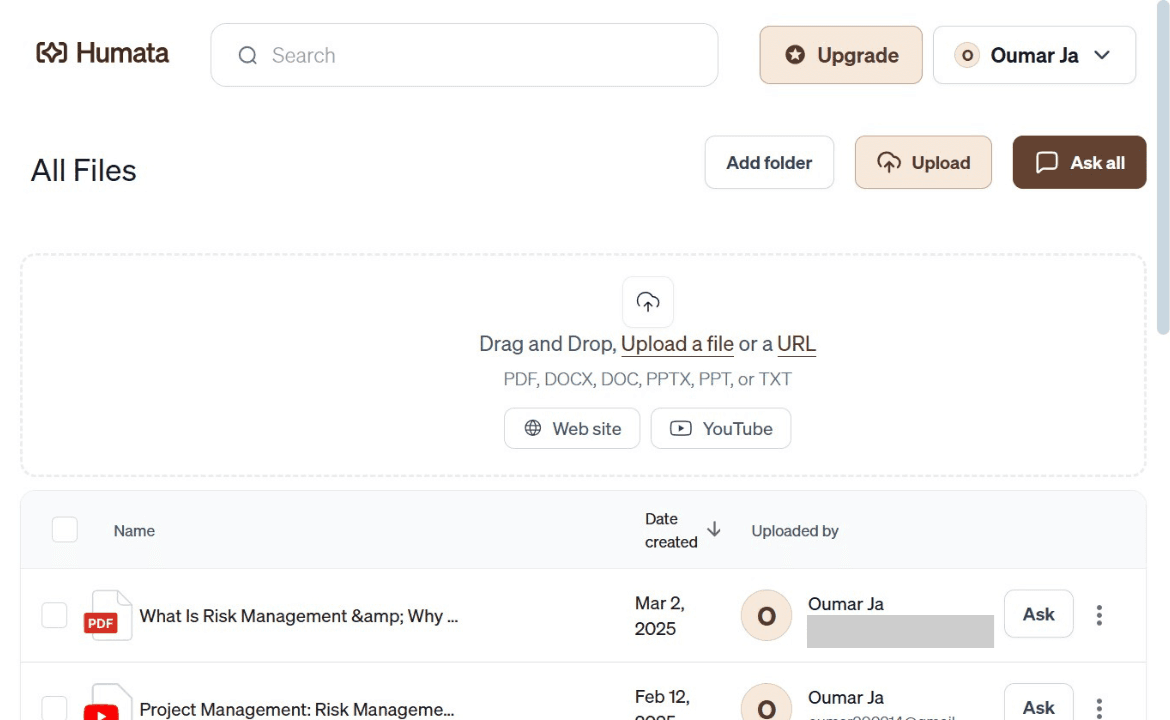
- Upload files and ask questions in plain language
- Answers with citations to source sections
- Unlimited revised or shorter summaries
- Folder and department level permissions on Team plan
- OCR for images and scanned text on Team plan
- Response personalization
- Embeddable widget to answer questions from your documents
- Encryption at rest and role-based access
Pros
- Transparent published plans from Free to Team
- Citations link answers back to the source
- Team features such as permissions and OCR
- Embed option for sharing document Q&A on a webpage
- Inexpensive Expert tier for individuals
Cons
- Free plan is capped at 60 pages and 10 answers
- Per-page overage fees add up on large libraries
- SSO is listed as coming soon
- Team plan is priced per user, which gets costly for bigger groups
- Accuracy on scanned or complex layouts depends on plan features like OCR
Pricing
Humata AI is freemium. The official homepage lists a Free plan at $0 with up to 60 pages and 10 answers, which is enough to test the product on a short document but not for regular use.
The Expert plan is $9.99 per month and includes up to 500 free pages, $0.02 per additional page, 3 users and premium chat support. The Team plan is $49 per user per month, with up to 5,000 free pages, $0.01 per additional page, 10 users included, department- and folder-level permissions, OCR for images and scanned text, and response personalization.
Enterprise pricing for more than 10 users is by contacting sales. Page-based allowances and per-page overage fees mean costs scale with document volume, so teams processing large libraries should estimate page counts before choosing a plan.
Claim Verified Creator Badge
Are you the founder of Humata AI? Display this listing's verified badge on your website to show your customers that your product has been vetted and listed on AI Central Resources.
<a href="https://www.aicentralresources.com/tool/humata-ai" target="_blank" rel="noopener">
  <img src="https://www.aicentralresources.com/badges/featured-badge-dark.svg" alt="Featured on AICentralResources" width="200" height="54" style="border: none;" />
</a>
* Place this HTML snippet in your website's footer, landing page, or press section. This creates a search-friendly backlink directly to your verification page.
Connect with Humata AI
Frequently Asked Questions
Humata AI lets you upload documents and ask questions about them, returning answers with citations to the relevant sections.
The homepage lists Free at $0, Expert at $9.99/month and Team at $49 per user per month, with Enterprise by contacting sales.
Yes. The Free plan includes up to 60 pages and 10 answers.
Yes. The Team plan adds department and folder permissions, OCR, personalization and 10 included users, and the site lists role-based access and encryption at rest.
ChatPDF, Genei, Scholarcy, Google NotebookLM and Resoomer offer comparable document Q&A and summarization.
Similar AI Tools to Humata AI
View all alternatives of Humata AI
ChatPDF
Chat with PDFs, Word and PowerPoint files and get answers with source citations

SciSpace
AI research assistant for literature reviews, PDF chat and cited academic writing across 280M+ papers

Genei
AI research assistant that summarises PDFs and webpages and finds key information fast

Scholarcy
AI summarizer that turns papers and articles into interactive flashcards

Google NotebookLM
AI research tool and thinking partner that analyzes sources, clarifies complexity, and transforms content.

Resoomer
Free cognitive studio to summarize, rephrase, translate and listen to any document