TwinMind
AI Meeting Assistant: Notes, Summaries & Analysis Instantly
Gallery
2 items

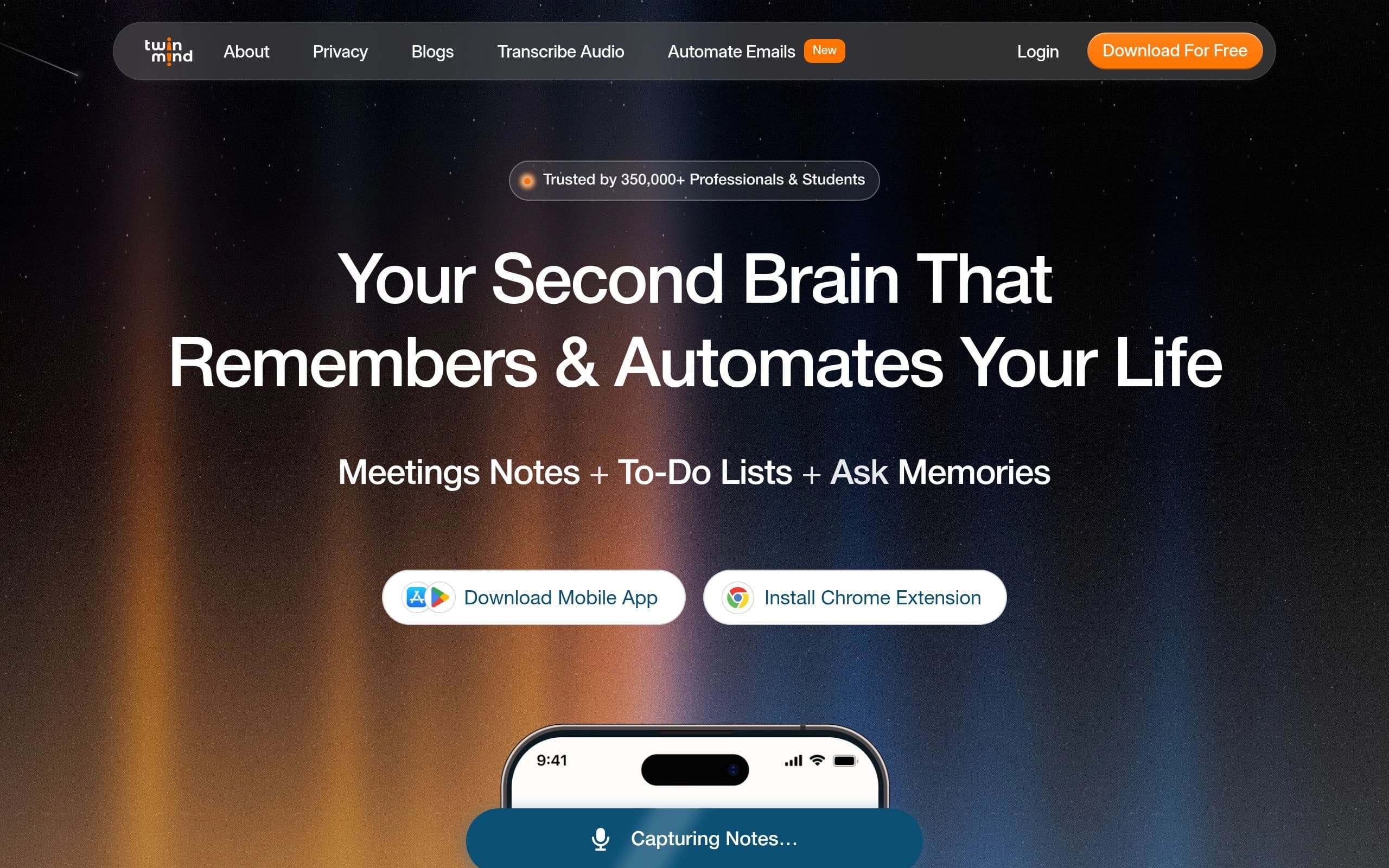
About TwinMind
TwinMind is an AI-powered meeting assistant designed to capture memories, create meeting notes, and automate various tasks. It provides real-time transcription, summaries, and analysis of discussions in over 140 languages. The tool leverages AI to automate follow-up emails, find information, and compare browser tabs.
Key features include unlimited transcription and chats, high transcription accuracy, offline mode for privacy, and access to various AI models. It supports capturing notes from meetings, lectures, and conversations, and helps with generating to-do lists and daily priorities.
TwinMind is ideal for professionals, students, and anyone looking to augment their memory and automate their life. It's particularly useful for those who attend many meetings, lectures, or engage in frequent conversations and need a reliable way to capture and recall information.
Key Features
- Real-time transcription in 140+ languages
- AI-powered meeting summaries and analysis
- Offline mode for 100% privacy
- Automatic to-do list generation
- Chrome extension for browser integration
- Mobile app for on-the-go access
- Follow-up email automation
- Integration with multiple AI models
Pros
- High transcription accuracy
- Supports a wide range of languages
- Offers a free plan with unlimited transcription and chats
- Enhances productivity by automating note-taking and task management
- Ensures user privacy with offline mode and local data storage
- Integrates seamlessly with desktop and mobile devices
Cons
- Advanced features require a paid subscription
- Potential dependency on the tool for memory recall
- Accuracy may vary depending on audio quality and accents
- Limited customization options for note-taking templates
- On-prem deployment is only available for Enterprise plan
- Steep learning curve for advanced features
Pricing
Free Basic Plan: $0/month with unlimited transcription and AI chats. Pro Plan: $15/month (limited time offer) for premium transcription in 100+ languages, auto-selection among LLMs, larger context, and premium email support. Enterprise: Custom pricing for team-wide collaboration, on-prem deployment, and dedicated account manager.
Claim Verified Creator Badge
Are you the founder of TwinMind? Display this listing's verified badge on your website to show your customers that your product has been vetted and listed on AI Central Resources.
<a href="https://www.aicentralresources.com/tool/twinmind" target="_blank" rel="noopener">
  <img src="https://www.aicentralresources.com/badges/featured-badge-dark.svg" alt="Featured on AICentralResources" width="200" height="54" style="border: none;" />
</a>
* Place this HTML snippet in your website's footer, landing page, or press section. This creates a search-friendly backlink directly to your verification page.
Connect with TwinMind
Frequently Asked Questions
TwinMind transcribes in real-time and saves only text on your device. Your audio is never stored, and transcripts/chats are saved locally with optional encrypted cloud backups.
TwinMind is available as a mobile app and a Chrome extension, allowing access across desktop and mobile devices.
Local mode ensures all data is stored on your device for maximum privacy. Cloud mode offers optional encrypted backups for data recovery.
TwinMind only accesses tabs and content when you explicitly activate it, ensuring your general browsing activity remains private.
TwinMind Ear-3 model achieves 5.26% Word Error Rate, outperforming other leading services. It also supports 140+ languages with high accuracy.