
SaneBox
AI-powered email management for a cleaner, saner inbox.
Gallery
5 items


About SaneBox
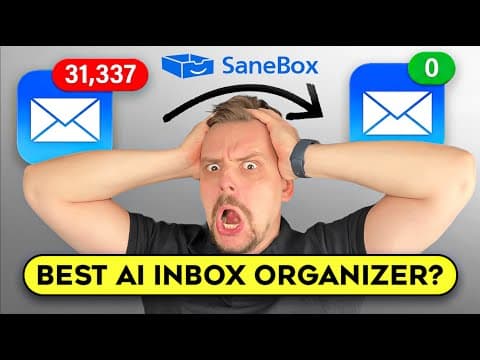
SaneBox is an AI email management service that helps users save time by automatically filtering unimportant emails and prioritizing important ones. It utilizes sophisticated algorithms and machine learning to sort emails into different folders based on their relevance. This allows users to focus on critical messages and reduce time spent on email management.
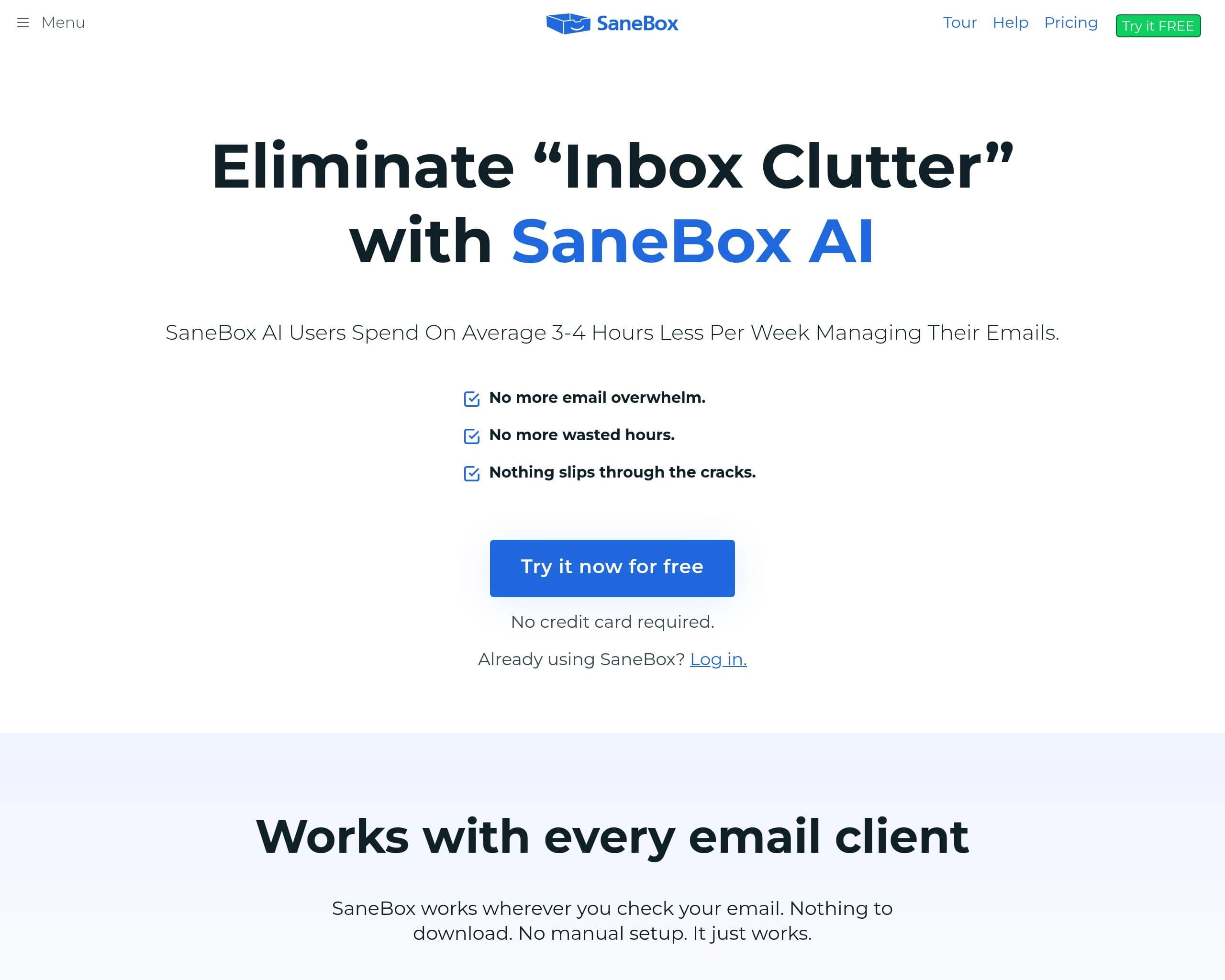
Key features include automatic filtering, one-click unsubscribe, follow-up reminders, and a daily digest of unimportant emails. SaneBox integrates with all major email services and devices, offering a seamless experience without requiring any downloads or manual setup.
SaneBox is ideal for professionals, teams, and businesses looking to eliminate email overwhelm, improve productivity, and ensure nothing slips through the cracks. It helps users regain control of their inbox and focus on what matters most.
Key Features
- Automatic filtering of unimportant emails
- One-click unsubscribe from unwanted senders
- Follow-up reminders to ensure timely responses
- Daily digest of unimportant emails
- Snooze emails for later viewing
- BlackHole feature to banish annoying senders
- Works with all major email clients and devices
- Attachment processing
Pros
- Saves an average of 3-4 hours per week on email management
- Reduces email overwhelm and distractions
- Ensures important emails don't get missed
- Easy to set up and use with no downloads required
- Offers a 14-day free trial to test the service
Cons
- Requires granting access to your email account
- Relies on analyzing email headers, raising potential privacy concerns for some users
- Custom filtering rules may require some initial setup and training
- Pricing plans may be too expensive for individual users with basic needs
- Dependent on the accuracy of AI algorithms, which may occasionally misclassify emails
Pricing
SaneBox offers a 14-day free trial with premium features. After the trial, users must choose a paid plan. Pricing plans vary based on features and email account limits. Educational, non-profit, and government agencies can get a 25% discount on any plan. See pricing options on their website.
Claim Verified Creator Badge
Are you the founder of SaneBox? Display this listing's verified badge on your website to show your customers that your product has been vetted and listed on AI Central Resources.
<a href="https://www.aicentralresources.com/tool/sanebox-3" target="_blank" rel="noopener">
  <img src="https://www.aicentralresources.com/badges/featured-badge-dark.svg" alt="Featured on AICentralResources" width="200" height="54" style="border: none;" />
</a>
* Place this HTML snippet in your website's footer, landing page, or press section. This creates a search-friendly backlink directly to your verification page.
Frequently Asked Questions
SaneBox uses AI to automatically sort your incoming emails, filtering out unimportant messages and prioritizing important ones, saving you up to 3-4 hours per week.
Yes, SaneBox works with all major email services such as Gmail, Microsoft 365, Apple iCloud, Yahoo! Mail, and Fastmail, as well as any IMAP, Microsoft Exchange, or ActiveSync server.
SaneBox prioritizes security and privacy. They never sell or share your information, and your emails, contacts, and content stay between you and SaneBox. They use encrypted credentials and are independently audited.
Training SaneBox is as simple as moving an email to a different folder. The system learns from these actions and won't make the same mistake again. You can also update trainings via your dashboard.
Canceling is easy and can be done through your dashboard. You can choose whether to keep or remove your Sane folders, and SaneBox will revert your email setup to its original state.