

Cursor
AI-native code editor with autonomous agents for building software
Gallery
5 items



About Cursor
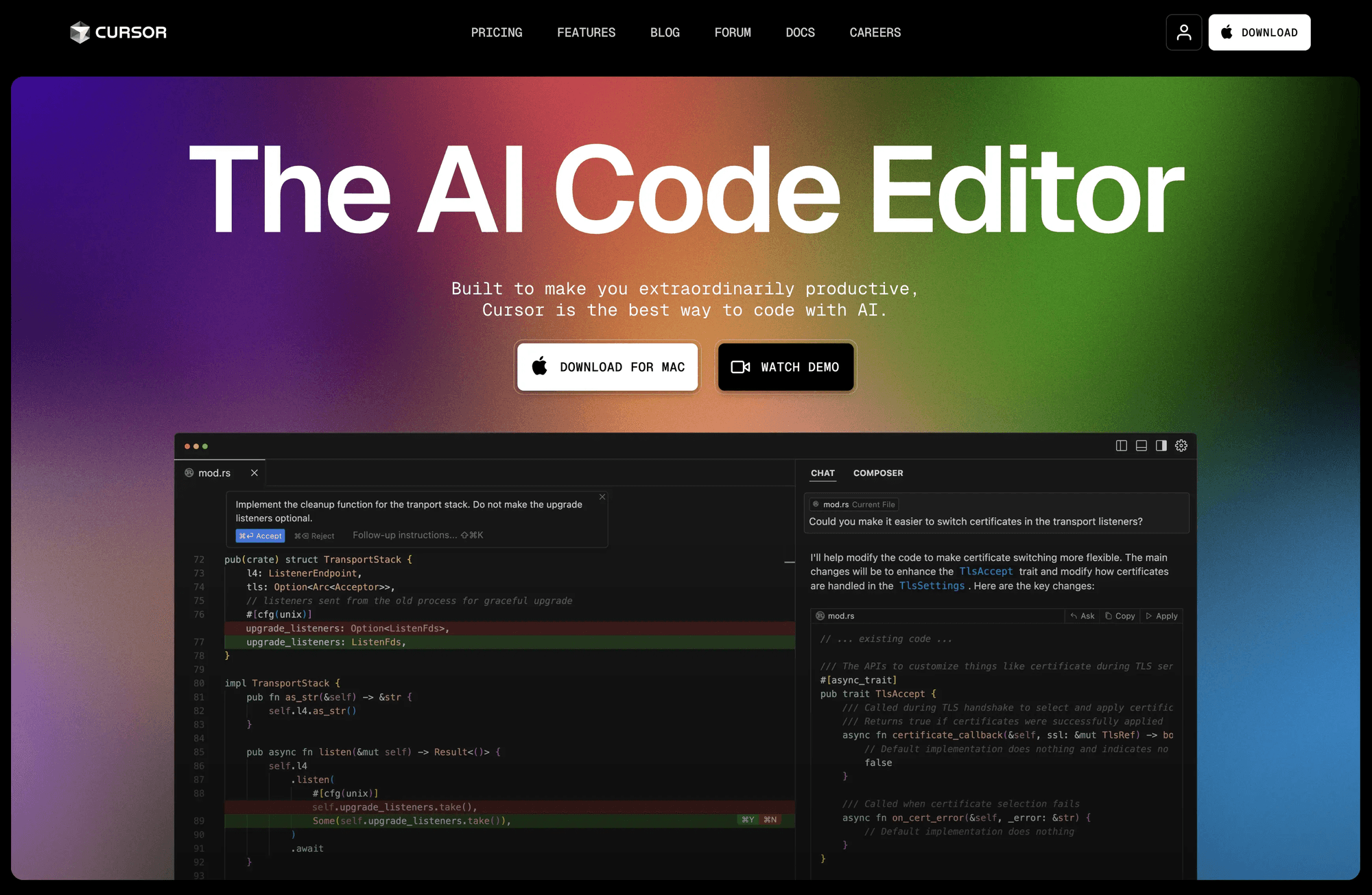
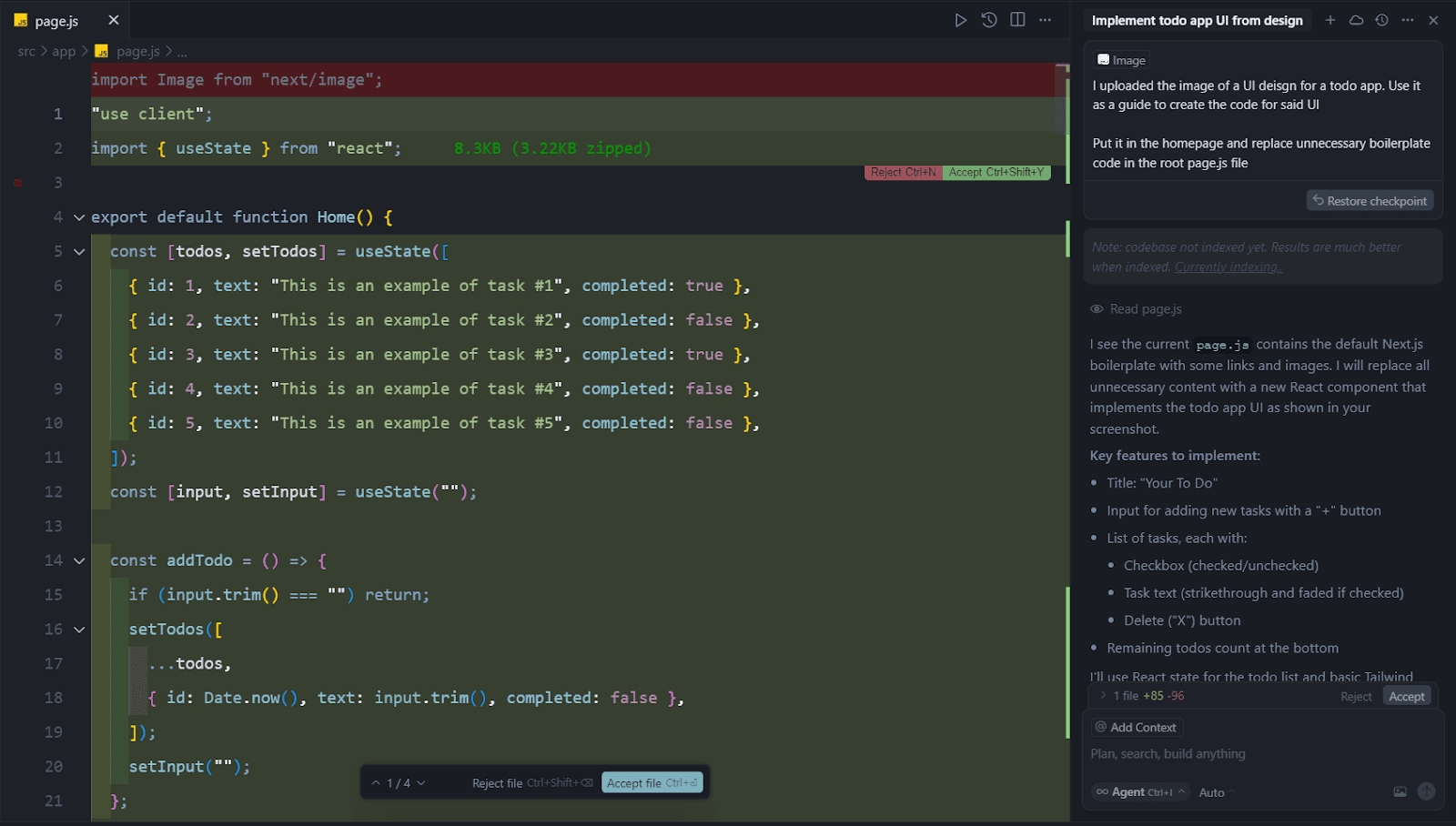
Cursor is an AI-native code editor built by Anysphere that reimagines the IDE around AI agents rather than bolting AI on as a plugin. Forked from Visual Studio Code, Cursor combines familiar editor ergonomics with deeply integrated AI capabilities: context-aware Tab autocomplete, an Agent mode that can plan and execute multi-file changes, and cloud-based agents that work autonomously in the background to build, test, and demo features for review. Developers can trigger targeted edits with inline commands or hand off entire tasks to agents that explore the codebase, write code, run tests, and open pull requests.
Founded in 2022 by four MIT classmates and launched publicly in March 2023, Cursor gives developers a choice of frontier models from OpenAI, Anthropic, Google Gemini, and xAI Grok, alongside Anysphere's own in-house Composer models optimized for speed and cost. The platform extends into the terminal through Cursor CLI, into Slack and GitHub for delegating and reviewing agent work, and supports MCP servers, skills, and hooks for connecting external tools. Bugbot adds agentic, automated code review to pull requests, while Automations let teams set up always-on agents that run on schedules or triggers to fix CI failures and maintain codebases without manual intervention.
Cursor has grown rapidly to become one of the most widely adopted AI coding tools, used by more than half of the Fortune 500 and cited by engineering leaders at NVIDIA, Stripe, and Shopify for major productivity gains. Individual plans range from a free Hobby tier through Pro, Pro+, and Ultra, while Teams and Enterprise plans add centralized billing, SAML/OIDC SSO, audit logs, and access controls for larger organizations building software at scale.
Key Features
- AI agent mode for autonomous multi-file code edits with review controls
- Cloud agents that build, test, and demo features in parallel in the background
- Tab autocomplete with context-aware, whole-function code suggestions
- Access to frontier models from OpenAI, Anthropic, Google, and xAI plus Cursor's own Composer models
- Cursor CLI for AI-assisted coding directly in the terminal
- Bugbot for agentic, automated code review on pull requests
- MCP, skills, and hooks support for extending agent capabilities
- Slack and GitHub integrations for delegating tasks from chat and PRs
- Scheduled automations that run agents on triggers to maintain and fix code
- Team marketplace for sharing internal rules, skills, and plugins
Pros
- Deep AI-native integration rather than a bolted-on plugin experience
- Free Hobby tier available with no credit card required
- Wide model choice across OpenAI, Claude, Gemini, Grok, and in-house Composer models
- Autonomous cloud agents can work tasks end-to-end in parallel
- Privacy Mode guarantees code isn't used for model training when enabled
- SOC 2 certified with strong enterprise governance and access controls
Cons
- Credit-based billing means heavy agent or premium-model usage can exceed the base plan quickly
- Ultra tier is expensive at $200/month for power users
- As a VS Code fork, some proprietary VS Code extensions may not be fully compatible
- On-demand overage costs beyond included credits are billed in arrears and can surprise new users
- Enterprise pricing and invoice billing require contacting sales rather than transparent self-serve rates
Pricing
Cursor's Hobby plan is free with no credit card required, offering limited Agent requests, limited Tab completions, and access to Composer. Pro costs $20/month and includes extended Agent limits, generous Grok and Composer limits, access to frontier models, MCPs/skills/hooks, cloud agents, and a $20 monthly credit pool for premium model usage. Pro+ costs $60/month with roughly 3x Pro's usage limits and a larger credit pool (~$70). Ultra costs $200/month with about 20x Pro's limits, a ~$400 credit pool, and priority access to new features. Teams Standard costs $40/user/month and adds centralized billing, a team marketplace, Bugbot code reviews, shared cloud agents, usage analytics, team-wide privacy mode, and SAML/OIDC SSO; Teams Premium costs around $120/user/month with roughly 5x Standard's included usage. Enterprise is custom-priced and adds pooled usage, invoice/PO billing, SCIM seat management, repository/model/MCP access controls, audit logs, and an AI code tracking API. Annual billing saves approximately 20% across all paid plans, and all prices are exclusive of applicable taxes.
Claim Verified Creator Badge
Are you the founder of Cursor? Display this listing's verified badge on your website to show your customers that your product has been vetted and listed on AI Central Resources.
<a href="https://www.aicentralresources.com/tool/cursor" target="_blank" rel="noopener">
  <img src="https://www.aicentralresources.com/badges/featured-badge-dark.svg" alt="Featured on AICentralResources" width="200" height="54" style="border: none;" />
</a>
* Place this HTML snippet in your website's footer, landing page, or press section. This creates a search-friendly backlink directly to your verification page.
Connect with Cursor
Frequently Asked Questions
Cursor is an AI-native code editor, forked from VS Code, that lets developers write, edit, and refactor code with AI agents that understand full codebase context, execute multi-file changes, and run autonomously in the cloud.
Yes, Cursor's free Hobby plan requires no credit card and includes limited Agent requests, limited Tab completions, and access to Composer, making it usable for light coding work before upgrading.
Cursor Pro costs $20/month and includes a $20 monthly credit pool for premium model usage; Pro+ is $60/month with roughly 3x the credits, and Ultra is $200/month with about 20x Pro's credits plus priority feature access.
Yes, Cursor supports OpenAI, Anthropic Claude, Google Gemini, xAI Grok, and its own in-house Composer models, letting developers pick the best model for speed, accuracy, or cost per task.
Yes, when Privacy Mode is enabled in settings or by a team admin, Cursor guarantees that code data is not used for training by Cursor or its underlying model providers.
Yes, Cursor's cloud agents can work autonomously in the background on tasks like fixing bugs or building features, running tests and producing a pull request for review without requiring the developer's machine to stay open.
Similar AI Tools to Cursor
View all alternatives of Cursor


Amazon Q Developer
AWS's generative AI coding assistant for the full software development lifecycle

Windsurf (Devin Desktop)
The AI-native code editor from Codeium, now Devin Desktop by Cognition AI


GitHub Copilot
AI pair programmer for code completion, chat, and autonomous coding agents