

Beautiful.ai
AI presentation software with smart slide templates that design and format your slides automatically
Gallery
7 items




About Beautiful.ai
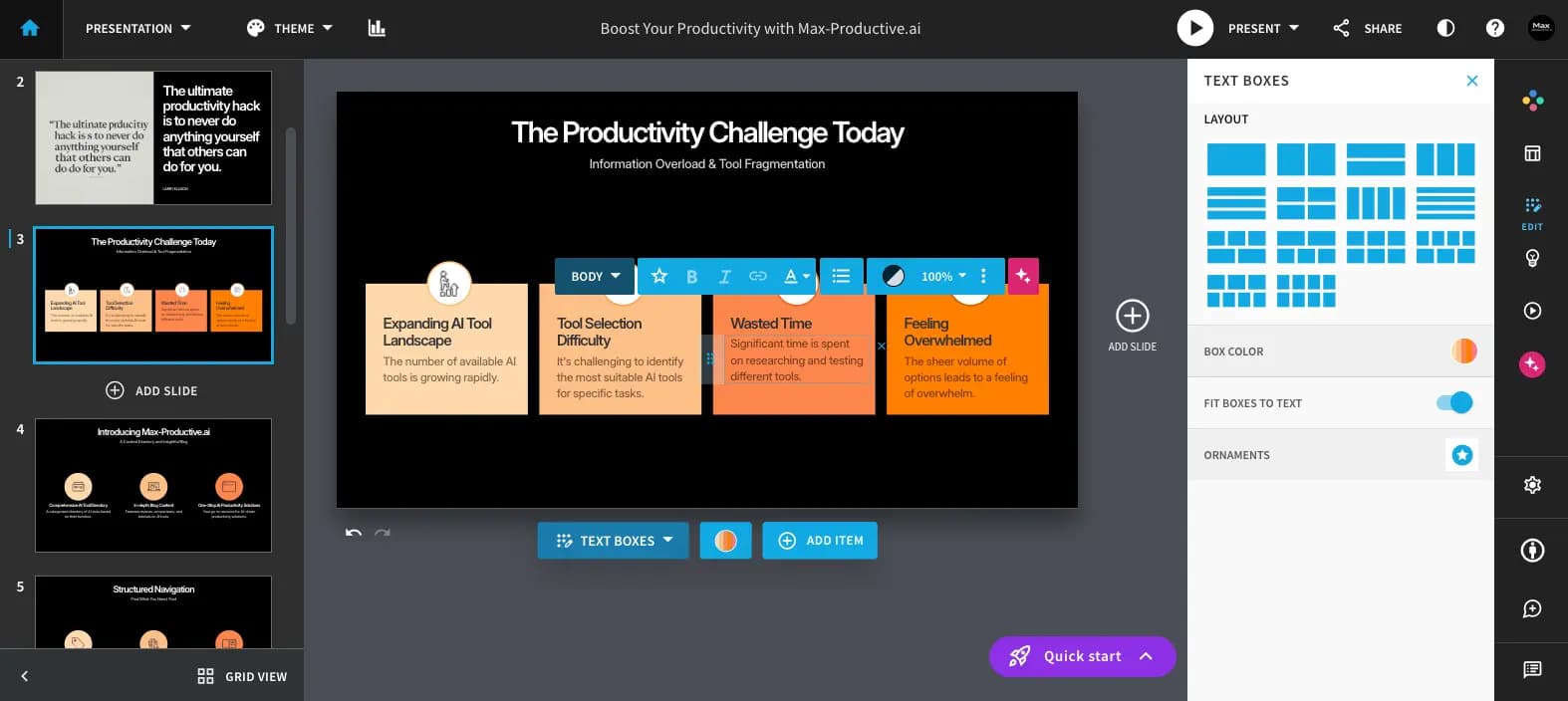
Beautiful.ai's pitch is that you should not have to think about alignment, and based on its official feature and pricing pages plus public reviews, that holds up. Smart slides rearrange themselves as content changes, which makes it a good fit for teams where many people touch the same deck. This review is research-based, not a controlled lab test. The flip side is flexibility. The auto-layout system is deliberately opinionated, so designers who want pixel-level control will feel constrained, and there is no permanent free plan, only a 14-day trial that needs a credit card. Team pricing at $40 to $50 per user per month is higher than several newer rivals, and the pricing page lists the Team seat range inconsistently, so confirm details with sales if you are buying for a group. It earns its price for sales, consulting and internal comms teams that value brand consistency and shared libraries. Solo users who want cheap or free AI decks may be better served by Gamma or SlidesAI.
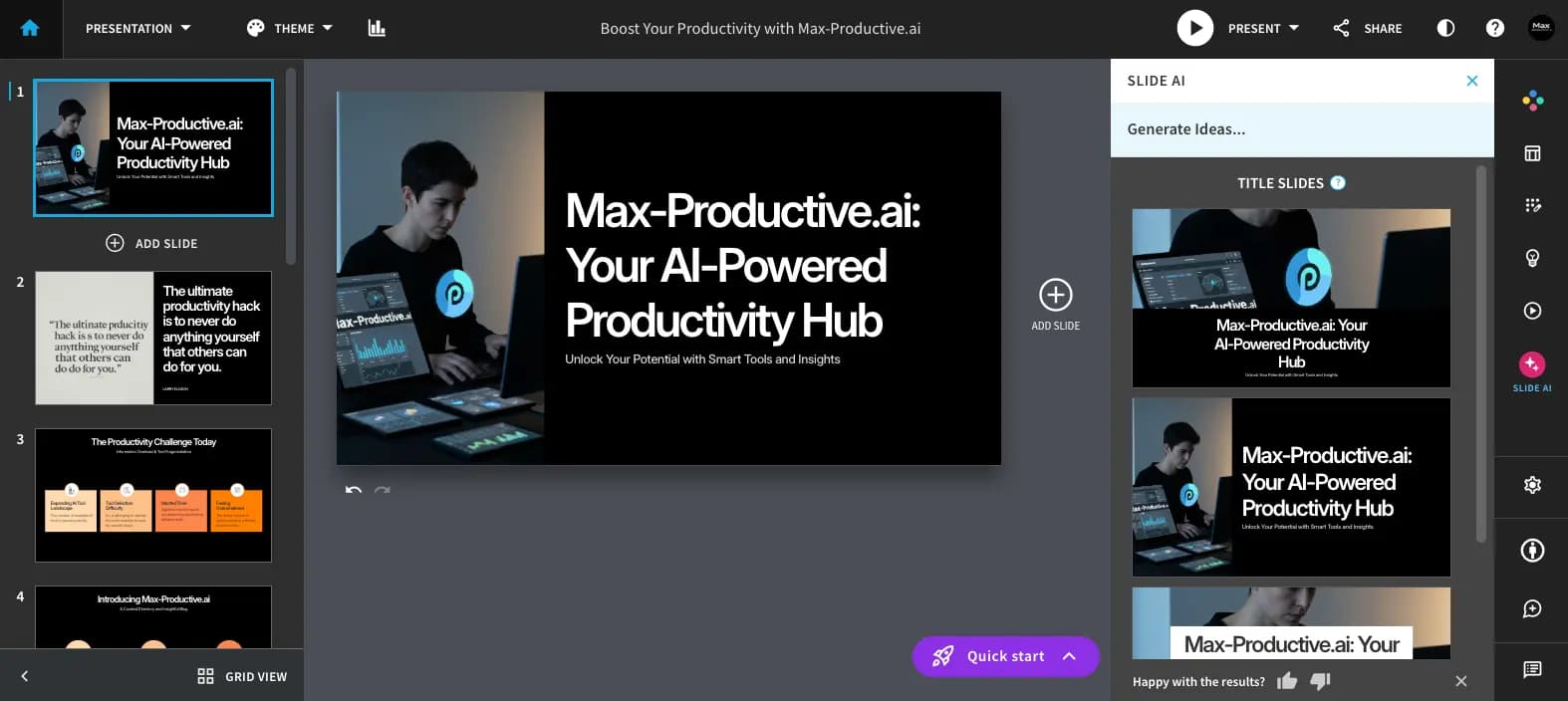
Beautiful.ai is an AI presentation platform built around smart slide templates that automatically adjust layout, spacing and alignment as you add or edit content. Rather than dragging boxes around, users pick a slide type and the design rules keep every slide on-brand and visually consistent.
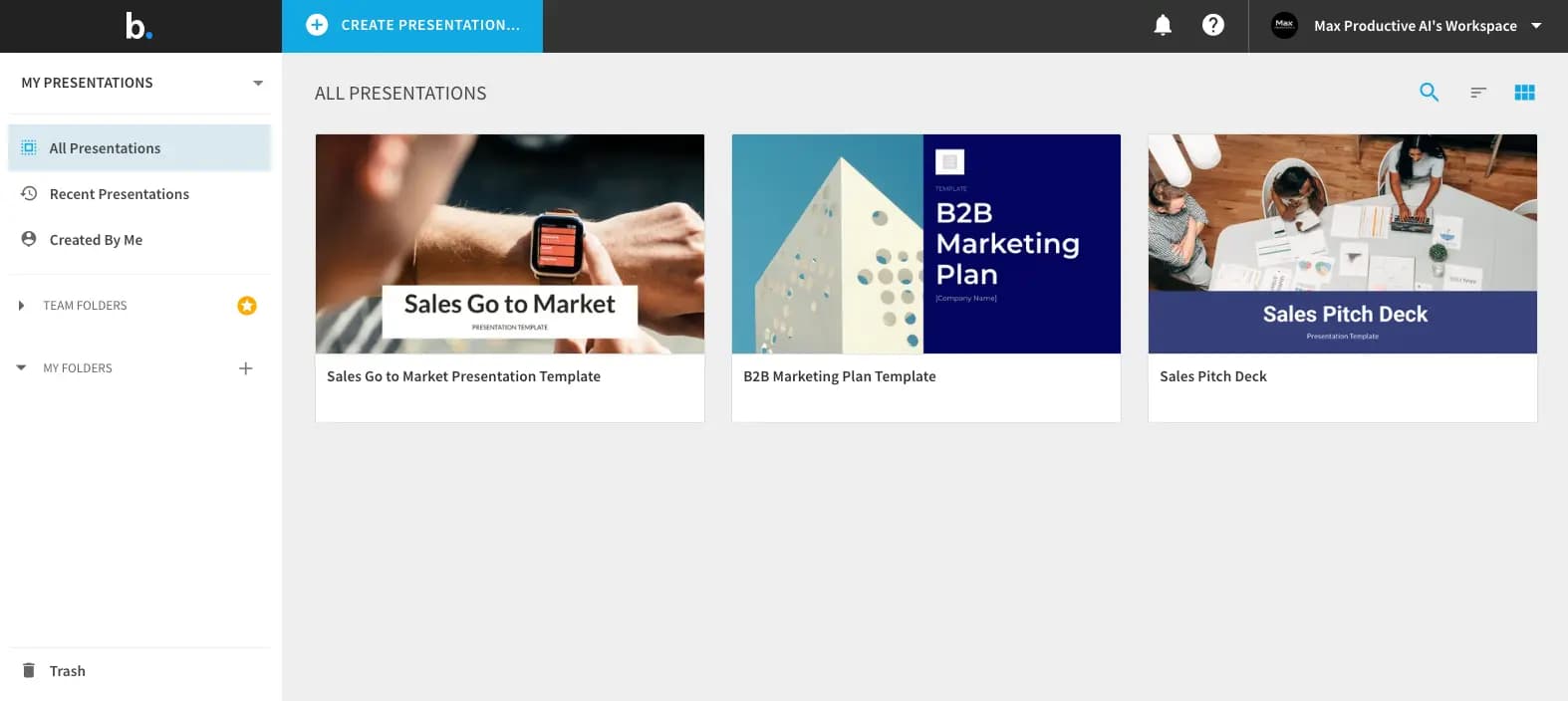
Its AI features generate content and full decks from prompts, with more than 300 smart slide layouts, themes, dynamic charts, image and icon libraries, and PowerPoint import and export. Team plans add a shared workspace, centralized slide and template libraries, real-time collaboration, version control, locked slides, viewer analytics and live data linking.
It is aimed at business teams, sales and consulting groups and anyone who must keep decks consistent across many authors, with enterprise options for security, SSO and brand guardrails.
Key Features
- Smart slide templates that auto-format layouts
- AI deck and content generation from prompts
- 300+ smart slide layouts and themes
- Dynamic charts and live data linking
- Real-time team collaboration and shared libraries
- Locked slides and version control
- Viewer analytics and engagement alerts
- PowerPoint import and export
Pros
- Automatic layout keeps slides clean and consistent
- Strong team features like shared libraries and locked slides
- Unlimited AI generation on paid plans
- PowerPoint import and export
- Enterprise security and brand guardrails available
Cons
- No permanent free plan, trial requires a credit card
- Auto-layout limits fine manual control
- Team pricing is higher than many rivals
- Seat limits are described inconsistently on the pricing page
Pricing
Beautiful.ai is a paid product with a 14-day free trial on Pro and Team. A credit card is required to start the trial and you are charged if you do not cancel before it ends.
Per the official pricing page: Pro for individuals is $14.50/month billed annually (with a higher monthly-billed option for one-off projects, listed around $45), and Team is $40/user/month billed annually or $50/user/month billed monthly for roughly 2 to 20 members. All plans include unlimited AI content generation, AI images, a writing assistant, translation, 300+ smart slide layouts, custom branding and PowerPoint import and export. Team adds a shared workspace, real-time collaboration, slide and template libraries, version control, locked slides, live data linking and analytics.
Enterprise is custom-priced and adds dedicated onboarding, SSO and SCIM, audit logs, advanced permissions and brand guardrails, with SOC 2 Type II, GDPR, CCPA and PCI claims. A free year for students with a .edu email and a small-team (SMB) plan are also mentioned. Confirm current numbers on the pricing page, as the Team seat range is stated inconsistently.
Claim Verified Creator Badge
Are you the founder of Beautiful.ai? Display this listing's verified badge on your website to show your customers that your product has been vetted and listed on AI Central Resources.
<a href="https://www.aicentralresources.com/tool/beautifulai" target="_blank" rel="noopener">
  <img src="https://www.aicentralresources.com/badges/featured-badge-dark.svg" alt="Featured on AICentralResources" width="200" height="54" style="border: none;" />
</a>
* Place this HTML snippet in your website's footer, landing page, or press section. This creates a search-friendly backlink directly to your verification page.
Connect with Beautiful.ai
Frequently Asked Questions
No permanent free plan is listed. Pro and Team include a 14-day free trial that requires a credit card, and students with a .edu email can get one year free.
Pro is $14.50/month billed annually and Team is $40/user/month billed annually ($50 monthly), per the official pricing page. Enterprise is custom.
Smart slides are templates with built-in design rules that automatically adjust layout, spacing and alignment as you add content.
Yes, Beautiful.ai supports PowerPoint import and export.
Yes. Team plans add shared workspaces, template and slide libraries, real-time editing, version control and analytics.
Similar AI Tools to Beautiful.ai
View all alternatives of Beautiful.ai
Canva AI
Your all-in-one AI assistant for creative design and content generation

Powtoon
Easily create professional AI-powered videos and presentations for business impact.


Gamma
AI-native tool for creating presentations, documents, websites and social posts from a single prompt

Pitch
Collaborative presentation software with AI deck generation, brand templates and engagement analytics

Decktopus
AI presentation generator that builds on-brand decks with speaker notes, images and sharing analytics