AI Tool Comparison

Comparing as AI Business & Finance Tools
monday.com AI vs Zoom AI Companion

Compare features, pricing, pros & cons, and user ratings to decide which AI tool is best for your needs.

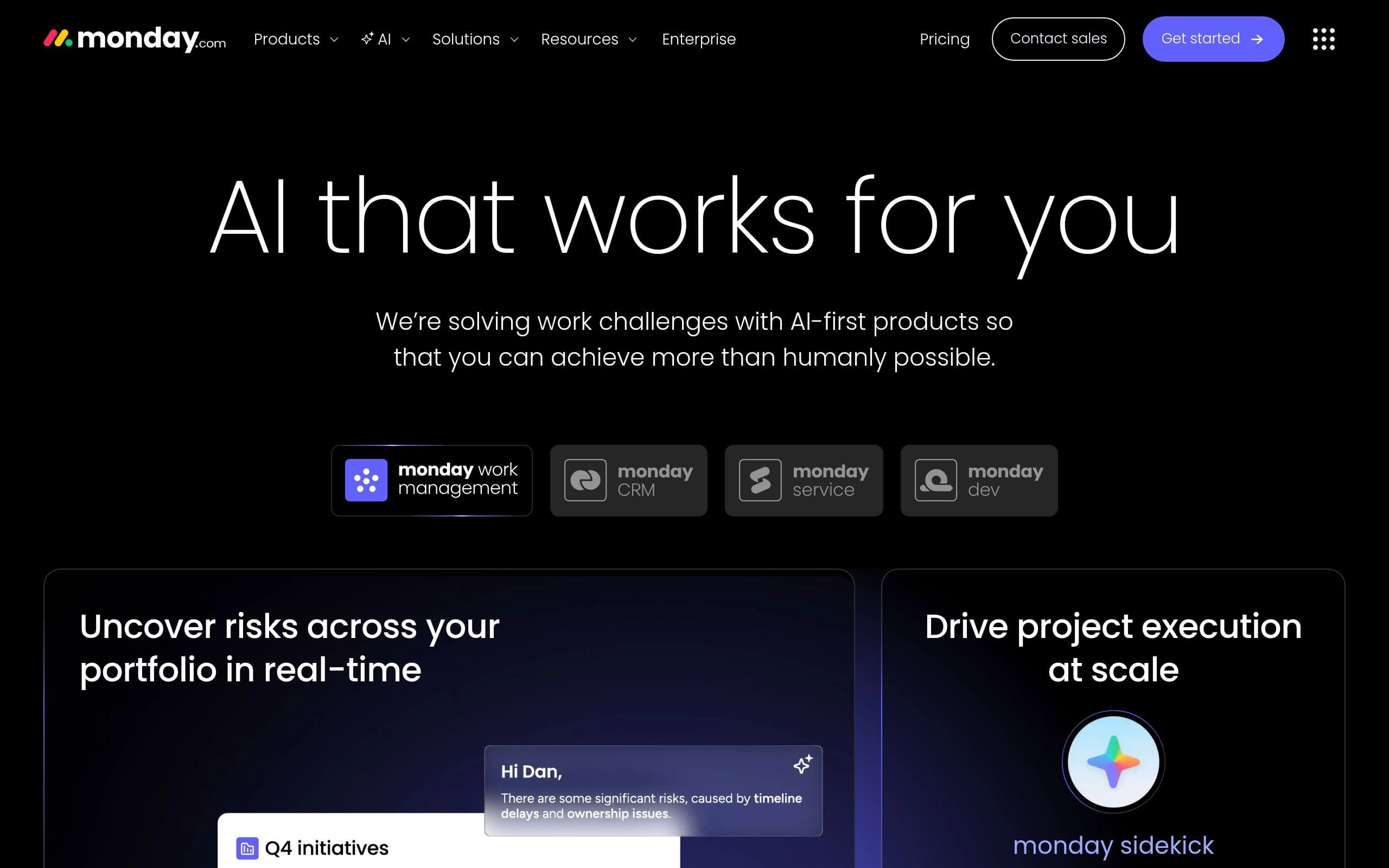
monday.com AI

monday.com AI

VS
Zoom AI Companion

Zoom AI Companion

Core Differences

The fundamental difference lies in their integration and focus. monday.com AI is an add-on tightly integrated into the monday.com work management platform, enhancing its existing capabilities. Zoom AI Companion, on the other hand, is designed as an AI assistant within the Zoom Workplace, with the ability to extend its functionality across multiple platforms like Google Meet and Microsoft Teams. Thus, monday.com AI works to improve project workflows within its native environment, while Zoom AI Companion serves as a versatile productivity tool focused on meetings and communication.

Verdict by Category

Best for Project Management Enhancement

monday.com AI

monday.com AI directly enhances project management workflows within the monday.com platform through AI-driven task assignment and risk analysis.

Best for Meeting Productivity

Zoom AI Companion

Zoom AI Companion excels at improving meeting efficiency with AI-generated summaries and note-taking, directly integrating within the Zoom Workplace.

Best Value for Existing Zoom Users

Zoom AI Companion

Zoom AI Companion is included with paid Zoom Workplace plans at no extra charge, providing significant value to existing Zoom users.

E

Editor's Take

Honest opinion from our review team

"
I found that monday.com AI felt like a natural extension of the monday.com platform, seamlessly integrating into existing workflows. The AI-powered task assignment was particularly helpful. Zoom AI Companion, on the other hand, was incredibly useful for summarizing lengthy meetings and generating action items. The cross-platform compatibility was a huge plus, making it easy to use across different meeting platforms. Both tools had a bit of a learning curve for advanced features, but the core functionality was intuitive.
"

Detailed Comparison

Feature
monday.com AI
Zoom AI Companion
Pricing
FreemiumFree plan available for up to 2 seats. Basic plan starts at $9/seat/month, Standard at $12/seat/month, and Pro at $19/seat/month, billed annually. Enterprise plan pricing is custom.
FreemiumAI Companion is included with paid Zoom Workplace plans at no extra charge. Basic: Free, limited in-meeting use (meeting summaries and in-meeting questions), limited queries on the side panel and web surface, agentic retrieval with limited resources per query. Meetings 40 minutes per meeting, 100 participants per meeting. AI Companion: $8.33 /user/month billed annually, Access to AI Companion across Zoom Workplace and the web. All of AI Companion Basic, and: AI Companion New AI note-taking across Zoom, Microsoft Teams, Google Meet, in-person meetings, and 3rd-party meetings Meeting summaries in Zoom Meetings Meeting questions in Zoom Meetings Meeting summaries can be sent to Slack automatically Queries on the side panel and web surface Writing mode Personal workflows Pro Workplace: $14.16 /user/month billed annually, Bundle — All the essential features of Workplace Pro bundled with AI Companion. All of AI Companion, and: Meetings 30 hours max per meeting 100 participants max per meeting Increase with Large Meeting Clips Plus Unlimited clips Custom avatars (3 mins per month) Mail Zoom Mail
Pricing Verdict
monday.com AI's pricing is structured around its core platform, monday.com. While it offers a freemium model, accessing the full potential of AI features likely requires a paid subscription, and potentially additional credits for AI usage. The value here is in the comprehensive work management solution enhanced by AI.

Zoom AI Companion, in contrast, offers a more straightforward pricing model. It is included with paid Zoom Workplace plans, making it a cost-effective option for existing Zoom users. The "AI Companion" plan at $8.33/user/month billed annually provides access across Zoom, Microsoft Teams, Google Meet, and in-person meetings, delivering strong value for users needing cross-platform meeting support. The free Basic plan, while limited, allows new users to explore the tool's capabilities. Overall, Zoom AI Companion offers better value for those heavily invested in the Zoom ecosystem.
Categories
AI Productivity ToolsAI No-Code / Automation ToolsAI Business & Finance Tools
Summary
AI-powered tools for smarter, more efficient workflows.
Your smart AI assistant for enhanced productivity.
monday.com AI

monday.com AI Pros & Cons

Pros

  • Enhances team collaboration
  • Automates repetitive tasks
  • Provides real-time insights
  • Improves workflow efficiency
  • Offers customizable AI solutions

Cons

  • Requires a paid monday.com subscription
  • AI features may require additional credits
  • Steep learning curve for advanced AI customization
  • Reliance on existing monday.com infrastructure
  • Accuracy of AI outputs depends on data quality
Zoom AI Companion

Zoom AI Companion Pros & Cons

Pros

  • Enhances productivity by automating repetitive tasks
  • Improves meeting efficiency with AI-generated summaries and action items
  • Facilitates better decision-making with deep research capabilities
  • Streamlines content creation with AI-assisted drafting and editing
  • Offers accessibility features like real-time translation and transcription
  • Integrates seamlessly with Zoom Workplace and other platforms

Cons

  • Advanced features may require a paid Zoom Workplace plan
  • Effectiveness depends on the quality of data and context provided
  • Custom AI Companion and certain third-party agents may incur additional fees
  • Accuracy of transcriptions may vary depending on accents and audio quality
  • Reliance on AI could reduce human interaction and critical thinking
  • Some features are still listed as 'coming soon'

AI Verdict

Both monday.com AI and Zoom AI Companion aim to enhance productivity through artificial intelligence, but they target different aspects of work. monday.com AI is deeply integrated into the monday.com work management platform, focusing on optimizing workflows, automating tasks, and providing real-time insights within project management contexts. Its strength lies in its ability to streamline overall operational efficiency, with features like AI-powered task assignment and risk analysis. The tool is ideal for teams already invested in the monday.com ecosystem who need to enhance their project management capabilities.

In contrast, Zoom AI Companion is designed to improve communication and collaboration within the Zoom Workplace. It excels at features like AI-powered meeting summaries, note-taking, and content generation for messages and documents. Its key differentiator is its ability to work across multiple platforms, including Google Meet and Microsoft Teams, making it a versatile tool for professionals who need assistance with communication and content creation. Zoom AI Companion is especially beneficial for individuals seeking to improve their meeting productivity and streamline content creation processes.

Ultimately, the choice between the two depends on your primary needs. If your focus is on optimizing project workflows and you're already using monday.com, monday.com AI is the better choice. If you're looking for an AI assistant to enhance communication, collaboration, and content creation within the Zoom environment, Zoom AI Companion is the superior option. Consider these points:

* monday.com AI: Project Management Optimization

* Zoom AI Companion: Communication & Collaboration Enhancement

* Key Differentiator: Platform Integration vs. Cross-Platform Versatility

Frequently Asked Questions

QWhat types of tasks can monday.com AI automate?

monday.com AI can automate a range of tasks, including task assignment, risk analysis, sentiment detection in text, content summarization, and AI-driven translation.

QCan Zoom AI Companion be used with platforms other than Zoom?

Yes, Zoom AI Companion offers new AI note-taking across Zoom, Microsoft Teams, Google Meet, in-person meetings, and 3rd-party meetings if you have the right Zoom AI Companion paid plan.

QIs there a free version of either monday.com AI or Zoom AI Companion?

Yes, both offer a free version. monday.com AI has a free plan for up to 2 seats, while Zoom AI Companion is included with Basic Zoom Workplace plans, offering limited in-meeting use.

QAre there any limitations to the accuracy of AI-generated content in either tool?

Yes, the accuracy of AI outputs in both monday.com AI and Zoom AI Companion depends on the quality of data and context provided. Transcription accuracy may also vary depending on accents and audio quality.

QDoes Zoom AI Companion offer real-time translation?

Yes, Zoom AI Companion offers real-time translation and transcription in 46 languages.