Comparing as AI Business & Finance Toolsmonday.com AI vs Otter.ai
Compare features, pricing, pros & cons, and user ratings to decide which AI tool is best for your needs.

monday.com AI

Otter.ai
Core Differences
Otter.ai, on the other hand, is a **standalone AI-powered meeting assistant** focused specifically on transcribing, summarizing, and analyzing spoken conversations. It functions independently, integrating with meeting platforms like Zoom and Google Meet to provide real-time transcription and insights.
Verdict by Category
Best for Project Management Enhancement
monday.com AI offers a broader suite of AI-powered tools designed to optimize overall project workflows and team collaboration within the monday.com environment.
Best for Meeting Intelligence
Otter.ai excels in providing accurate real-time transcription, automated summaries, and actionable insights from meetings, making it ideal for conversation analysis.
Best Freemium Value
Otter.ai's free plan offers a generous 300 monthly transcription minutes, providing significant value for individual users and small teams.
Editor's Take
Honest opinion from our review team
Detailed Comparison
Otter.ai also uses a freemium model, with a free Basic plan offering 300 transcription minutes per month. The Pro and Business plans unlock more advanced features like custom vocabulary and team collaboration tools. The value proposition is clear: the more meeting transcription and analysis you need, the higher the plan you should consider. Its free tier is more immediately useful than monday.com's, offering tangible transcription minutes.
Both offer Enterprise plans with custom pricing, which typically include tailored support, security, and integration options for larger organizations.
monday.com AI Pros & Cons
Pros
- Enhances team collaboration
- Automates repetitive tasks
- Provides real-time insights
- Improves workflow efficiency
- Offers customizable AI solutions
Cons
- Requires a paid monday.com subscription
- AI features may require additional credits
- Steep learning curve for advanced AI customization
- Reliance on existing monday.com infrastructure
- Accuracy of AI outputs depends on data quality
Otter.ai Pros & Cons
Pros
- Saves time by automating transcription and summaries
- Improves team collaboration with shared meeting notes
- Enhances sales efficiency with CRM integration
- Provides accurate and searchable meeting records
- Offers flexible plans for different user needs
- Integrates seamlessly with popular meeting platforms
Cons
- Advanced features require a paid subscription
- Accuracy of transcription may vary depending on audio quality
- Limited transcription minutes in the basic free plan
- Some integrations require an Enterprise plan
- Relies on stable internet connection for real-time transcription
- May not accurately transcribe specialized or technical jargon without custom vocabulary
AI Verdict
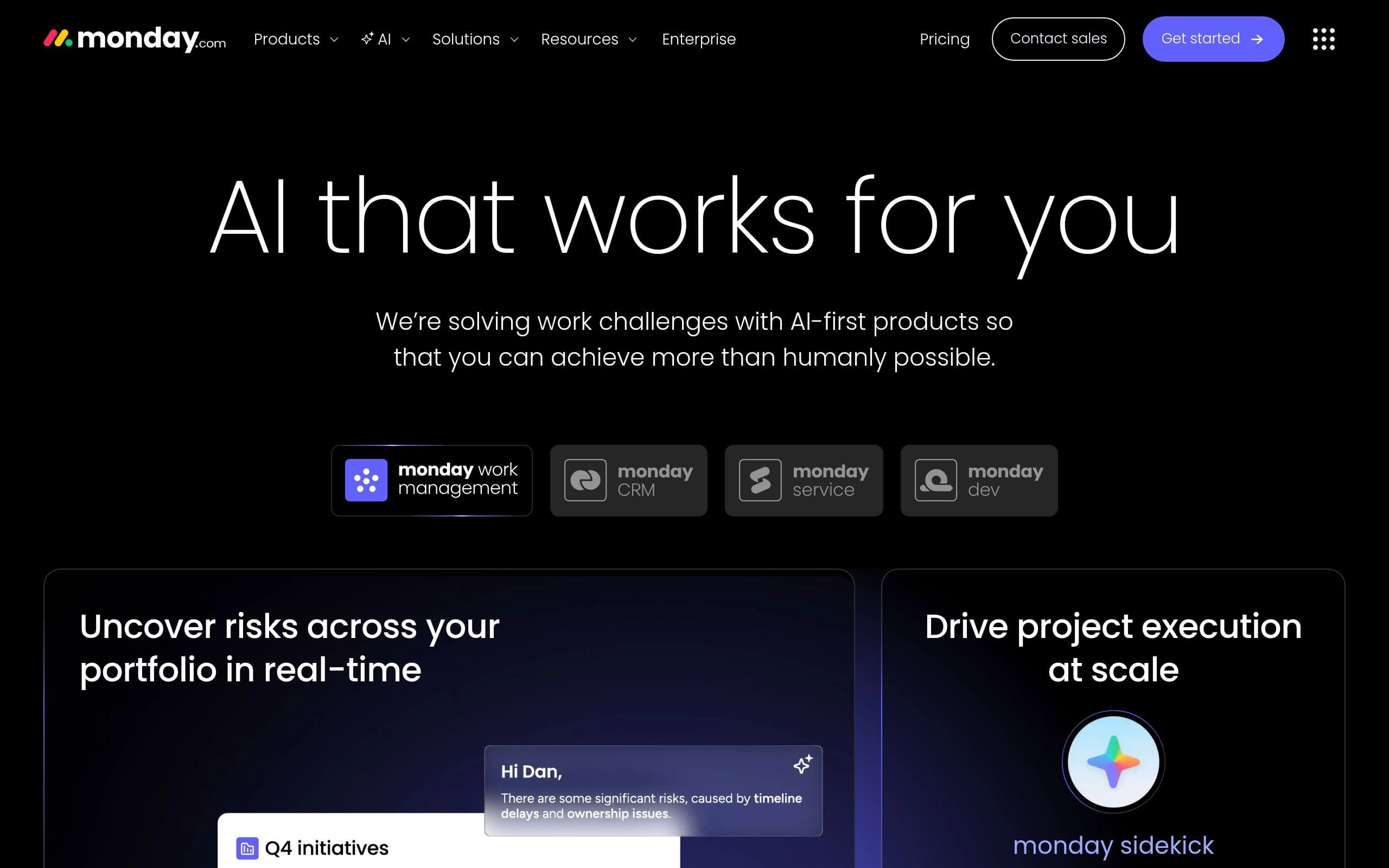
monday.com AI and Otter.ai offer distinct AI-driven solutions, each excelling in different areas of workflow automation and insights. monday.com AI focuses on enhancing overall work management within the monday.com ecosystem. Its core strength lies in optimizing project workflows through features like AI-powered task assignment, risk analysis, and sentiment detection. It’s ideal for teams already using monday.com who want to leverage AI to streamline operations and gain real-time insights across various projects. A key differentiator is its customizable AI prompt automations, allowing users to tailor AI functionalities to their specific needs.
In contrast, Otter.ai specializes in meeting transcription and summarization. Its primary focus is on capturing and analyzing spoken conversations, making it invaluable for sales teams, educators, and anyone who needs accurate meeting records and actionable insights. Otter.ai shines in its ability to provide real-time transcription, automated summaries, and action item automation, integrating seamlessly with popular meeting platforms like Zoom and Google Meet. The main differentiator is its AI Chat feature, which allows users to instantly ask questions about past conversations.
While both tools leverage AI to improve productivity, monday.com AI is a broad work management enhancer, and Otter.ai is a focused meeting intelligence tool. Consider monday.com AI if you seek a comprehensive AI-driven solution for project management within the monday.com environment. Choose Otter.ai if your primary need is to accurately transcribe, summarize, and analyze meetings and conversations.
Frequently Asked Questions
QCan monday.com AI transcribe meetings like Otter.ai?
While monday.com AI offers some content summarization features, it is not primarily designed for real-time meeting transcription like Otter.ai. Otter.ai specializes in this area and provides more accurate and comprehensive transcription services.
QDoes Otter.ai integrate with monday.com?
Otter.ai offers integrations with popular meeting platforms like Zoom, Google Meet, and Microsoft Teams, but direct integration with monday.com may require using third-party connectors or APIs.
QIs monday.com AI suitable for small teams?
Yes, monday.com AI offers plans suitable for teams of all sizes, including a free plan for up to 2 seats. However, accessing the full range of AI features may require a paid subscription.
QHow accurate is Otter.ai's transcription?
Otter.ai's transcription accuracy is generally high, but it can vary depending on audio quality, background noise, and the presence of specialized jargon. Using a high-quality microphone and ensuring a clear audio environment can improve accuracy.
QAre there any security concerns with using AI to process meeting data?
Both monday.com AI and Otter.ai implement security measures to protect user data. However, it's essential to review their privacy policies and security practices to ensure they meet your organization's requirements for data protection and compliance.