monday.com AI
AI-powered tools for smarter, more efficient workflows.
Gallery
3 items

About monday.com AI
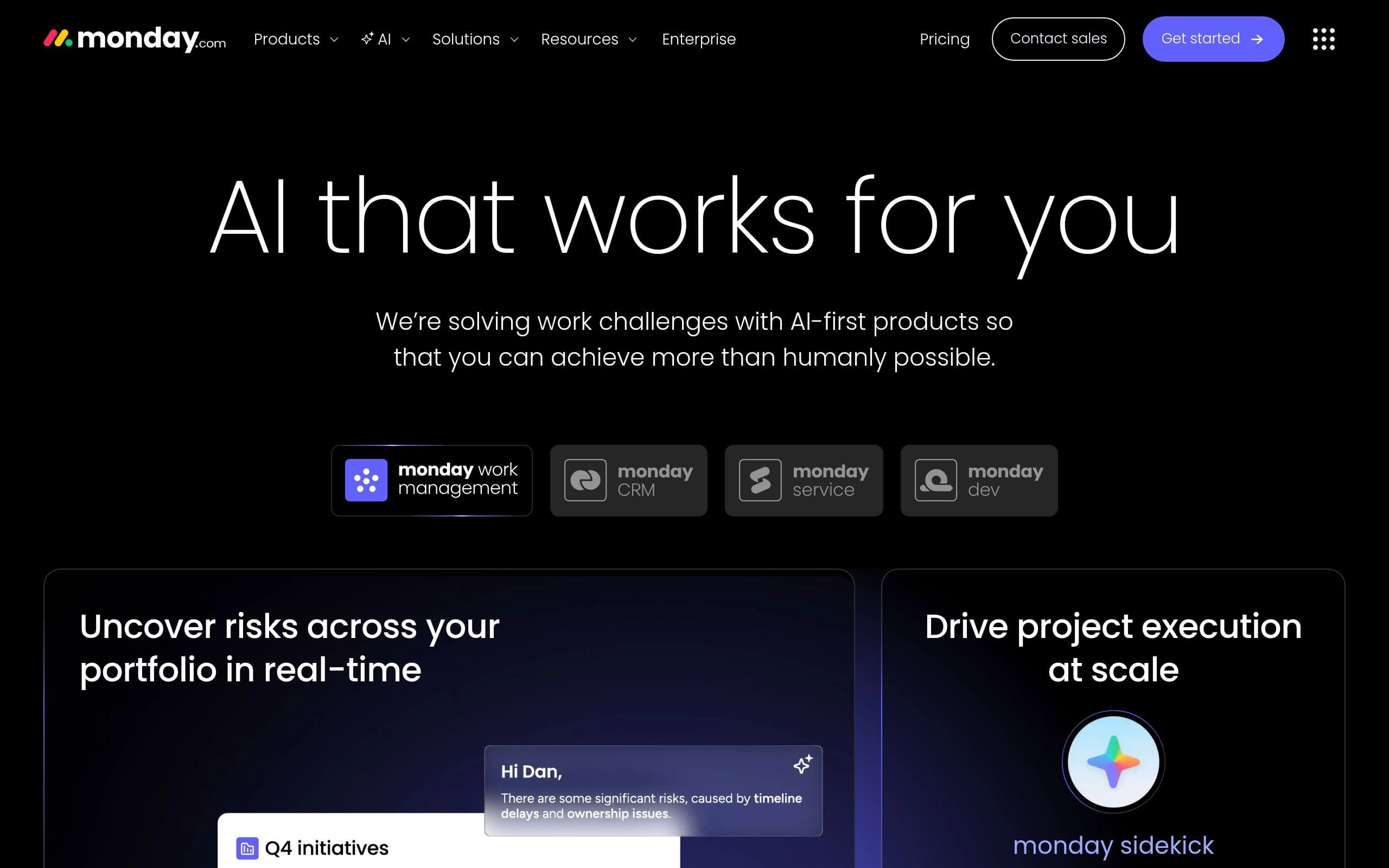
monday.com AI provides a suite of AI-driven tools designed to transform work management. It helps users automate repetitive tasks, gain real-time insights, and optimize workflows for enhanced efficiency. Key features include AI-powered task assignment, risk analysis, sentiment detection, and content summarization. Ideal for teams of all sizes looking to streamline operations and achieve more with less manual effort, monday.com AI integrates seamlessly into existing monday.com workflows.
Key Features
- AI-powered task assignment
- Risk analysis across projects
- Sentiment detection in text
- Automated content summarization
- AI-driven translation
- Custom AI prompt automations
- AI Service Agents for support
- Digital Workers for task execution
Pros
- Enhances team collaboration
- Automates repetitive tasks
- Provides real-time insights
- Improves workflow efficiency
- Offers customizable AI solutions
Cons
- Requires a paid monday.com subscription
- AI features may require additional credits
- Steep learning curve for advanced AI customization
- Reliance on existing monday.com infrastructure
- Accuracy of AI outputs depends on data quality
Pricing
Free plan available for up to 2 seats. Basic plan starts at $9/seat/month, Standard at $12/seat/month, and Pro at $19/seat/month, billed annually. Enterprise plan pricing is custom.
Claim Verified Creator Badge
Are you the founder of monday.com AI? Display this listing's verified badge on your website to show your customers that your product has been vetted and listed on AI Central Resources.
<a href="https://www.aicentralresources.com/tool/mondaycom-ai" target="_blank" rel="noopener">
  <img src="https://www.aicentralresources.com/badges/featured-badge-dark.svg" alt="Featured on AICentralResources" width="200" height="54" style="border: none;" />
</a>
* Place this HTML snippet in your website's footer, landing page, or press section. This creates a search-friendly backlink directly to your verification page.
Frequently Asked Questions
Add a new column to your board or access the automation center to begin using AI features. Visit the knowledge base for a detailed guide.
Every account receives trial credits to explore AI capabilities. Additional credits can be purchased as needed.
No, monday.com does not use customer data or content to train its AI models. More details are available in the AI Trust Center.
monday.com primarily uses Microsoft Azure OpenAI, with integrations of OpenAI's GPT models and other models via AWS Bedrock.
All AI features follow the same security protocols used for monday.com products. Visit the AI Trust Center for more details.