
AI-powered assistance for writing, organizing, and connecting in Gmail.
Gallery
3 items

About Gemini in Gmail
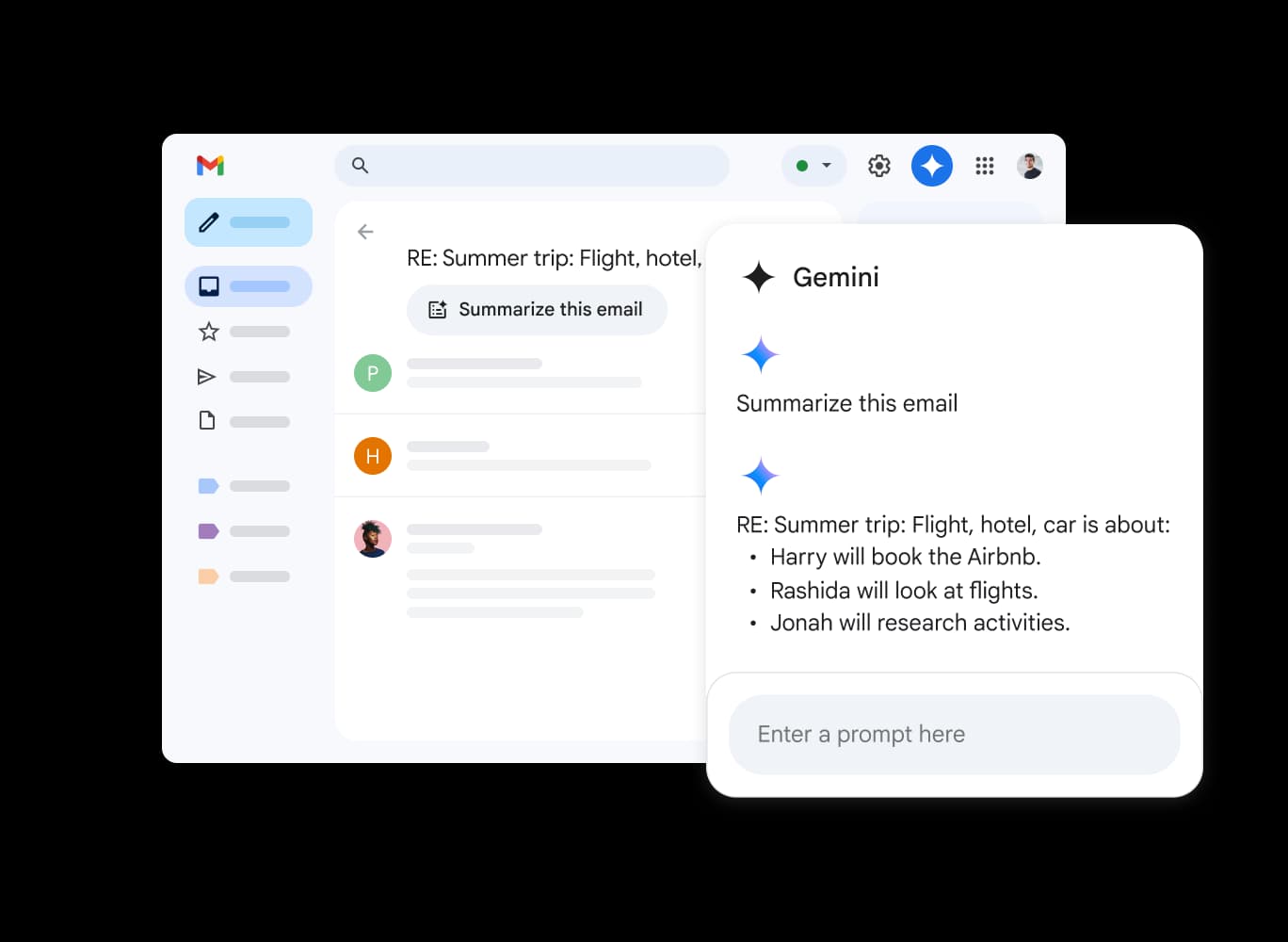
Gemini in Gmail leverages Google's AI to streamline email tasks. It helps users draft emails, summarize lengthy threads, and quickly locate important information within their inbox and Google Drive files. By offering context-aware smart replies and personalized suggestions, Gemini aims to boost productivity and improve email management. It is designed for both business and personal use, accessible on desktop and mobile devices and integrates seamlessly with Google Workspace applications.
Key Features
- Summarizes long email threads
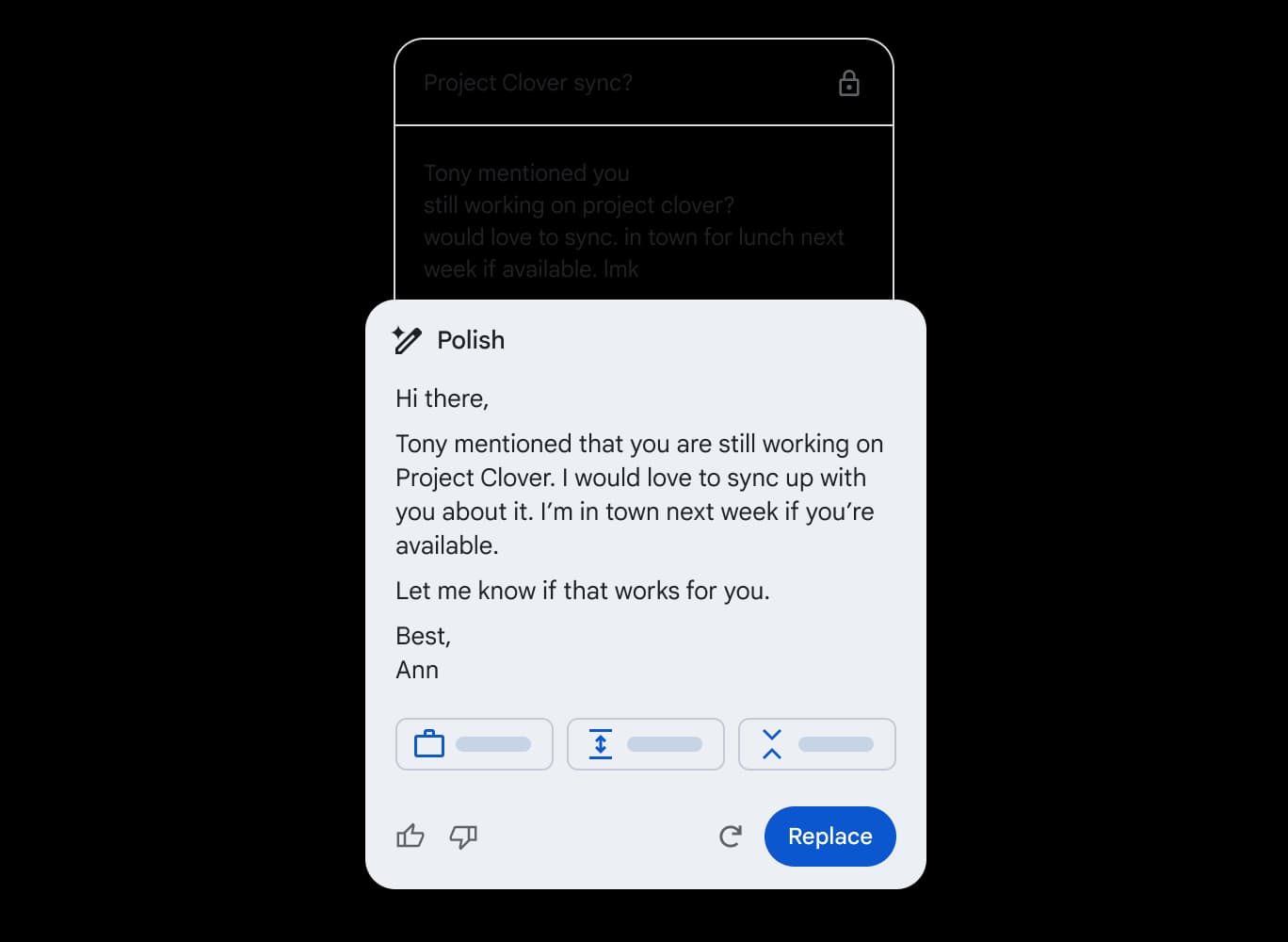
- Generates email drafts from prompts
- Provides context-aware Smart Reply suggestions
- Searches inbox and Google Drive files
- Suggests personalized email content
- Integrates with Google Drive
- Offers grammar and spelling checks
- Available on desktop and mobile
Pros
- Saves time on email composition and management
- Improves email clarity and professionalism
- Enhances productivity by automating tasks
- Facilitates quick access to information
- Streamlines communication with AI-powered assistance
Cons
- Requires a Google Workspace subscription or a Google One AI Premium plan
- Accuracy of AI-generated content may vary
- May not fully understand complex or nuanced requests
- Relies on Google's ecosystem, limiting integration with other platforms
- Potential privacy concerns related to data processing by AI
Pricing
Gemini in Gmail is available with Google Workspace plans, starting from €6.80 per user per month for the Business Starter plan. Also available with a Google One AI Premium plan. Google Workspace Business Standard is €13.60 per user per month, and Business Plus is €21.10 per user per month. Enterprise pricing is custom.
Claim Verified Creator Badge
Are you the founder of Gemini in Gmail? Display this listing's verified badge on your website to show your customers that your product has been vetted and listed on AI Central Resources.
<a href="https://www.aicentralresources.com/tool/gemini-in-gmail" target="_blank" rel="noopener">
  <img src="https://www.aicentralresources.com/badges/featured-badge-dark.svg" alt="Featured on AICentralResources" width="200" height="54" style="border: none;" />
</a>
* Place this HTML snippet in your website's footer, landing page, or press section. This creates a search-friendly backlink directly to your verification page.
Connect with Gemini in Gmail
Frequently Asked Questions
Yes, Gemini in Gmail is available for personal use with a Google One AI Premium subscription.
The website primarily focuses on Dutch, suggesting primary support for that language, but broader language support may be available through Google Workspace.
Yes, Gemini can access details from specific files in Google Drive when you tag the file using the @ symbol in your email.
While Smart Reply aims to provide contextually relevant suggestions, accuracy can vary, and users should review suggestions before sending.
Google states that user data is not sold to third parties and automated tools are used to remove personally identifiable information from data used to train Gemini.