

Sally AI
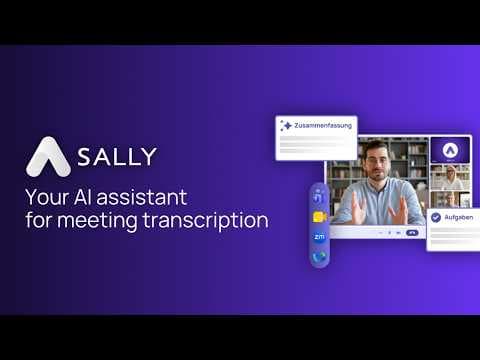
Sally AI is an GDPR-compliant AI-meeting-assistant from Germany, which transcribes and summarizes meetings and lets you fill all your tools via chat.
Gallery
6 items

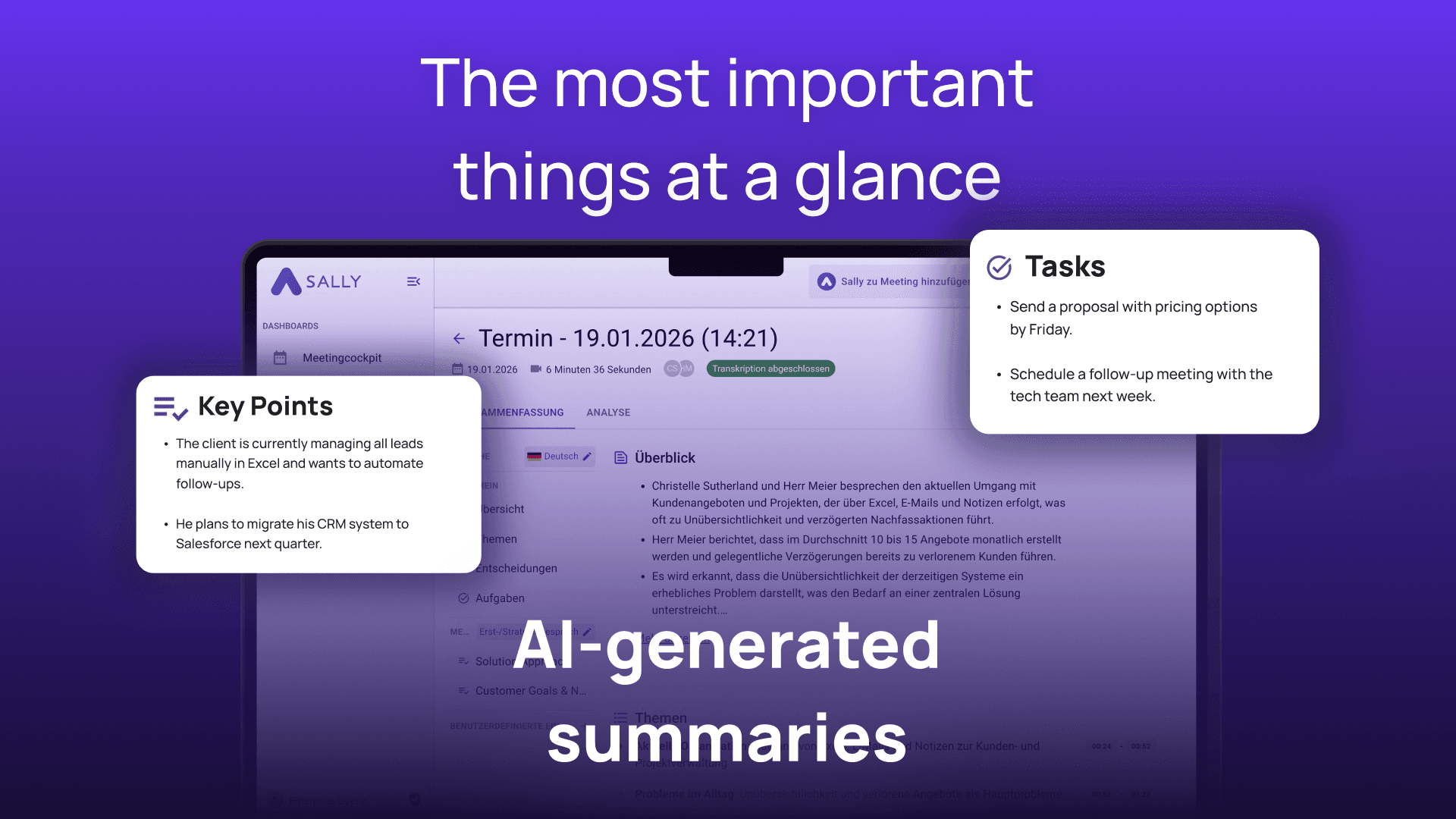
About Sally AI
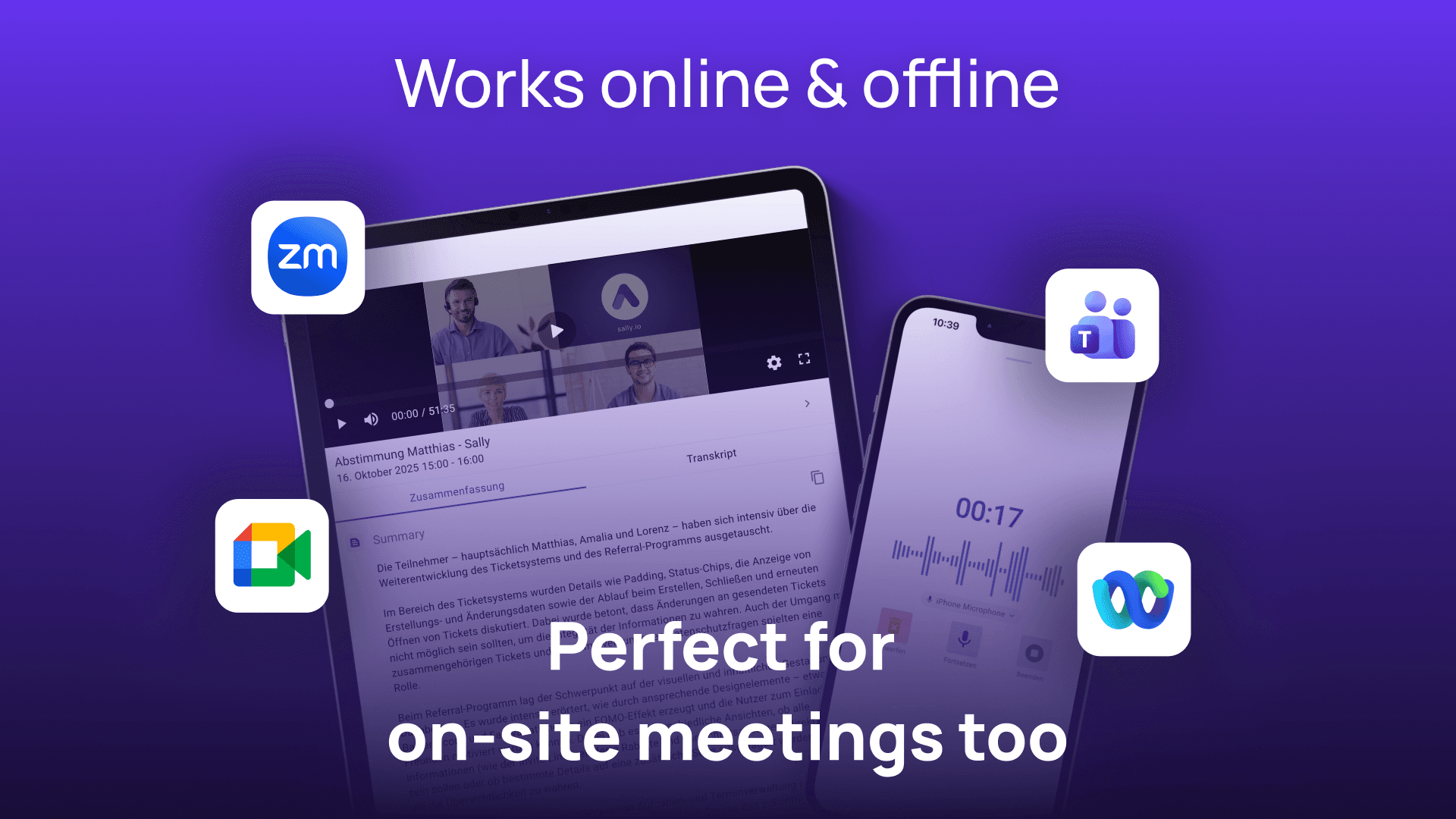
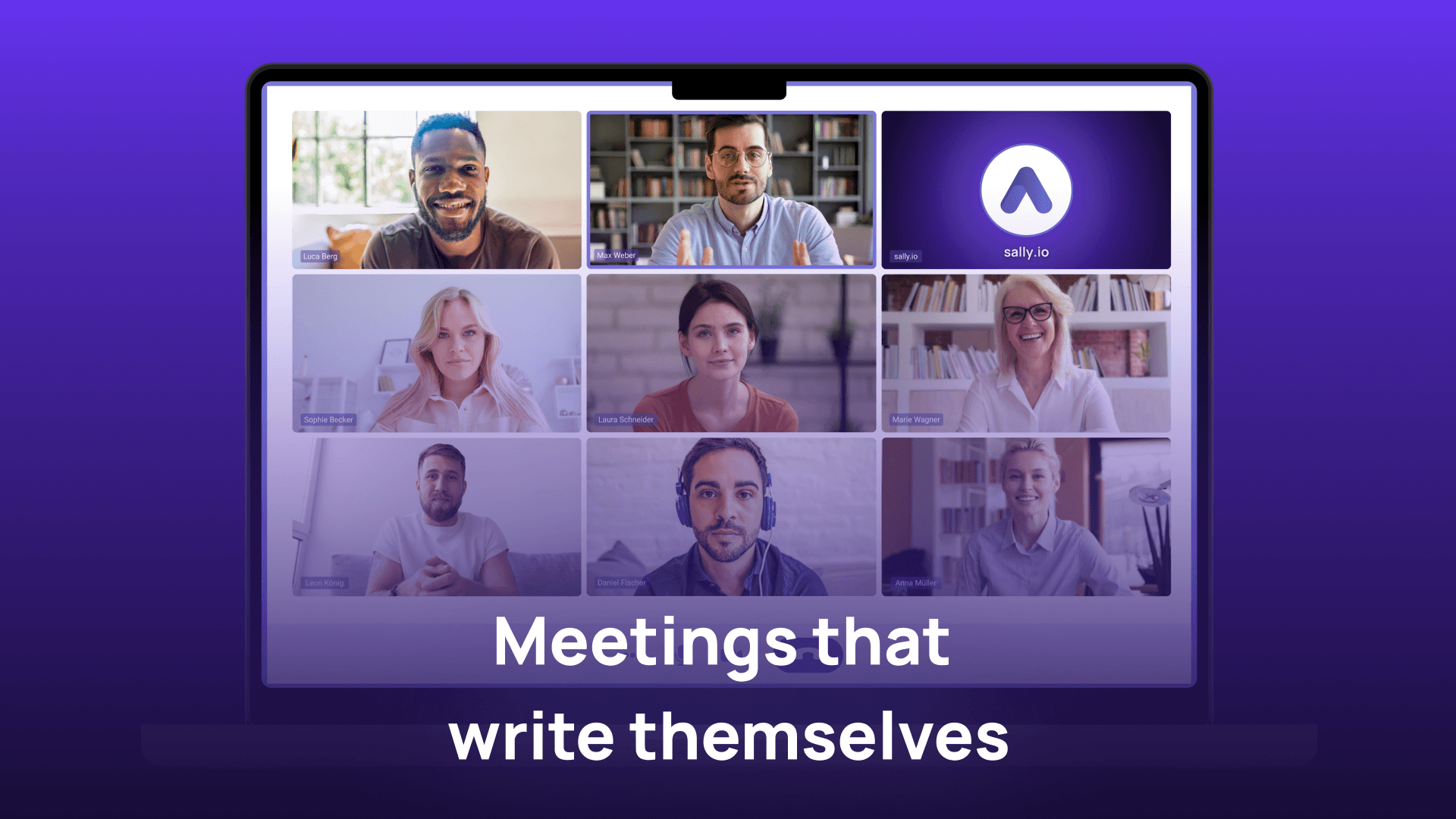
Sally is a GDPR compliant AI meeting assistant built and hosted in Germany. It joins your meetings on Teams, Zoom, Google Meet and Webex, transcribes with up to 98.8% accuracy across 99+ languages and writes the summary automatically. Sally works like a real assistant: it checks back with you, and you can steer everything simply by chat. On your request it drafts the follow-up emails and messages, creates and assigns tasks, and fills your CRM for you (HubSpot, Salesforce, Dynamics 365, Slack, Asana and 8,000+ integrations). You stay in control, Sally does the legwork. Privacy is at the core: 100% GDPR compliant, ISO 27001 certified and SOC 2 compliant, end-to-end encrypted, and hosted exclusively in Germany on our own infrastructure with no third-party providers involved. Ideal for sales, marketing, HR, consulting and any team that needs accurate, privacy-first meeting documentation.
Key Features
- Automatic meeting transcription with up to 98.8% a
- AI summaries with key points, tasks and decisions
- Chat control: ask Sally to draft follow-up emails,
- 8,000+ integrations (HubSpot, Salesforce, Dynamics
- Works on Teams, Zoom, Google Meet and Webex
- 99+ languages
- Searchable AI knowledge base of every conversation
- GDPR compliant, ISO 27001 certified, SOC 2 complia
Pros
- Free Trial (30 days, full features, no credit card)
- 100% GDPR compliant and hosted entirely in Germany
- Up to 98.8% transcription accuracy across 99+ languages
- Acts on your command: drafts emails and messages, fills the CRM, all steerable by chat
- 8,000+ integrations and every major meeting platform
- We own all our infrastructure and use no third-party providers
Cons
- No free version (only a 30-day free trial)
- Highest accuracy tier is on the Enterprise plan
Claim Verified Creator Badge
Are you the founder of Sally AI? Display this listing's verified badge on your website to show your customers that your product has been vetted and listed on AI Central Resources.
<a href="https://www.aicentralresources.com/tool/sally-ai" target="_blank" rel="noopener">
  <img src="https://www.aicentralresources.com/badges/featured-badge-dark.svg" alt="Featured on AICentralResources" width="200" height="54" style="border: none;" />
</a>
* Place this HTML snippet in your website's footer, landing page, or press section. This creates a search-friendly backlink directly to your verification page.
Similar AI Tools to Sally AI
View all alternatives of Sally AI


Fathom AI Notetaker
AI-powered meeting summaries and transcriptions for enhanced productivity.


tl;dv
AI meeting notetaker: Record, transcribe, summarize, and get actionable insights.
Compared with Sally AI
Direct head-to-head feature matrices, pricing, and category breakdowns