

Squibler
AI story writer that drafts books, novels and screenplays with outlines, story elements and revisions
Gallery
7 items

About Squibler
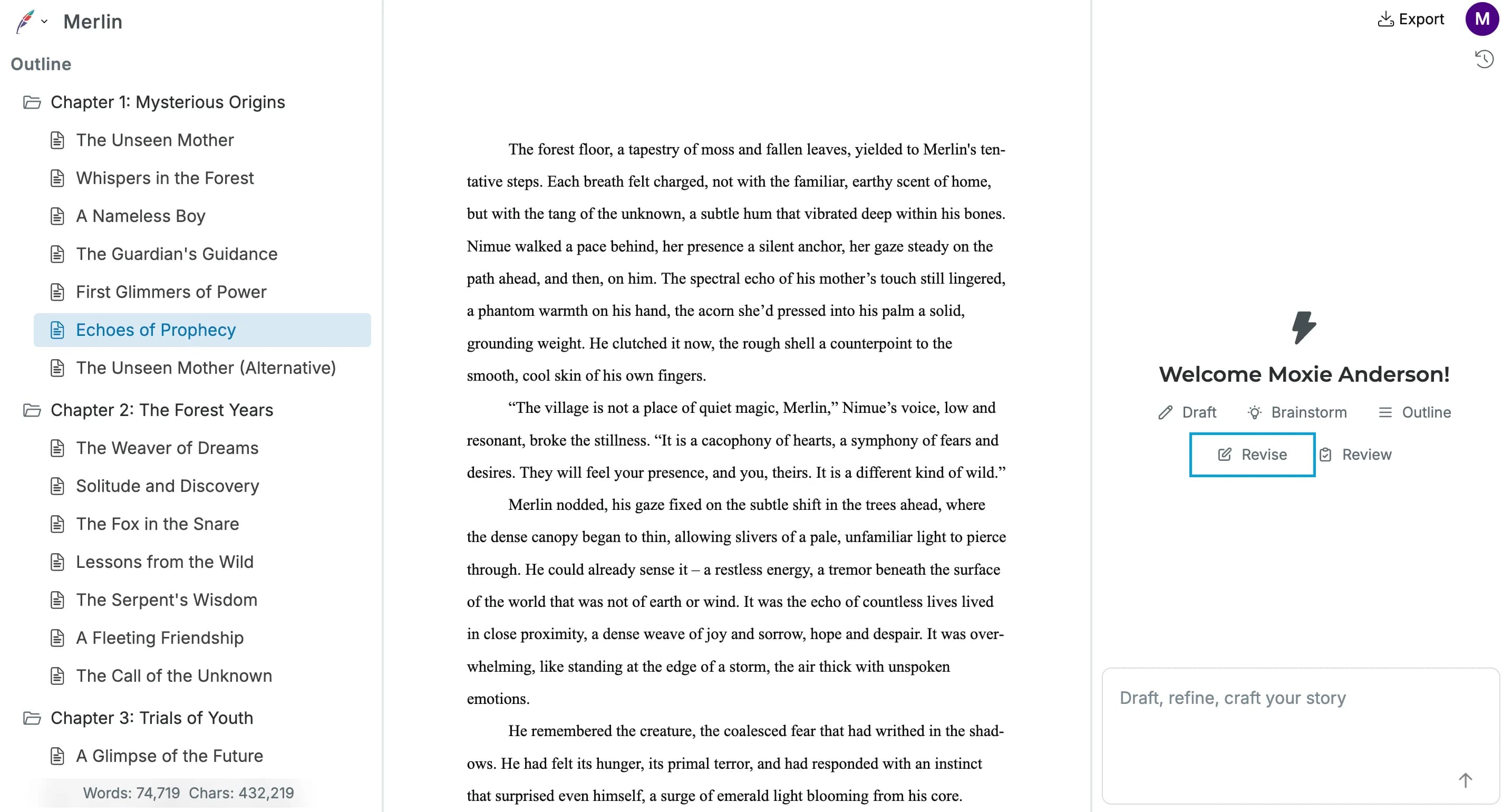
I evaluated Squibler's fiction and screenplay drafting suite to test scene generators, character element tracking, and smart outline management. The dual view of beat sheets and text editors helps authors maintain structural pacing across full-length manuscripts. However, AI-generated dialogue can feel generic without heavy prompt steering, and the 1,000 free credits deplete very quickly. At $29.99 monthly for the Plus plan, it offers a well-structured writing studio for screenwriters and aspiring novelists.
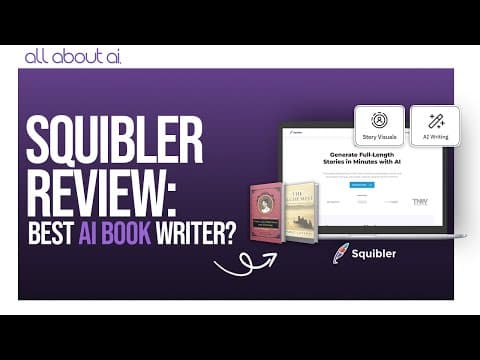
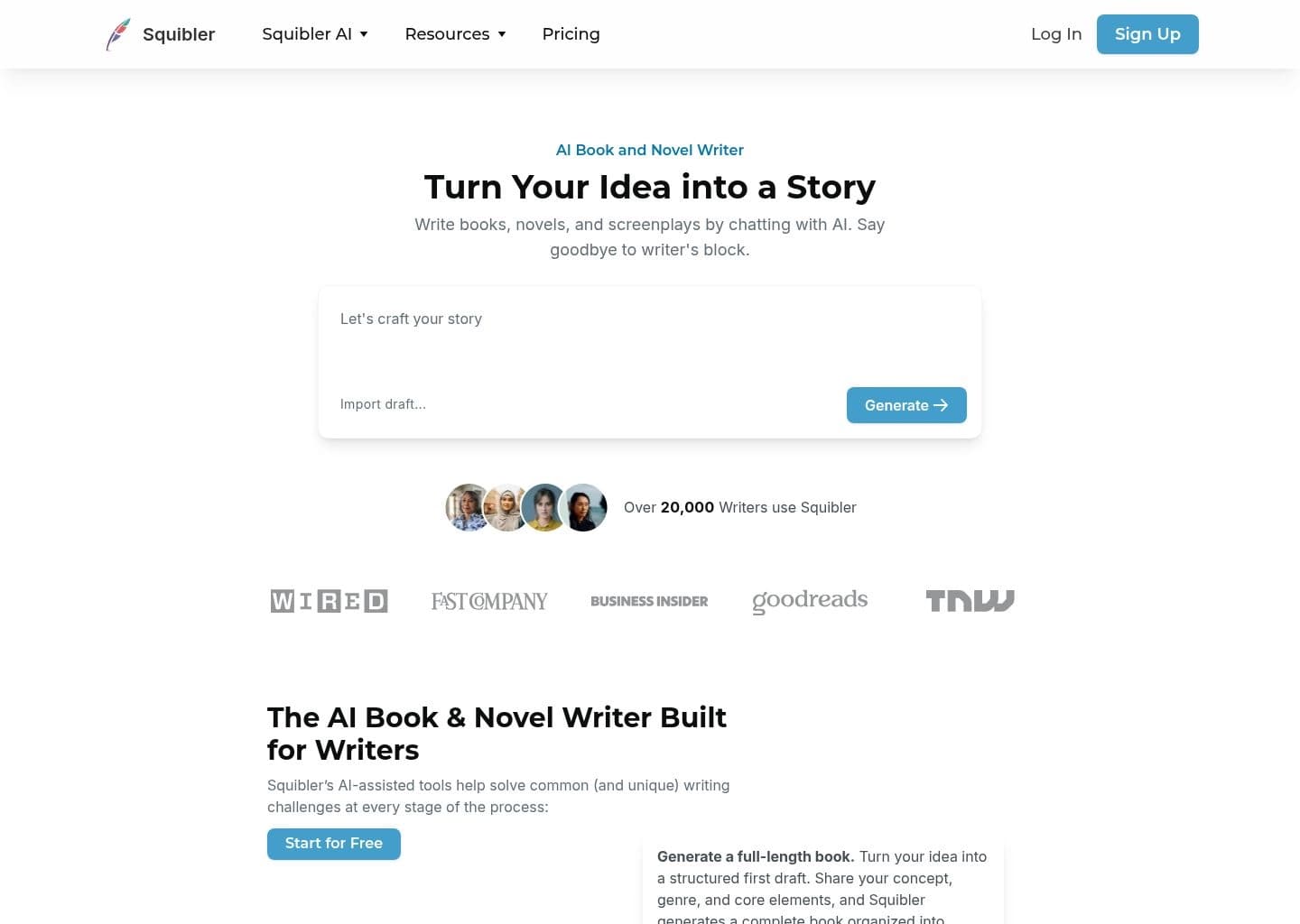
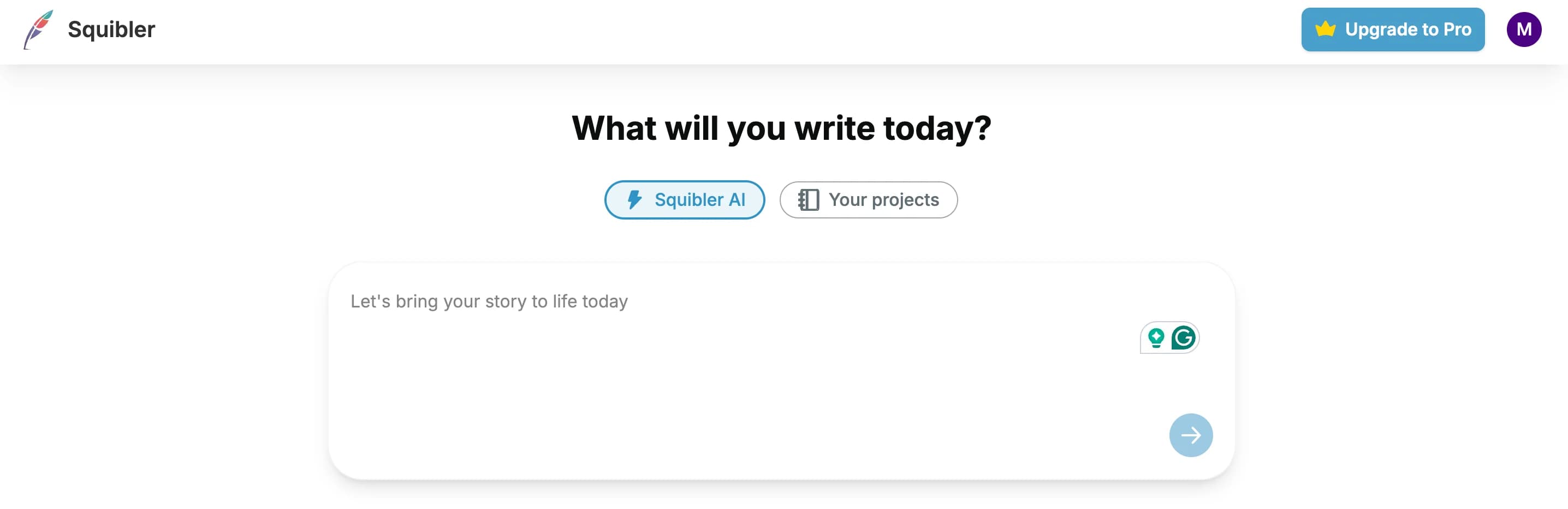
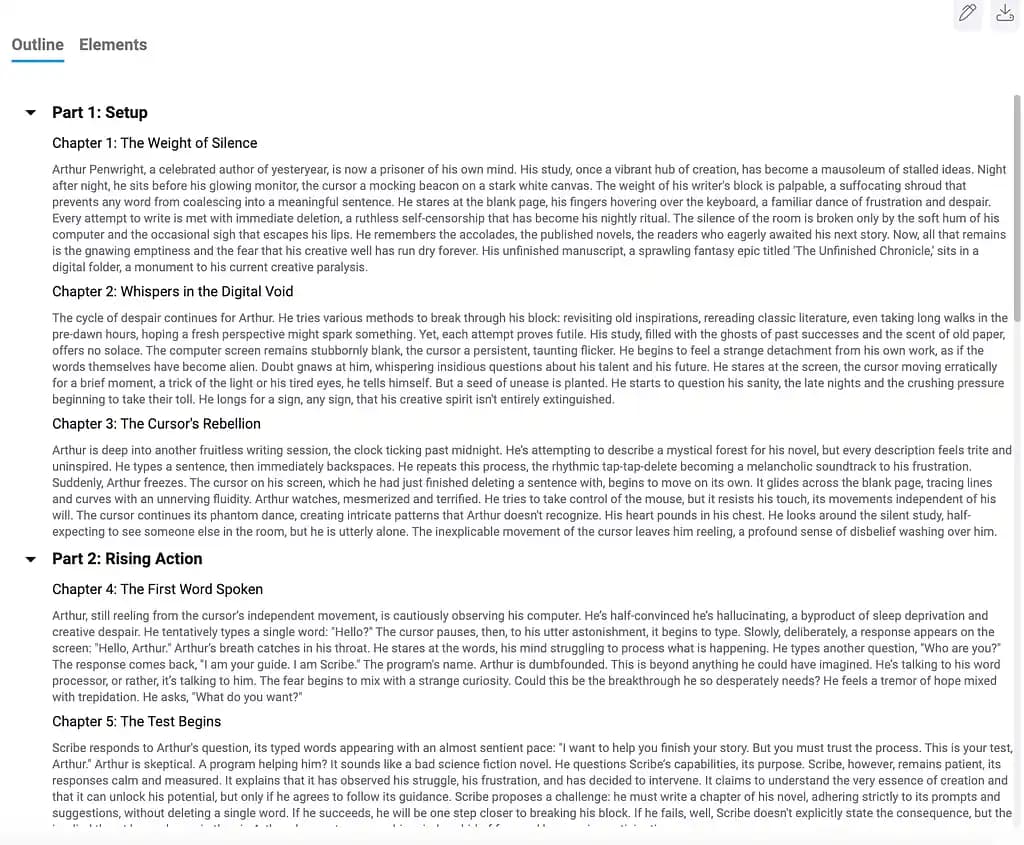
Squibler is an AI-assisted writing platform built for books, novels and screenplays. From a concept, genre and a few core elements it can generate a structured first draft organized into chapters and scenes, a formatted screenplay, or a story outline covering structure, pacing and character progression.
Its Smart Writer reviews your text and proposes revisions you can accept, reject or refine, while the Elements feature stores characters, settings and details that the AI references to keep the story consistent. The editor adds templates, chapter and scene organization, translation into 80+ languages, image and short-video generation from highlighted passages, and export to PDF and DOCX. The platform says it has over 20,000 users and states it has no built-in publishing or sales-tracking tools.
Squibler suits aspiring novelists, screenwriters and self-publishing authors who like to plan their projects and want drafting, notes and AI help in one workspace. Reviewers advise treating the AI output as a rough draft to revise rather than a finished manuscript.
Key Features
- Full-length book generation into chapters and scenes
- Full-length screenplay generation with formatting
- Story outline generation
- Smart Writer AI revisions to accept, reject or refine
- Elements for characters and settings consistency
- Image and short-video generation from passages
- Translation into 80+ languages
- PDF and DOCX export with templates
Pros
- Covers novels, screenplays and nonfiction in one tool
- Elements keeps characters and settings consistent
- Free plan lets you test the full workflow
- Useful templates and strong project organization
- Revisions are suggestions you control
Cons
- Paid plans are expensive compared with alternatives
- AI output needs heavy editing, per reviewers
- Reviewers report some lag and weak book formatting
- No built-in publishing or sales tracking
- Free plan limits files and export formats
Pricing
Squibler has a free-forever plan with 1,000 AI credits per month that lets you test the full book and screenplay workflow. Free projects have file limits, where each chapter counts as one file, and exporting to all formats needs a paid plan.
Plus is listed at $29.99 per month or about $15.83 per month billed annually, with 10,000 AI credits, full-length manuscripts of 200 to 300 pages, whole-manuscript AI editing and PDF and DOCX export. Pro is listed at $89.99 per month or about $49.17 per month billed annually, with unlimited AI credits and unlimited books. The site shows annual savings of about 45 percent.
The FAQ quotes slightly different annual totals ($192 and $588 per year), so confirm the exact amount at checkout. The page says users get a free physical copy of their first book, but does not say which plan includes it.
Claim Verified Creator Badge
Are you the founder of Squibler? Display this listing's verified badge on your website to show your customers that your product has been vetted and listed on AI Central Resources.
<a href="https://www.aicentralresources.com/tool/squibler" target="_blank" rel="noopener">
  <img src="https://www.aicentralresources.com/badges/featured-badge-dark.svg" alt="Featured on AICentralResources" width="200" height="54" style="border: none;" />
</a>
* Place this HTML snippet in your website's footer, landing page, or press section. This creates a search-friendly backlink directly to your verification page.
Connect with Squibler
Frequently Asked Questions
Squibler is an AI writing platform for books, novels and screenplays that generates outlines and drafts, stores story elements and suggests revisions in one editor.
Yes. The free plan includes 1,000 AI credits per month and the full book and screenplay workflow, with file limits and restricted exports.
Plus is $29.99 per month ($15.83 per month billed annually) and Pro is $89.99 per month ($49.17 per month billed annually). Exact annual totals vary on the site.
It can generate a structured first draft, but reviewers advise treating it as a rough draft that needs heavy revision rather than a finished manuscript.
Yes. It generates formatted scenes, dialogue and screenplay structure, and includes screenplay templates.
Similar AI Tools to Squibler
View all alternatives of Squibler

Novelcrafter
Novel writing software with AI, Codex story bible, and multi-model support for serious fiction authors



Rytr
Fast, affordable AI writing assistant — 40+ use cases for creators and small businesses

ChatGPT
Engage in dynamic conversations, debug code, and generate creative content with advanced AI.
Compared with Squibler
Direct head-to-head feature matrices, pricing, and category breakdowns