

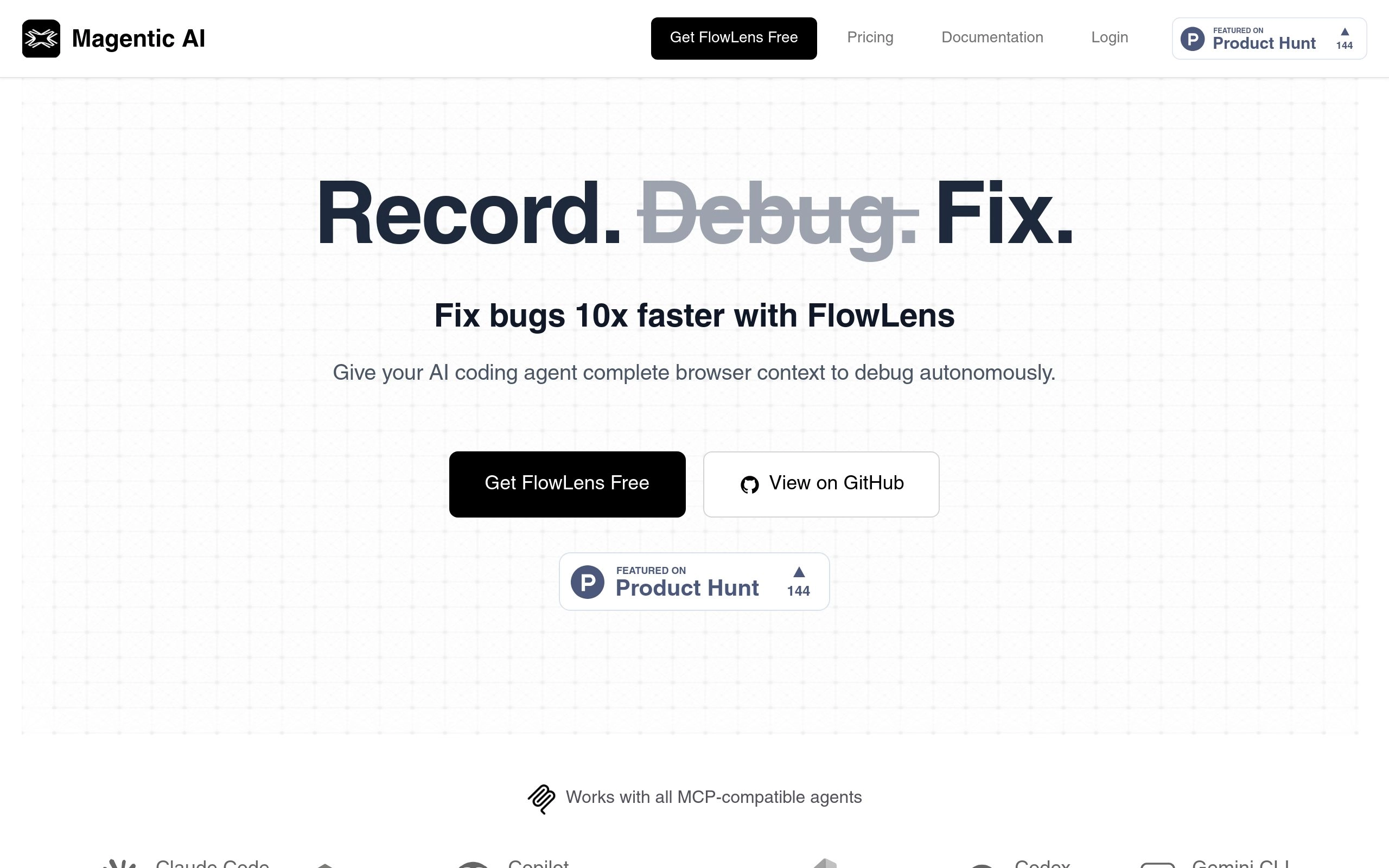
Fix bugs 10x faster with AI-powered debugging.
Gallery
1 item
About FlowLens
Key Features
- Records user sessions with complete technical context
- Integrates with AI coding agents via MCP
- Captures video, network activity, console logs, and user interactions
- Provides a unified timeline of events
- Offers team collaboration features with project organization
- Includes automatic PII redaction for privacy
- Supports sharing flows via links
- Enables AI agents to request screenshots at specific moments
Pros and Cons
Pros
- Significantly speeds up the debugging process
- Provides AI agents with comprehensive context
- Enhances team collaboration on bug fixes
- Prioritizes user privacy with PII redaction
- Offers a free plan for individuals and small projects
Cons
- Requires installation of both a Chrome extension and MCP server for full functionality
- Exclusively supports MCP-compatible AI agents
- Steep learning curve for users unfamiliar with AI-assisted debugging workflows
- Limited shareable flows on the free plan
- Advanced features and integrations require a paid subscription
Pricing
Connect with FlowLens
Frequently Asked Questions
FlowLens captures screen recording, network activity, console output, user interactions, storage state, navigation events, and system information, all synchronized to a unified timeline.
Yes, FlowLens is SOC 2 Type 1 compliant and applies PII redaction locally before any data leaves your machine. Built-in filtering lets you control what gets captured.
FlowLens works exclusively with MCP-compatible agents, including Claude Code, Cursor, GitHub Copilot, Windsurf, and more.
The Chrome extension is all you need to capture and share bugs. To enable AI-powered debugging, you'll also need to install the MCP server.
Contact us to learn more about FlowLens or discuss custom Enterprise solutions.
Similar AI Tools to FlowLens

Claude (Anthropic)
The writer’s AI, prioritized for safety, nuance, and massive context.

Tabnine
AI assistant for software developers that you control.

Cursor
The AI-first Code Editor.

GitHub Copilot
Your AI pair programmer.


ChatGPT (OpenAI)
The industry standard for multimodal intelligence and reasoning.